AI thumbnails for Minecraft YouTubers
100 Days runs, mega-build reveals, mod showcases, SMP episodes — describe the video and get a thumbnail that still looks like Minecraft, in seconds, without opening an editor. The first 40 credits are free and no card is required.
Making a Minecraft thumbnail comes down to three decisions. Keep the blocky look — the cubic style is what makes someone recognise the game in the half-second they spend on your thumbnail, and an image model left to its defaults will smooth it into generic fantasy art unless you say otherwise. Pick one focal point: a reacting face, a single tower, the one mob that matters. A wide shot of a base reads as texture at thumbnail size, not as a subject. And light it — a great deal of Minecraft happens in caves and after dark, and a dark frame disappears against a feed of bright ones, so ask for torchlight, lava glow, or a sunrise at the cave mouth. Export at 1280 × 720 for videos and 1080 × 1920 for Shorts, and leave the bottom-right corner clear for YouTube’s duration badge.
Real thumbnails, generated by the AI
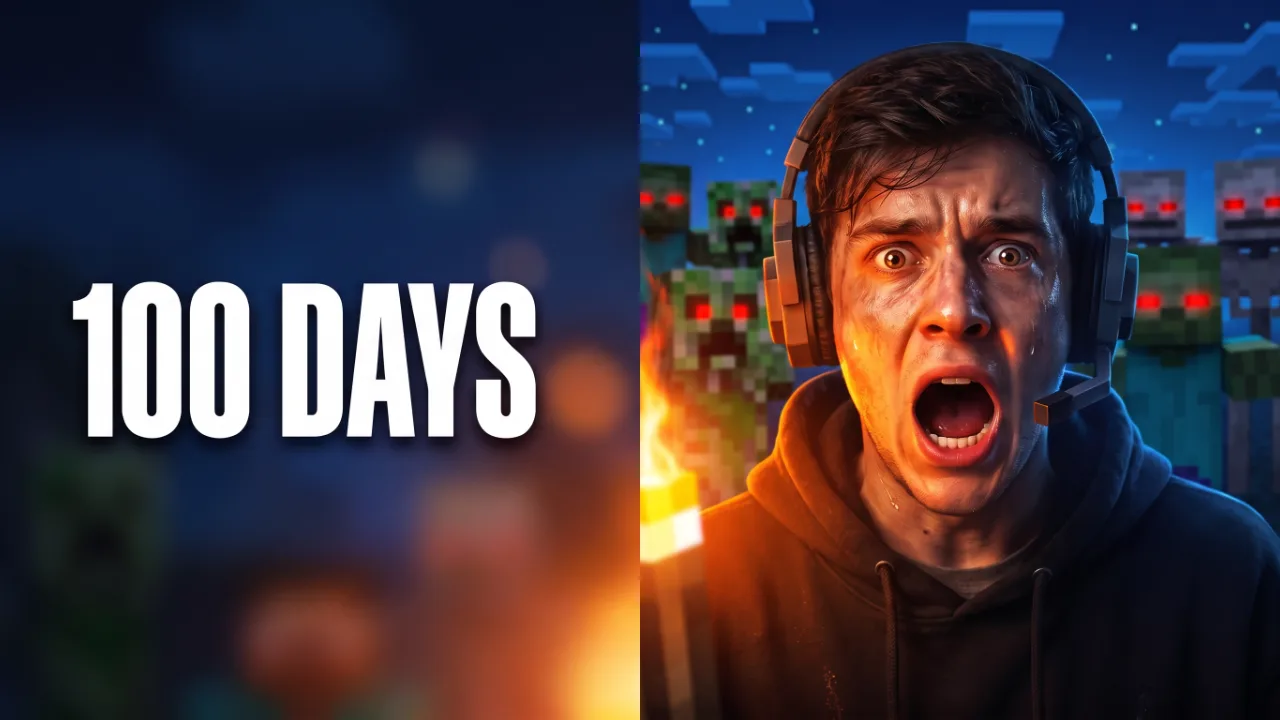
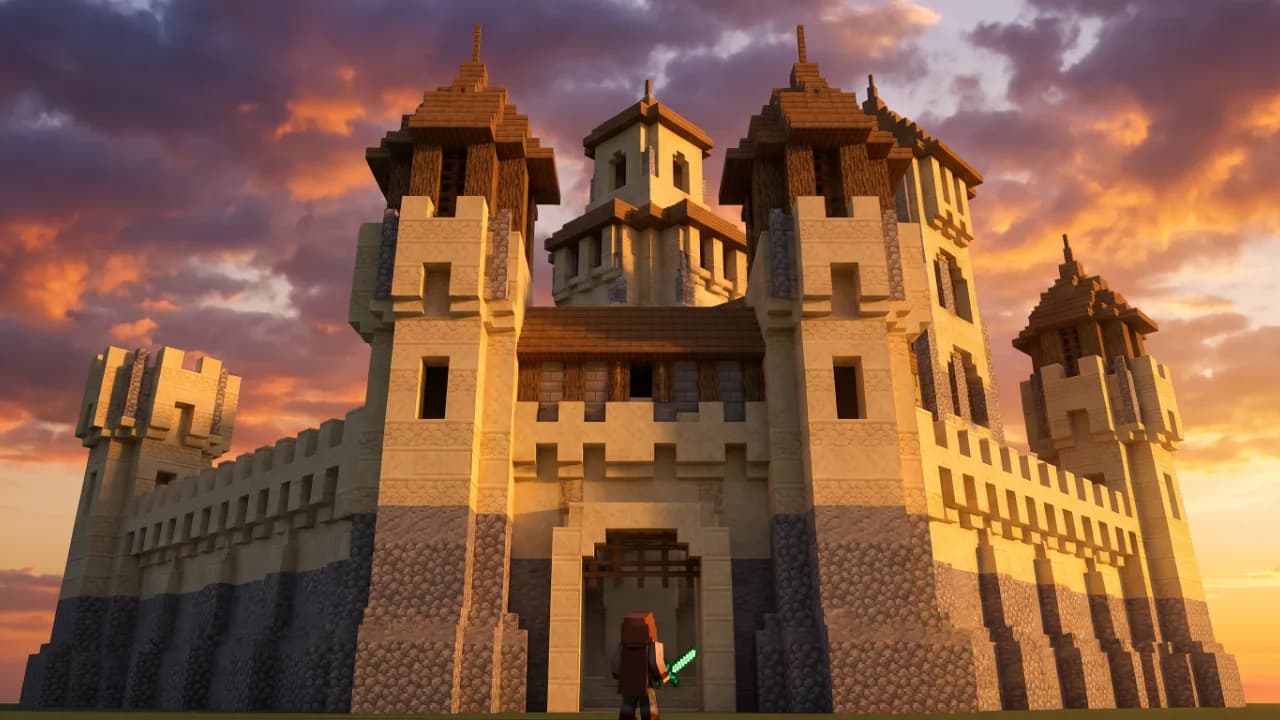
Both images were generated with ThumbnailMaker. Any people shown are AI-generated and are not real individuals.
Built around how Minecraft content actually breaks down
Mistakes that quietly kill Minecraft CTR
Minecraft thumbnail FAQ
Making thumbnails for other games too?
The same one-focal-point, high-contrast approach covers Fortnite and everything else — see the full gaming YouTubers guide.
Not sure what your thumbnails should be aiming at? See what a good YouTube CTR looks like, or check the exact dimensions YouTube expects.
ThumbnailMaker is an independent AI thumbnail generator and is not affiliated with, sponsored by, or endorsed by Mojang Studios, Microsoft, Epic Games, or any game publisher. Minecraft and Fortnite are trademarks of their respective owners and are named here only to describe the kind of video a thumbnail is for.