Canva alternative for YouTube thumbnails
A Canva alternative for one job. Canva is a great general design tool. ThumbnailMaker does one thing, AI-generated YouTube thumbnails, and goes deeper on it.
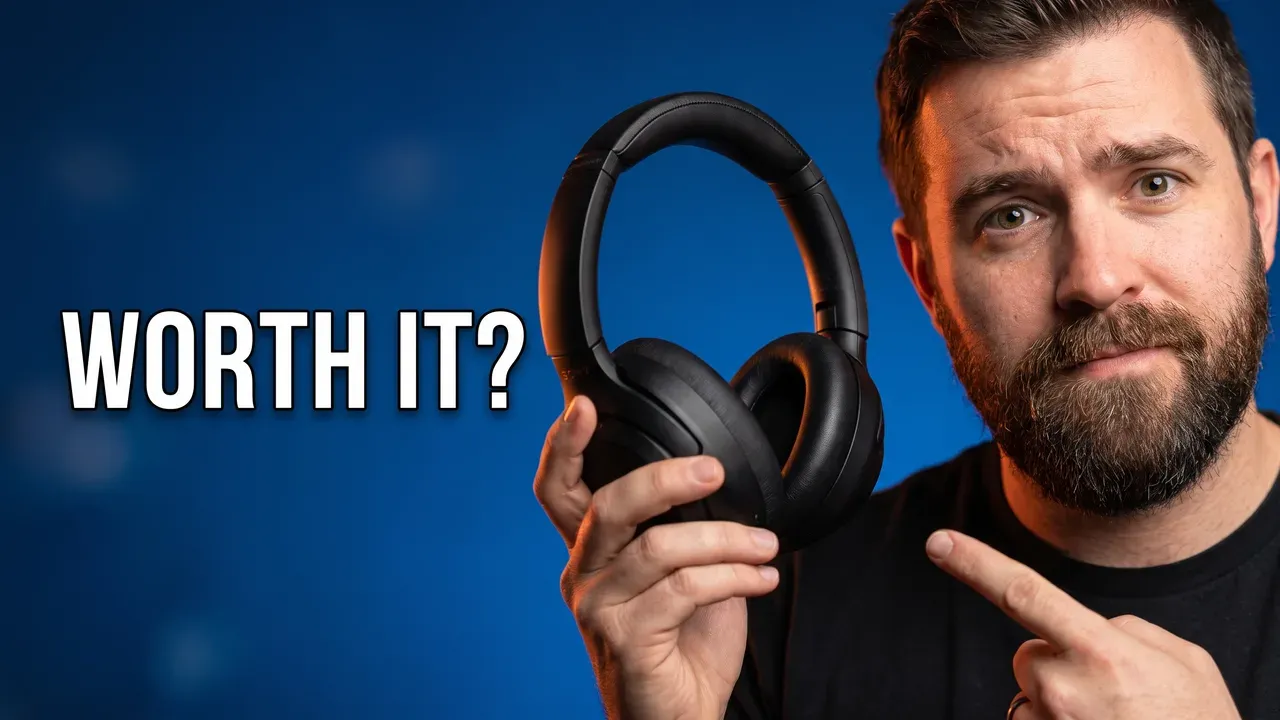 14:08
14:08Are These $400 Headphones Actually Worth It?
Byte Bench
What only a thumbnail tool does
336 px
Feed-size check
Checked where it has to win
Every image is graded at 336 px wide, the scale of a card in the feed: the text is read back and redrawn if wrong, and the duration-badge corner stays clear.
3
Concepts per A/B pack
Ready for YouTube's A/B test
Three different angles on one video, the emotion, the object and a contrast, made for YouTube's A/B Testing. Pro, 3 thumbnails.
10
Credits per correction
Change it in a sentence
"Make the title yellow", "move him to the left": the change is made and the rest of the image stays as it is.
3840 × 2160
4K export
The size YouTube recommends
Any thumbnail in 4K, landscape or Shorts; it counts as two.
Swipe sideways to compare
| Comparison feature | This pageThumbnailMaker | Compared withCanva |
|---|---|---|
| What it's built for | Purpose-built for YouTube thumbnails, nothing else. | A general design platform — thumbnails are one template category among thousands (social posts, presentations, logos, print). |
| How you get a thumbnail | Describe your video in plain language and get a finished, ready-to-download thumbnail in seconds. | AI generates a starting image from a prompt, then you customize it manually in Canva's full template editor. |
| YouTube-specific style presets | Ten presets, from Shocked Reaction and Blocky World to Podcast and Versus, built around what actually drives clicks on YouTube. | Thousands of general templates, but no AI presets built specifically around YouTube thumbnail psychology. |
| Recreate a video's style | Paste a YouTube link and generate a thumbnail inspired by that video's own visual style (Pro plans). | No equivalent feature. |
| Free tier | No free generation; Starter at $12 a month. The brief and eight tools are free. | A free plan with a daily AI-credit cap shared across all of Canva's tools, not specific to thumbnails. |
| Paid pricing | $12/mo (Starter, 40 thumbnails) to $99/mo (Studio, 300 thumbnails), style and text included. | Canva Pro: $18/mo billed monthly, or $144/yr ($12/mo effective). |
Canva details last verified on September 3, 2026 against their own pricing page. Plans and features change — check theirs before deciding.
When Canva is the better choice
If you need a full design suite beyond just YouTube thumbnails — social graphics, presentations, print materials — Canva's breadth is hard to match, and ThumbnailMaker doesn't try to be that.
When ThumbnailMaker is the better choice
If YouTube thumbnails are specifically what you're optimizing for, skipping Canva's template browsing and manual editing in favor of a single description-to-finished-thumbnail step saves real time on every upload — especially if you're publishing often enough that a few minutes per thumbnail adds up.
From Canva in four steps
- 1
Paste your video's link
The brief is written for you: the scene, the words on the image and the style. Or describe it in a sentence.
- 2
Keep a style or your own words
Ten styles, from Shocked Reaction and Blocky World to Podcast and Versus, at no extra cost. Or none.
- 3
Generate, then read the checks
Text spelled right, readable at feed size, nothing under the time stamp. About a minute.
- 4
Correct it, or test three
Describe a change in a sentence, or make three concepts for YouTube's A/B Testing.
Questions before switching
Our take
Canva wins on breadth. ThumbnailMaker wins on speed and YouTube-specific results for the one job it's built for. If thumbnails are most of what you design, try ThumbnailMaker first — you can always keep Canva around for everything else.
See the full pricing breakdown, or check how ThumbnailMaker compares to Adobe Express.
ThumbnailMaker is an independent product and is not affiliated with, sponsored by, or endorsed by Canva or Adobe. Canva and Adobe Express are trademarks of their respective owners, named here only to compare publicly documented features. Details were accurate when written and may have changed since.