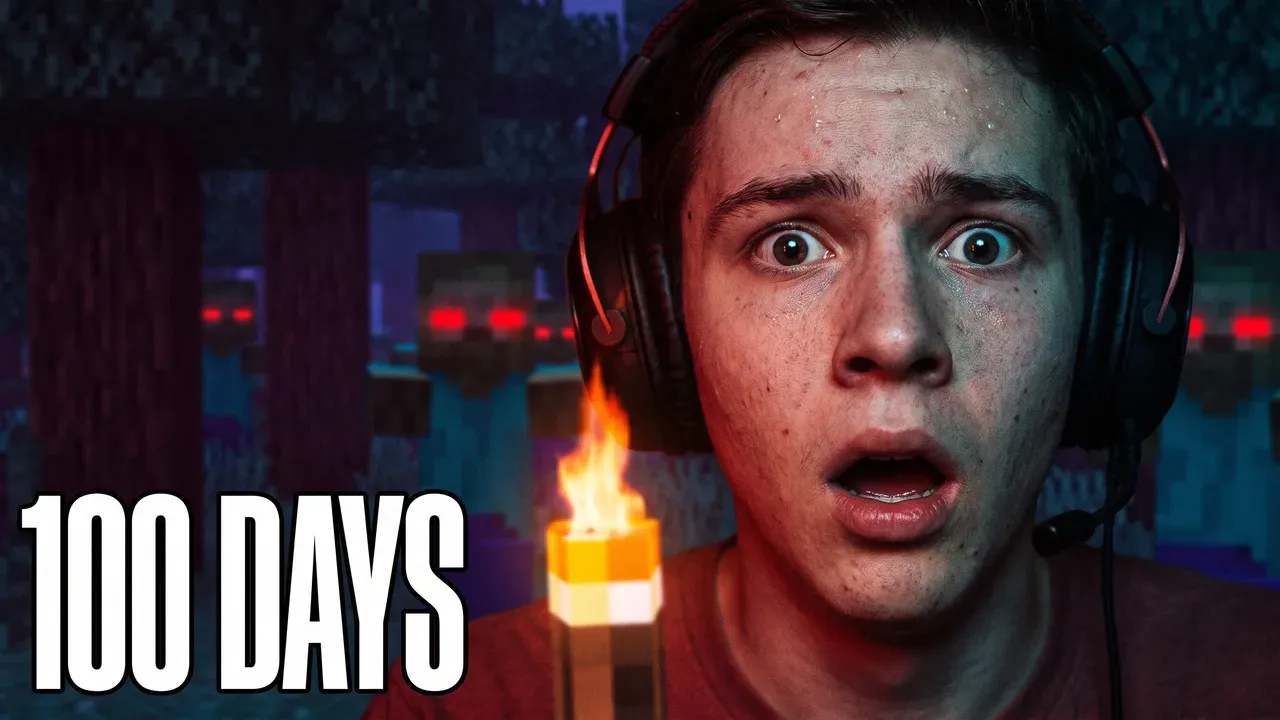
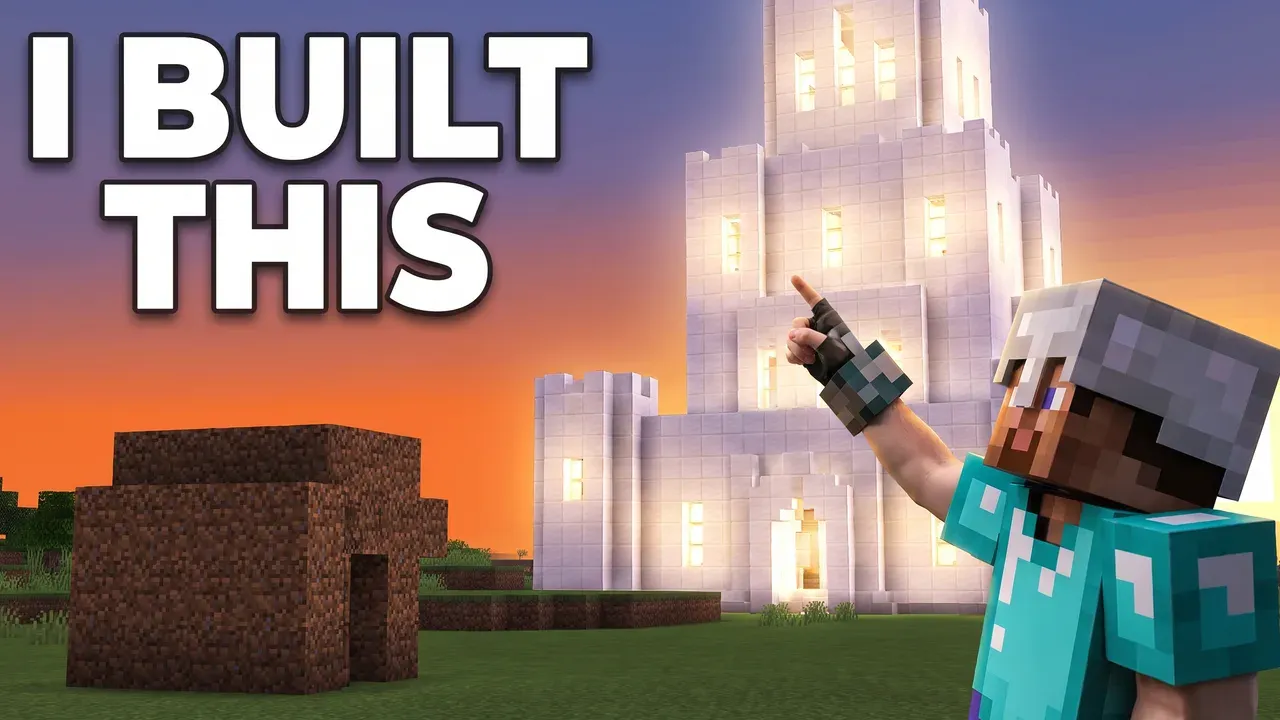
100 Days runs, mega-build reveals, mod showcases, SMP episodes — describe the video and get a thumbnail that still looks like Minecraft, in seconds, without opening an editor, with a plan from $12 a month.
Making a Minecraft thumbnail comes down to three decisions. Keep the blocky look — the cubic style is what makes someone recognise the game in the half-second they spend on your thumbnail, and an image model left to its defaults will smooth it into generic fantasy art unless you say otherwise. Pick one focal point: a reacting face, a single tower, the one mob that matters. A wide shot of a base reads as texture at thumbnail size, not as a subject. And light it — a great deal of Minecraft happens in caves and after dark, and a dark frame disappears against a feed of bright ones, so ask for torchlight, lava glow, or a sunrise at the cave mouth. Use 16:9 for videos and 9:16 for Shorts, and leave the bottom-right corner clear for YouTube’s duration badge.
Real thumbnails, generated by the AI
100 Days run
Mega-build reveal
Built around how Minecraft content actually breaks down
Mistakes that quietly kill Minecraft CTR
Minecraft thumbnail FAQ
16:9 for standard videos and 9:16 for Shorts. YouTube now recommends 3840 × 2160 and 2160 × 3840, with a 640-pixel minimum, so the shape matters more than the exact number. ThumbnailMaker generates in the shape of the format you pick and downloads at 1280 × 720 or 1080 × 1920, both above that minimum. It also keeps the bottom-right corner of landscape thumbnails clear, because YouTube stamps its duration badge there.
Almost always, yes. The cubic style is what makes someone recognise the game in the half-second they spend on your thumbnail. Say so in the prompt — "blocky Minecraft world" — because an image model left to its own defaults will smooth everything into generic fantasy art.
No. A recognisable skin helps on series content where returning viewers are looking for you specifically, but 100 Days runs, build reveals and mod videos work at least as well with the scene itself as the subject. Describe a generic figure if you only want one for scale.
Heavy condensed caps for the number, and the Shocked Reaction preset if there's a face in the frame. Condensed letterforms stay readable when they're small, which is the entire problem a 100 Days thumbnail has to solve.
It has to sell something that hasn't happened yet, which is the opposite of a video thumbnail built from a moment in the clip. Lead with the promise — the seed, the goal, the number of hours — and keep yourself or your skin recognisable, because most of the people who click a live thumbnail are already waiting for you rather than discovering you. Same 1280 × 720 frame, same duration-badge corner to avoid on the VOD afterwards.
Partly, and it's worth knowing where the line is. The brief written from your video's link is free; generating the image takes a plan: Starter is $12 a month, cancel anytime. Eight other tools are free permanently and need no account at all, among them a YouTube thumbnail viewer, a thumbnail text editor and a tester that shows your thumbnail in the feed. So a genuinely free Minecraft thumbnail generator, with no limit and no sign-up, is not what this is — anyone offering that is either running ads over your work or watermarking it.
Making thumbnails for other games too?
The same one-focal-point, high-contrast approach covers Fortnite and everything else — see the full gaming YouTubers guide.
ThumbnailMaker is an independent AI thumbnail generator and is not affiliated with, sponsored by, or endorsed by Mojang Studios, Microsoft, Epic Games, or any game publisher. Minecraft and Fortnite are trademarks of their respective owners and are named here only to describe the kind of video a thumbnail is for.