Feature
Video to thumbnail
Paste the link of your video. The brief is written from its title: one scene, the words on the image, the style. Then the image is generated at 1280 × 720, the text is read back and the result is checked at the size YouTube shows it.
 18:42
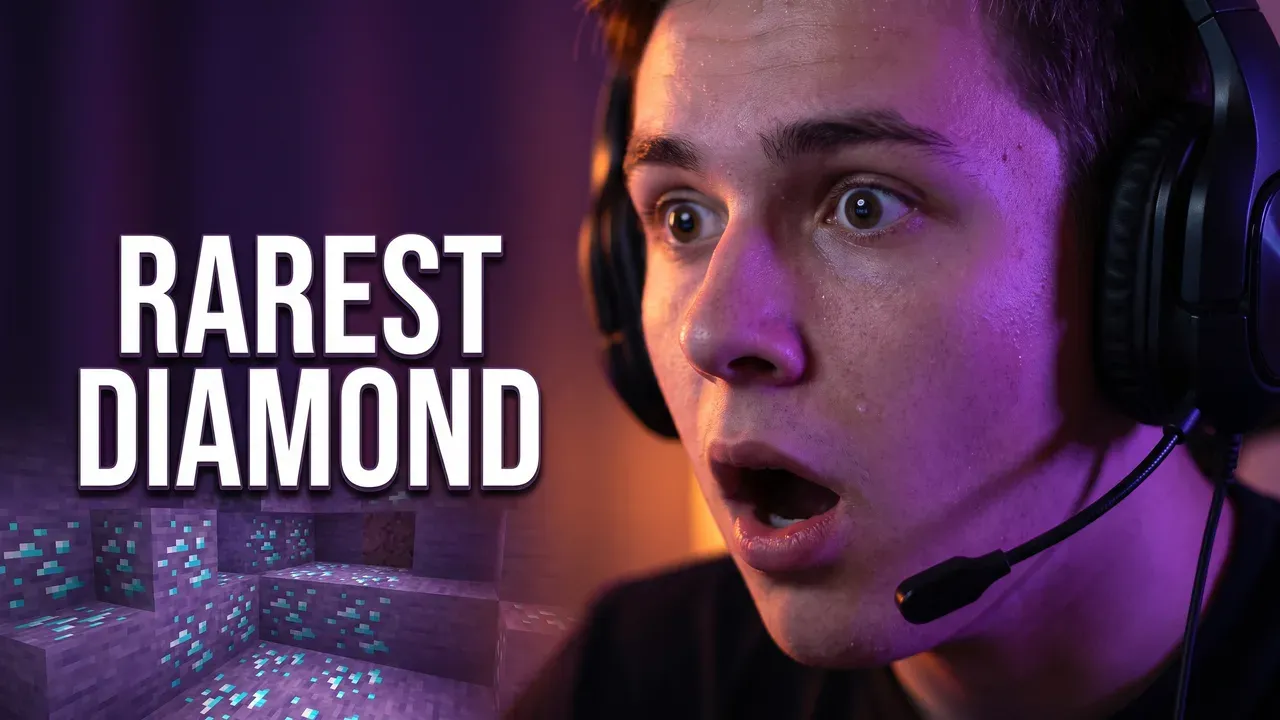
18:42I Found the Rarest Diamond in Minecraft
Blockline
From link to thumbnail
The brief and the image are the home page's demo: a real brief and the image it produced. The video title in the mockup is an example.
Your video's link
youtube.com/watch?v=...01
The link
Paste the video, not a prompt
A creator thinks “my video”, not “a prompt”. So the first field takes a youtube.com or youtu.be link, and the title and channel are read from YouTube.
Scene
A young gamer in a headset, jaw dropped, lit violet and orange by a cave of glowing diamond oreWords on the image
RAREST DIAMONDStyle
Shocked Reaction02
The brief
One scene, a few words, a style
The brief names one scene with a single focal point, two to four words for the image and the style that fits. You see it before anything is generated, and you can change any of it.
- Text exact, read back
- Readable at feed size
- Badge corner clear
- No AI artifacts
03
The image
Generated, then checked
The text is read back and corrected if a letter went wrong. Readability is graded at the size the feed shows. The corner under the duration badge is measured, so nothing important sits there.
Correction
Make the words bigger and move them higherOne thumbnail a round. The rest of the image stays as it is.
04
Close, not right
Correct it in plain words
“Make the text bigger”, “warmer light”, “less clutter on the left”: the rest of the image stays put. Or make three angles at once for YouTube's A/B test.
Why start from the video
A blank prompt box asks the wrong question. Nobody sits down wanting “a thumbnail”; they have a video, and the thumbnail is that video's promise in one image. Starting from the link means the first draft is already about your video, not about whatever an image model drifts toward.
It also keeps the thumbnail and the title working together. The brief is written from the title, so the image shows the moment and leaves the title to say the rest, instead of repeating the same words twice.
A frame pulled from the video is the other shortcut, and it's the one YouTube already gives you. It's rarely composed for 168 pixels: the subject is small, the background is busy, and there's no room for words.
Not sure the current thumbnail needs replacing? Score it first with the thumbnail rater.
Built for every upload
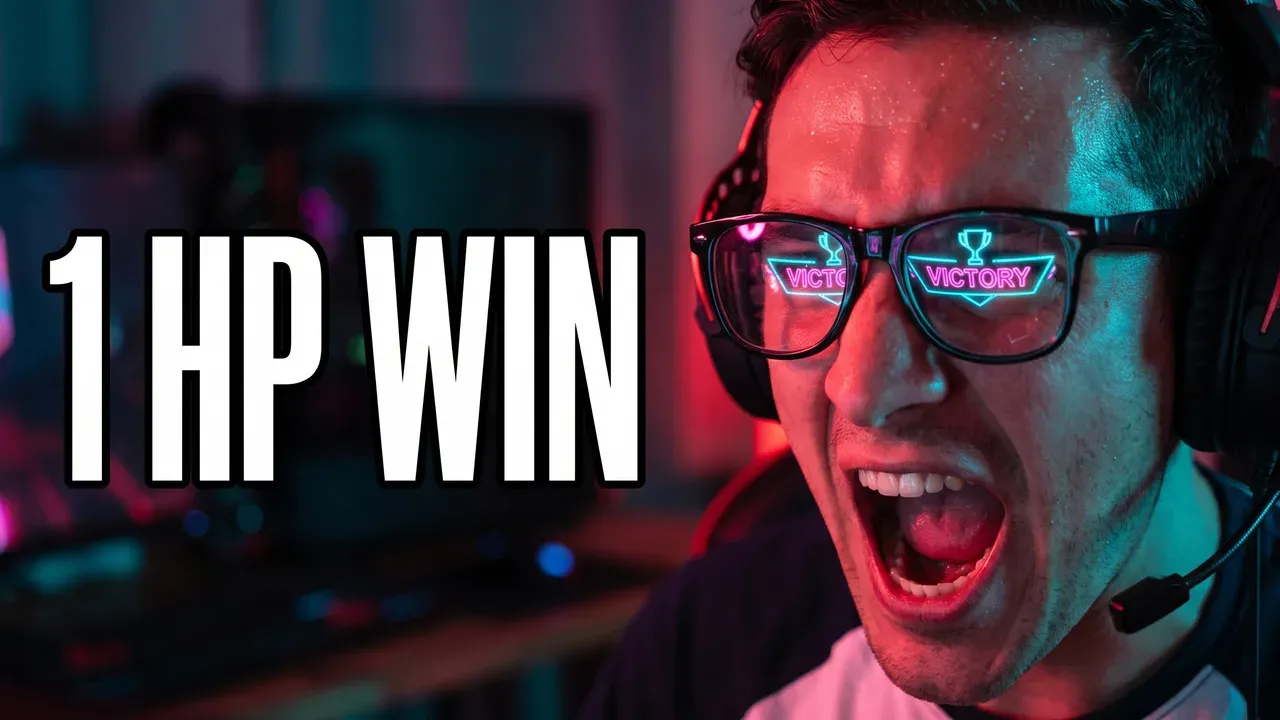
Gaming
A moment, not a menu
The clutch, the find, the fail. The brief picks the moment and leaves the HUD out.
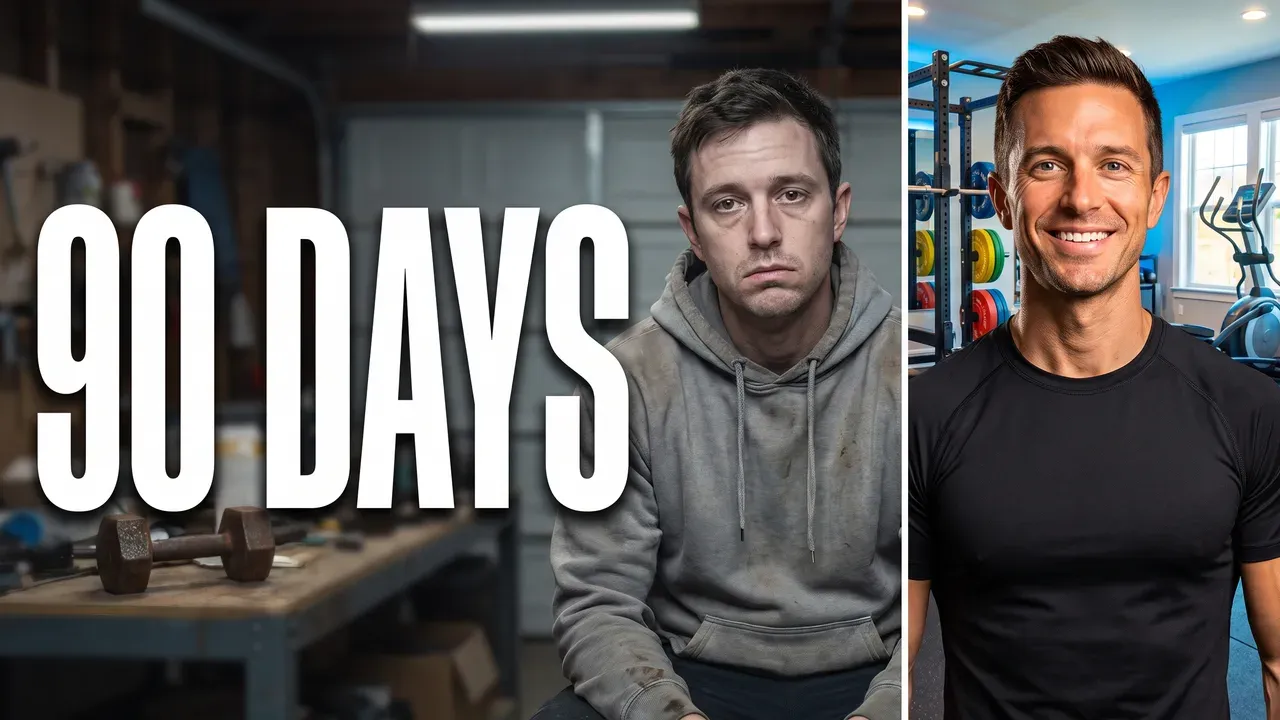
Challenges
The stake, made visible
A number, a deadline, a before and after: the thing that makes someone want the ending.
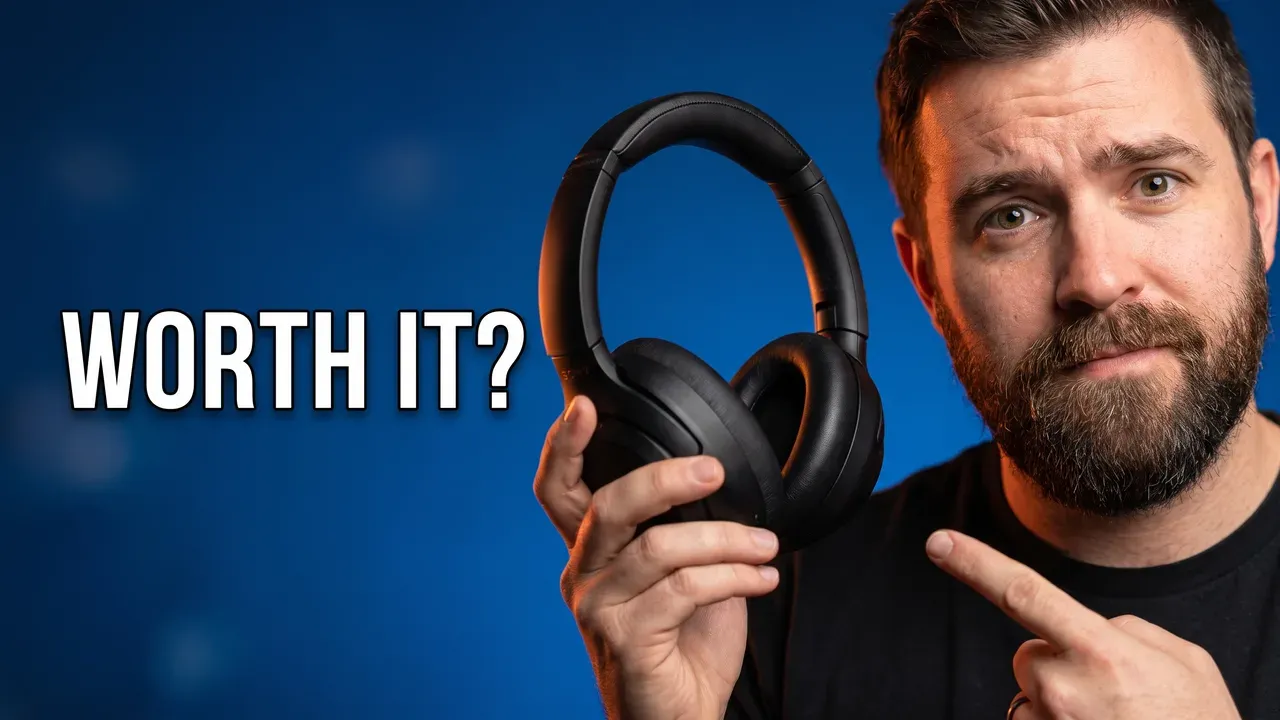
Reviews
The product and a verdict
One object, one reaction, a question the video answers.
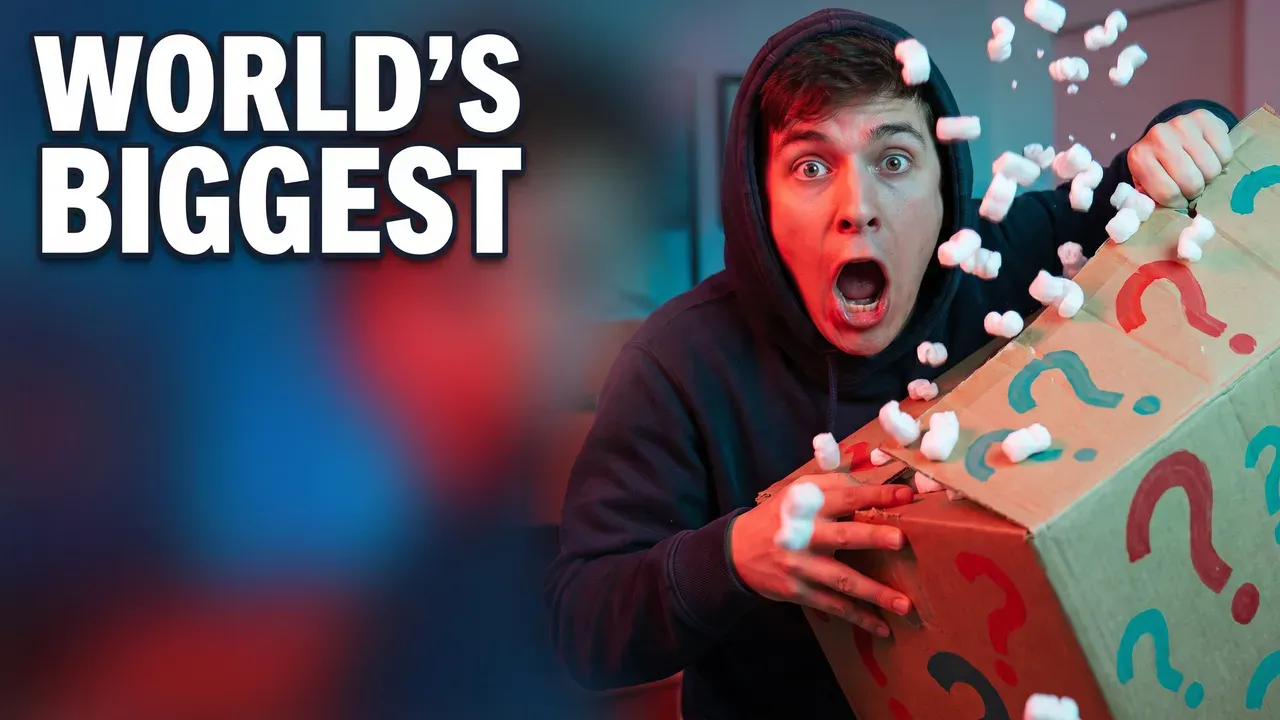
Reactions
One face, one feeling
Big eyes, clear light, one thing to react to: a reaction that still reads at 168 pixels.
Questions, answered
How do I turn a YouTube video into a thumbnail?
Paste the video's link. ThumbnailMaker reads its title and channel, writes a brief (the scene, two to four words for the image, the style) and shows it to you before anything is generated. You can edit every part of it. Then the image is made at 1280 × 720, the text is read back, and the result is checked at the size YouTube shows it in the feed.
Does it take a frame from my video?
No. A frame from the video is what YouTube already offers, and it rarely reads at feed size. The thumbnail is a new image composed for the frame, built from what the video is about. In the app, the link mode also looks at the video's current thumbnail and says in one sentence what is hard to read about it.
Can I try it before signing up?
Yes. Paste a link in the field at the top of this page and the brief is written on the spot, with no account. Generating the image needs an account; new accounts get free previews.
Which videos work?
Any public or unlisted YouTube video, Shorts links included. For a Short, pick the 9:16 format and the image is composed for the vertical frame instead of cropped into it. Private, removed and age-restricted videos can't be read.
Will the thumbnail show a real person from my video?
No. Briefs describe a generic person, never a real one, and every brief goes through an identity check. A title that names a celebrity gets the same refusal a typed prompt would.
What does it cost?
Writing the brief is free. Each image counts as one thumbnail from your plan: Starter has 40 a month for $12, Pro 100 for $39, Studio 300 for $99. A result that fails or comes back empty is never counted.
Paste your video
The brief is free and takes a few seconds. Sign up to generate the image; new accounts get free previews.
Preview it free