7 Best Thumbnail Maker Apps for iPhone and Android (2026)
By ThumbnailMaker Team · · 18 min read
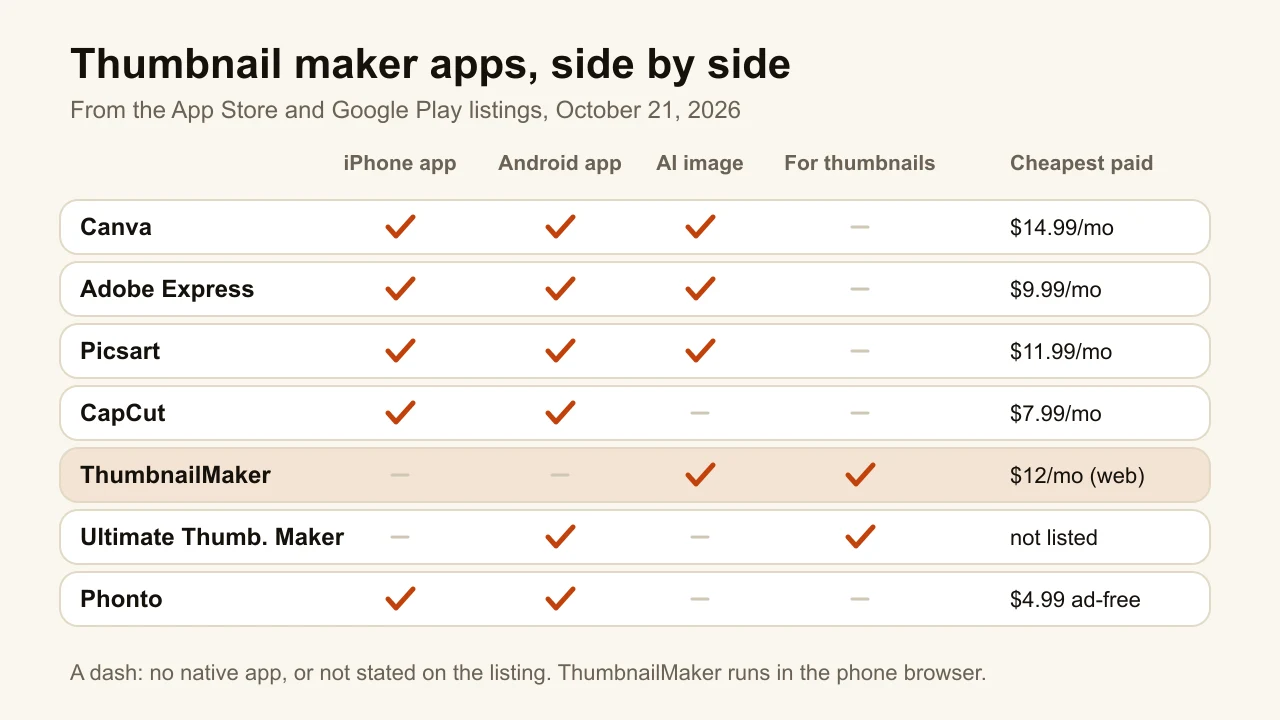
Quick answer: Canva is the best thumbnail maker app for most people on iPhone and Android: a free app with no watermark, a large template library, an AI image generator, and Pro from $14.99 a month in the App Store. Adobe Express is the pick if you also design on a computer, with Premium at $9.99 a month and 250 generative credits. Picsart has the most AI tools on a phone, from text-to-image to background expansion. CapCut suits creators who already edit their video in it. Phonto is the cheapest way to put clean text on a frame you already have: free, with ads removed for $4.99. Ultimate Thumbnail Maker is a template app built only for thumbnails, on Google Play. ThumbnailMaker has no app: it runs in the phone's browser and generates a finished thumbnail from a video link. Every price was read on the App Store or Google Play on October 21, 2026.
A phone is a strange place to make a thumbnail. You design a picture that will be seen at 168 pixels wide in the suggested column, on a screen that is itself only about twice that wide, with your thumb covering a third of it. The apps below handle that differently: some give you templates to fill, some generate the image, one only does text.
ThumbnailMaker is our product. It is ranked fifth here, because a list of mobile apps should be led by apps you can install, and we don't have one. Everything else is described from the App Store and Google Play listings, dated; we did not install and test the other six.
Which kinds of thumbnail apps are there?
The seven tools fall into three families:
- All-purpose design apps: Canva, Adobe Express and Picsart. Templates, a layer editor and AI image tools, on both stores, with one subscription that also covers your desktop.
- Video editors with a photo side: CapCut. You edit the video in it and can make the still there too.
- Single-job tools: Ultimate Thumbnail Maker (thumbnail templates), Phonto (text on photos) and ThumbnailMaker (an AI thumbnail from a link, in the browser).
Checked on the App Store (US) and Google Play, October 21, 2026.
| Tool | Best for | Cheapest paid option (App Store) | Free version | Platforms |
|---|---|---|---|---|
| Canva | Templates on any phone | $14.99/mo, or $119.99/yr (Pro) | Yes, no watermark, no ads on Android | iPhone, Android, web |
| Adobe Express | One plan across phone and desktop | $9.99/mo, or $99.99/yr (Premium) | Yes | iPhone (iOS 18+), Android, web |
| Picsart | The most AI tools on a phone | $11.99/mo, or $64.99/yr (Plus) | Yes, with ads on Android | iPhone, Android, web |
| CapCut | Video and thumbnail in one app | $7.99/mo listed; Pro $19.99/mo | Yes | iPhone, Android, desktop, web |
| ThumbnailMaker | An AI thumbnail from a video link, in the browser | $12/mo, 40 thumbnails | 4 locked previews, then a 7-day trial | Any phone browser, no app |
| Ultimate Thumbnail Maker | A template app built only for thumbnails | Not shown on its listing | Yes, with ads | Android |
| Phonto | Clean text on a frame you already have | $4.99 to remove ads | Yes, with ads | iPhone, Android |
1. Canva, best for templates on any phone
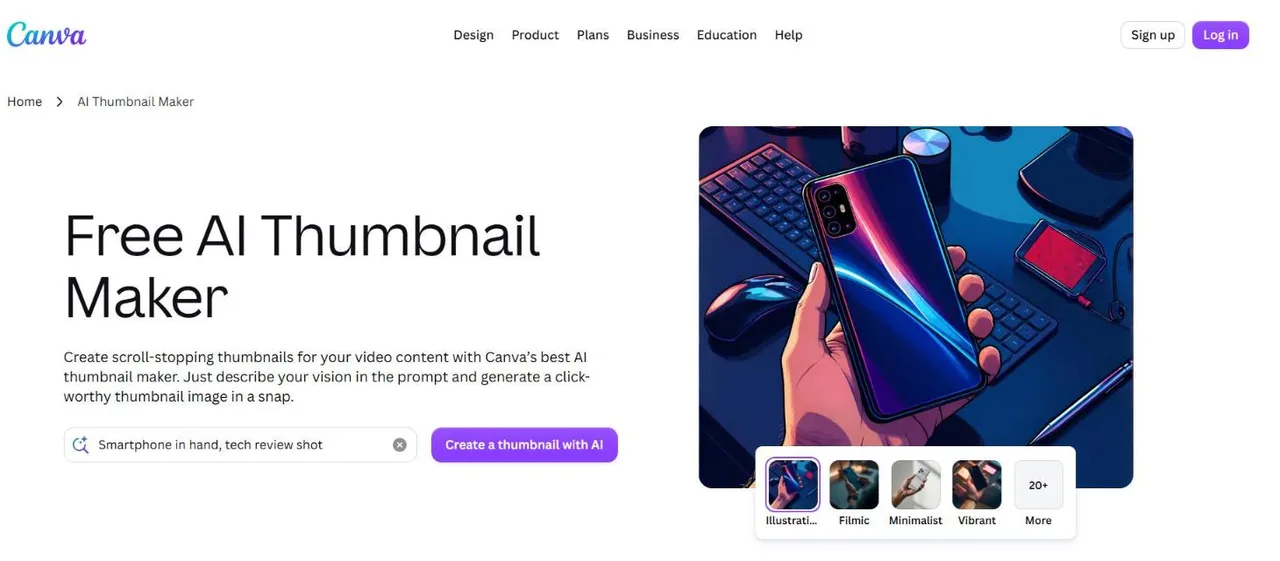
Canva is the default answer for a reason: the same templates, fonts and editor exist on iPhone, Android and the web, and a design started on the phone opens on a laptop. Its Google Play listing says the app is "free, no ads, no watermarks", and the description names a "banner maker for thumbnails" directly. On top of templates you get an AI image generator, a background eraser and Magic Layers, which splits a flat design into layers you can move.
Key features
- YouTube thumbnail templates, editable on phone, tablet and web
- AI image generator from a text prompt
- Background eraser and Magic Layers
- No watermark on the free version, per its Play listing
Best for
- Creators who start a thumbnail on the phone and finish it on a laptop
- Channels that already make every other graphic in Canva
Pricing
- Free app with in-app purchases
- Canva Pro listed at $14.99 a month or $119.99 a year in the US App Store (higher price points are listed too)
- Business $25 a month, Teams $30 a month
Pros
- The same work on every device, with no export step between them
- No ads and no watermark on the free version
Cons
- Not tuned for thumbnails: no feed-size or badge check
- Several Pro prices appear on the App Store listing, so check which one you are shown before subscribing
2. Adobe Express, best for one plan across phone and desktop
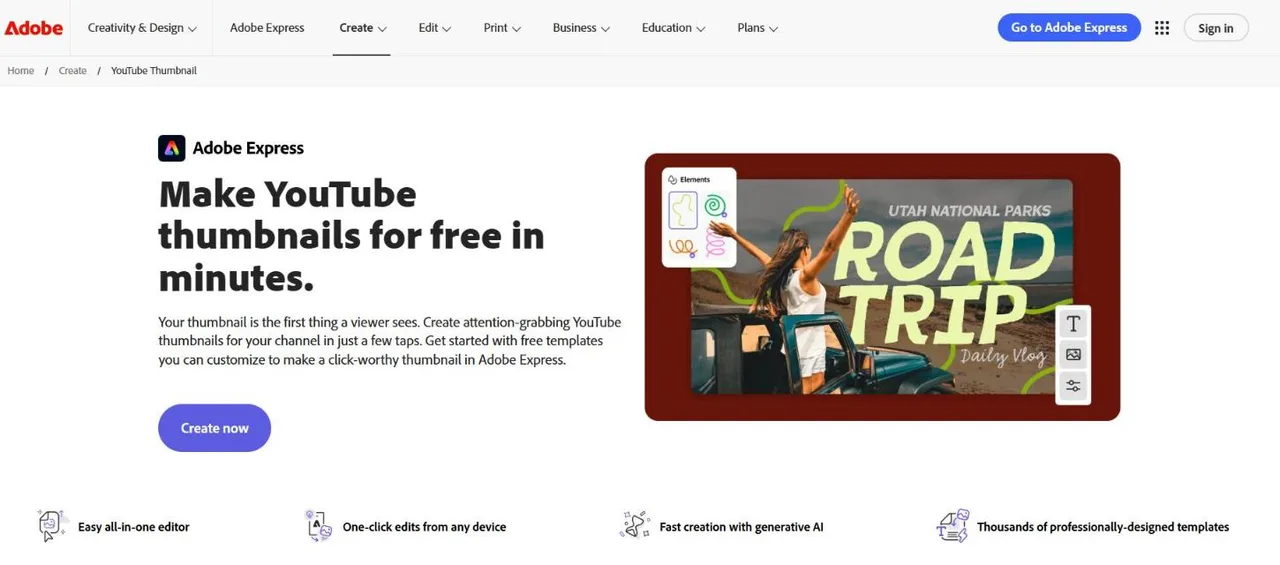
Adobe Express is a template editor first, with Adobe's AI added. On a phone it gives you the YouTube thumbnail templates, Adobe Stock and Adobe Fonts, plus AI to add or remove objects and generate images. Premium includes 250 generative credits a month, and the Play listing says the same plan works "across your desktop browser and mobile phone" and includes Photoshop Express on mobile. The catch on iPhone: the current version needs iOS 18 or later, so an older phone may not run it. The full comparison with us is in ThumbnailMaker vs Adobe Express.
Key features
- YouTube thumbnail templates, Adobe Stock and Adobe Fonts
- AI image generation and object add or remove
- Background removal and brand kits
- Photoshop Express included on mobile with Premium
Best for
- Creators who already pay for Adobe tools
- Channels that keep one template and change the photo each week
Pricing
- Free app with in-app purchases
- Premium $9.99 a month or $99.99 a year in the US App Store, with 250 generative credits a month
- A mobile-only plan is also listed at $49.99 a year
Pros
- Large stock and font library inside the app
- One subscription covers phone and desktop
Cons
- iOS 18 or later on iPhone
- The thumbnail is still assembled by hand; AI only supplies parts
3. Picsart, best for the most AI tools on a phone
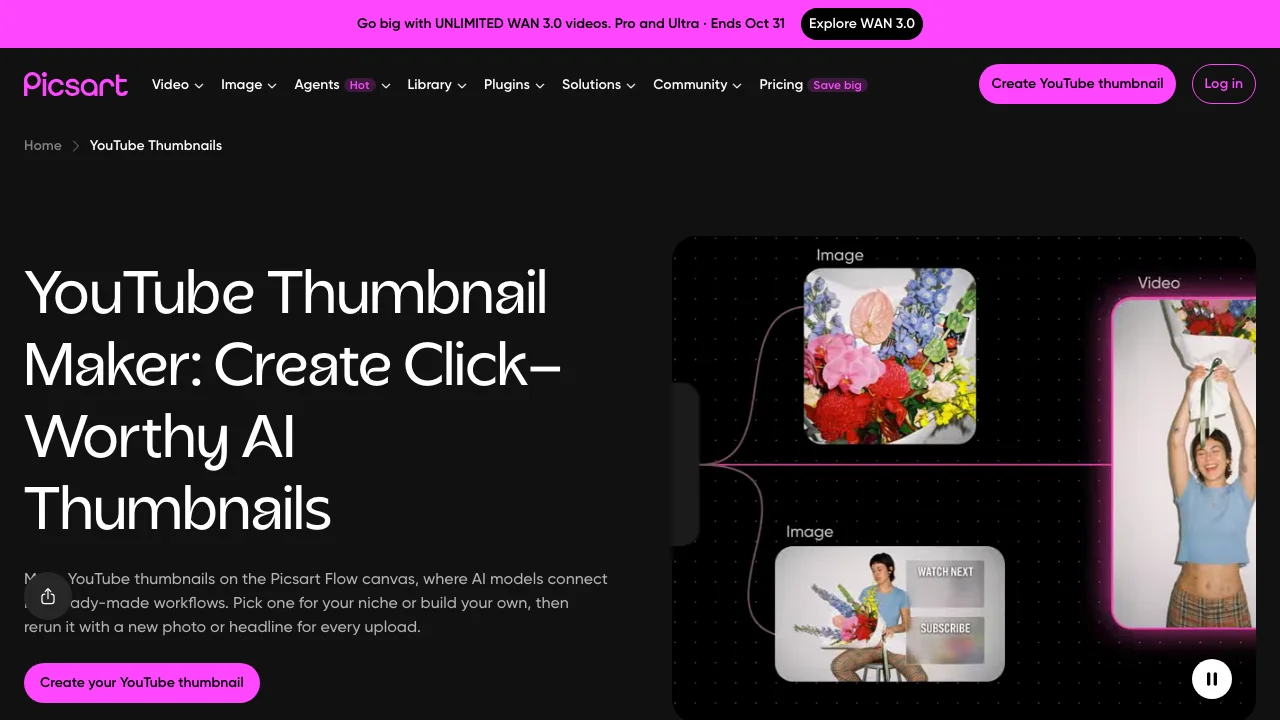
Picsart is the phone editor with the longest AI list on its listing: text-to-image (it names Nano Banana among the models behind its Aura assistant), AI Expand to extend an image past its frame, AI Enhance, AI Replace for face and hair edits, and an AI writer for captions. It also has templates "made by professional editors". The Android app shows ads on the free version.
Key features
- AI image generator from text, AI Expand and AI Enhance
- Face and hair edits with AI Replace
- Templates for social posts, logos and covers
Best for
- Creators who want to generate or extend a background on the phone
- Anyone retouching a face shot before it goes into a thumbnail
Pricing
- Free app with in-app purchases, ads on Android
- Plus $11.99 a month or $64.99 a year; Pro $13.99 a month or $83.99 a year in the US App Store
- Weekly plans are listed too, Pro at $11.99 a week
Pros
- The widest set of AI image tools of any app here
- Plus is cheaper than Canva Pro by the year
Cons
- Ads on the free Android version
- Three plan names (Plus, Pro, Gold) with weekly, monthly and yearly prices make it hard to tell what you need
4. CapCut, best for the video and the thumbnail in one app
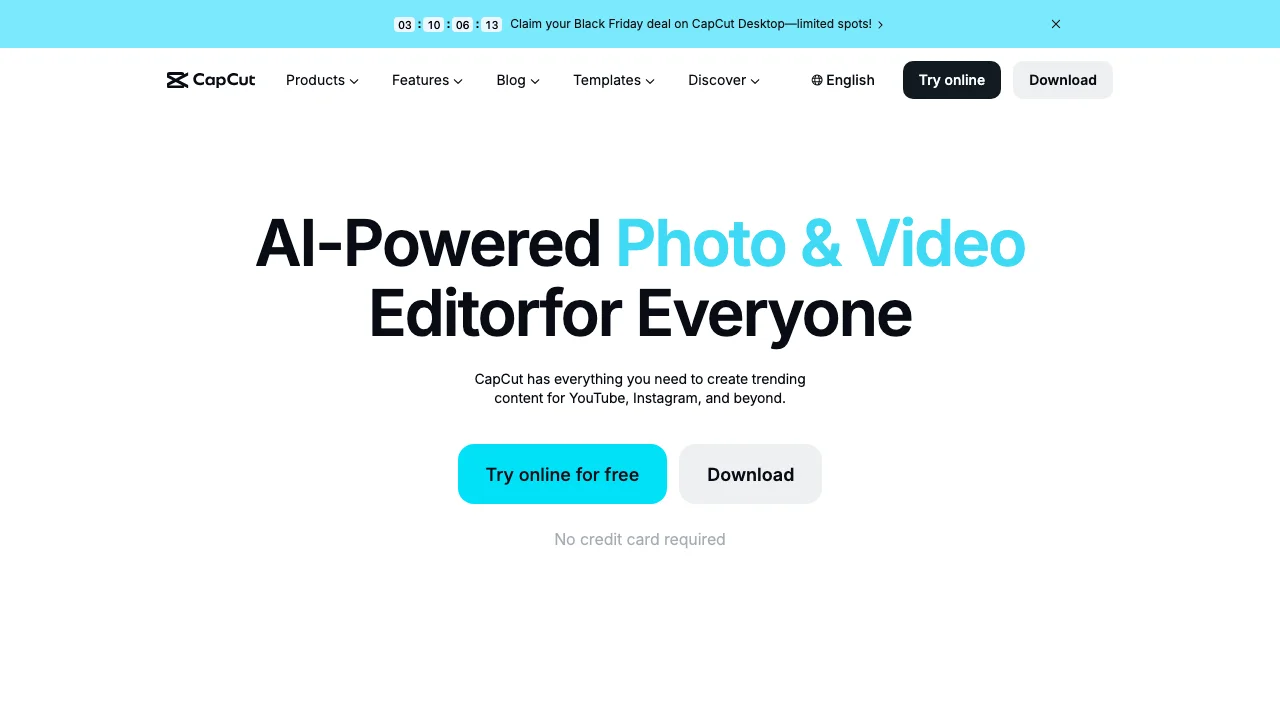
CapCut is a video editor first, which makes it the natural choice if you already cut your videos in it. The app's name is now "CapCut: Photo & Video Editor", and its listing covers text with templates and imported fonts, background removal, auto captions and motion tracking. Its AI thumbnail maker, which generates a YouTube thumbnail from a description with Seedream 5.0 or Nano Banana Pro and exports a 1280 × 720 PNG, is a web tool in CapCut's browser Design Studio, not something the mobile listing describes.
Key features
- Video editing with text, fonts and text templates
- Background removal on footage and photos
- AI thumbnail generator on the web, 1280 × 720 PNG
- Same account on phone, desktop and web
Best for
- Creators who edit every video in CapCut already
- Shorts creators who want the edit and the cover in one place
Pricing
- Free app with in-app purchases
- US App Store lists a $7.99 monthly subscription, Standard at $9.99 a month, Pro at $19.99 a month and a $89.99 yearly plan
Pros
- No switching apps between the edit and the image
- The web AI thumbnail maker is described as free on its page
Cons
- The thumbnail generator is not on the mobile listing
- Four subscription names on the App Store, with no plan descriptions on the listing
5. ThumbnailMaker, best for an AI thumbnail from a video link, in the browser
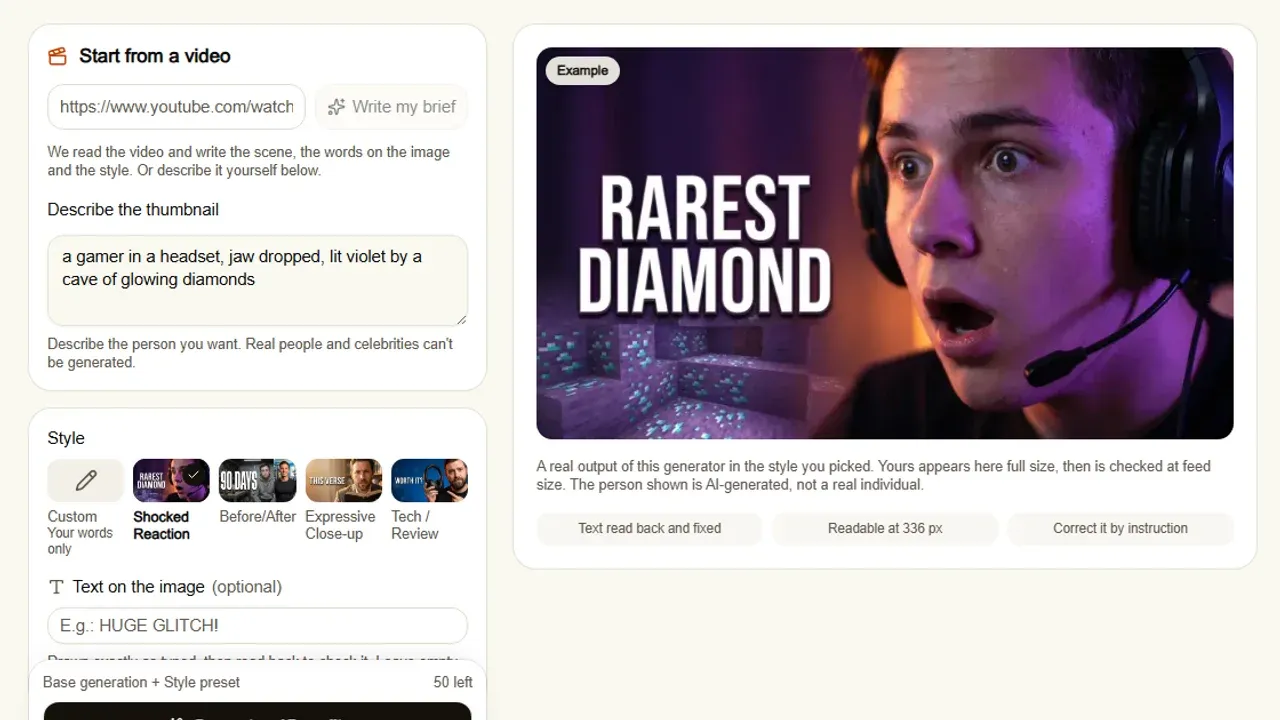
ThumbnailMaker has no app in either store. It is a web app, and it runs in your phone's browser. That is the con, and it is a real one: no home-screen icon from a store, no offline use. What it does differently is the job itself. Paste your video's YouTube link and it reads the video and writes the brief: the scene, the words on the image and the style. You can change any word, then generate. The text is drawn into the image, read back and redrawn if a letter came out wrong, and the result is checked at the size a feed shows it, with the duration-badge corner kept clear.
Key features
- Brief written from your video's link, or from your own sentence
- Text drawn in, read back and corrected when wrong
- Feed-size check and a clear duration-badge corner on every image
- Correction by instruction, keeping the rest of the image
- 16:9 or 9:16, optional 3840 × 2160
Best for
- Creators who would rather describe a thumbnail than design it on a small screen
- Channels where the words on the thumbnail matter
Pricing
- Starter $12 a month for 40 thumbnails, Pro $39 for 100, Studio $99 for 300; yearly is ten months' price
- One image is one thumbnail, style and text included; 4K counts as two
- Four free previews with no card, locked until a 7-day free trial (card at checkout, nothing charged for seven days)
Pros
- A finished thumbnail, not a template to fill
- Free tools that need no account and work in a phone browser
- No watermark
Cons
- No native iPhone or Android app
- Previews are blurred until you start the trial, which needs a card
- Not a layer editor: you correct by instruction, not by dragging
How you'd do it here on a phone. Open the site in your browser, paste the video link and wait for the brief, about ten seconds. Change a word if you want, pick a style, generate. If you only need to put a headline on a frame you already have, the free thumbnail text editor does that in the browser with no account: up to three lines, 14 fonts, a 1280 × 720 PNG, and the image never leaves your phone. The plans and what each includes are on one page.
6. Ultimate Thumbnail Maker, best for a template app built only for thumbnails
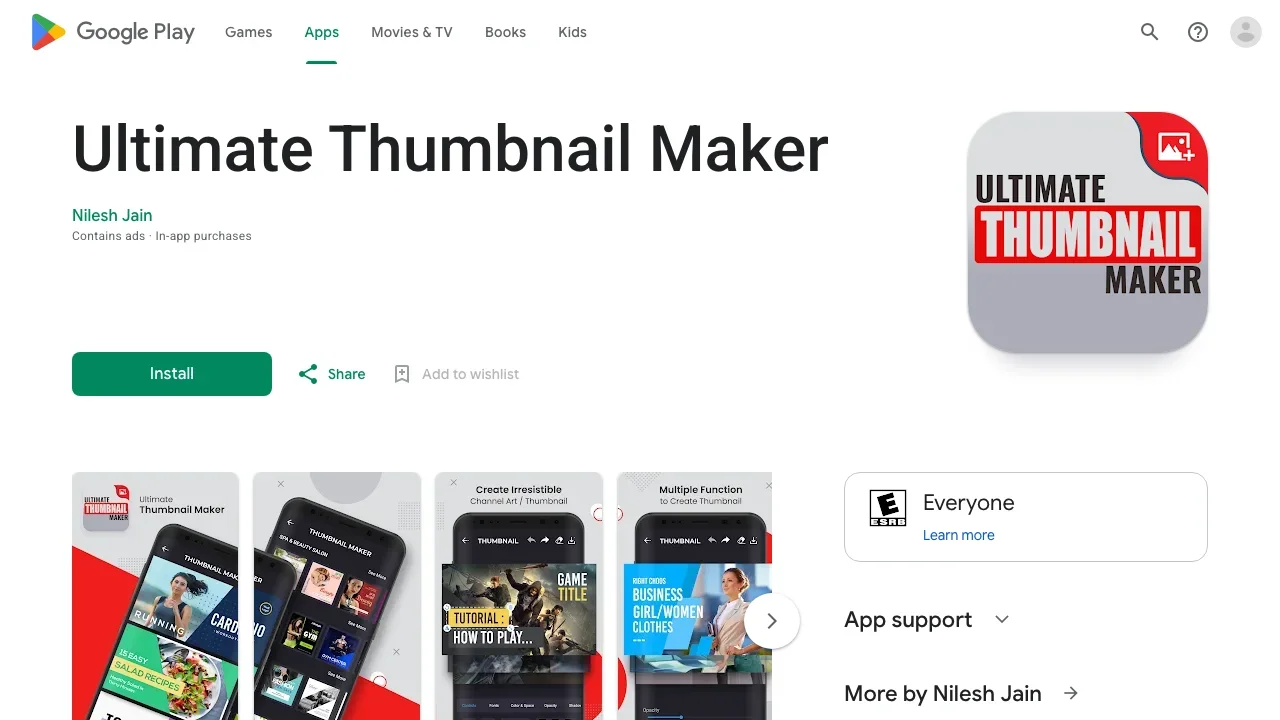
Ultimate Thumbnail Maker is one of the many Google Play apps that do one thing: thumbnails, banners and channel art from templates. You pick a template, swap the photo and the words, and choose from what the listing calls "thousands" of text design presets. It is free with ads and in-app purchases. Its in-app prices are not shown on the Play web page, and we did not check for an iPhone version, so treat it as an Android pick.
Key features
- Thumbnail, banner and channel-art templates
- Text design presets
Best for
- Android users who want a thumbnail template and nothing else
- A first thumbnail on a phone with no design app installed
Pricing
- Free with ads and in-app purchases
- In-app prices not shown on the Play web listing
Pros
- Built only for thumbnails, banners and channel art
- Lighter than an all-purpose design suite
Cons
- Ads on the free version
- No published price list and no AI generation on its listing
7. Phonto, best for clean text on a frame you already have
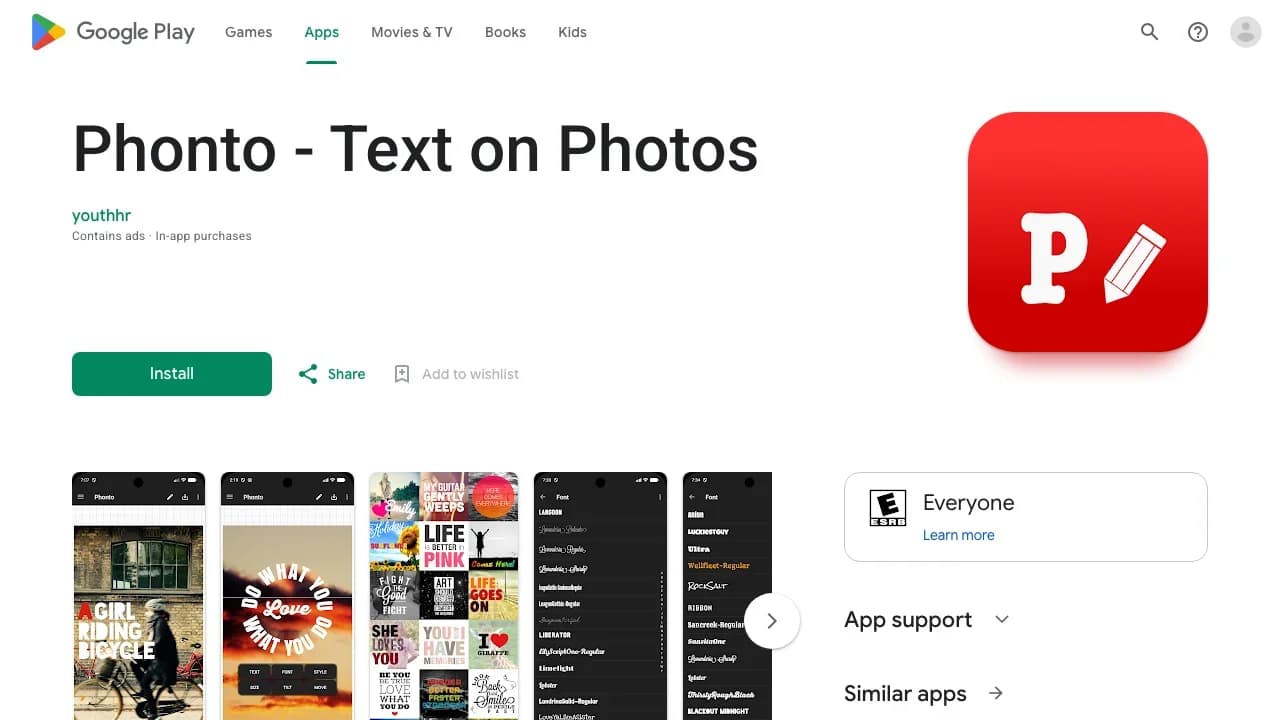
Phonto does one job: text on a photo. It ships with more than 400 fonts, lets you install your own, and gives you stroke, shadow, gradient, a background block, kerning, line spacing and curved or perspective text. It does not make the image. Take a still from your video, open it in Phonto, add three to five words, done. Removing the ads is a $4.99 in-app purchase on iPhone.
Key features
- 400+ fonts, plus your own
- Stroke, shadow, gradient and background behind text
- Curved and perspective text, adjustable kerning and line spacing
Best for
- Creators who already have a strong frame and need only a headline
- Anyone who wants full control over the text without a design suite
Pricing
- Free with ads and in-app purchases
- Ad-free version $4.99; Image Pack $3.99, Text Style Kit $2.99, Filter Pack $2.99 in the US App Store
Pros
- The cheapest paid option here, with no subscription on the App Store list
- Text controls finer than most design apps
Cons
- No templates and no image generation
- iOS 17 or later on iPhone
How to choose a thumbnail maker app
Do you need a native app, or is the browser enough?
If you want an icon on the home screen and work offline, pick an app: Canva, Adobe Express or Picsart for everything, Phonto for text only. If you only make one thumbnail a week, a browser tool is often enough. ThumbnailMaker, the CapCut AI thumbnail maker and our free tools all run in a phone browser with nothing to install.
Do you want to design it or describe it?
Designing means a template app: Canva, Adobe Express, Ultimate Thumbnail Maker. Describing means a generator: ThumbnailMaker from a link or a sentence, or the AI image tools inside Canva, Picsart and Adobe Express for a background you then finish by hand. If you are comparing the AI generators themselves, our roundup of the best AI thumbnail makers goes deeper on that side.
How much do you want to pay, and how?
Phonto's ad-free version is a $4.99 in-app purchase. The dedicated App Store app "Thumbnail Maker, Banner Maker" sells subscriptions from $1.99 a week or $3.99 a month, and puts a watermark on free designs. Adobe Express Premium is $9.99 a month, Picsart Plus $11.99, ThumbnailMaker Starter $12 for 40 thumbnails, Canva Pro $14.99.
Will the file upload from your phone?
YouTube's phone app accepts a video thumbnail up to 2 MB, against 50 MB from a computer. A 4K PNG can run well past that, so export a JPG or a smaller size before uploading from the phone. Custom thumbnails for Shorts can only be uploaded from YouTube Studio on a computer; on a phone you can only choose a frame. The YouTube thumbnail size guide has every limit, and the free YouTube thumbnail resizer checks the 2 MB phone limit before you upload.
Is the text readable at feed size?
This is where phone-made thumbnails fail most. The screen you design on is bigger than the 168-pixel tile the suggested column will show. Pick a heavy font, keep it to five words or fewer, and check it small before you publish: the free YouTube thumbnail tester shows your image in a mock feed and at 168 pixels, in the browser. Which fonts survive the shrink is shown in the best fonts for YouTube thumbnails.
Frequently asked questions
What is the best app to make YouTube thumbnails?
For most people, Canva: it is free with no watermark, has YouTube thumbnail templates and an AI image generator, and the same design opens on iPhone, Android and the web. Picsart is stronger on AI image tools, Phonto is the simplest for text only.
Is there a free thumbnail maker app with no watermark?
Yes. Canva's Google Play listing says its free app has no ads and no watermarks. Some single-purpose apps, such as "Thumbnail Maker, Banner Maker" on the App Store, put a watermark on free designs until you subscribe.
Can I make a YouTube thumbnail on my iPhone?
Yes, with Canva, Adobe Express, Picsart, CapCut or Phonto, all on the App Store. Adobe Express needs iOS 18 or later and Phonto iOS 17 or later. You can also upload the custom thumbnail from the YouTube or YouTube Studio app, as long as the file is under 2 MB and the video is not a Short.
What is the best thumbnail app for Android?
Canva for templates, Picsart for AI tools, Phonto for text. If you want an app built only for thumbnails, Ultimate Thumbnail Maker is free with ads on Google Play.
Can AI make a thumbnail on my phone?
Yes. Canva, Picsart and Adobe Express generate images from a prompt inside their apps, and you add the text yourself. ThumbnailMaker generates the whole thumbnail, text included, from a video link in the phone browser, and CapCut's AI thumbnail maker does it on the web.
Does ThumbnailMaker have an app?
No. It is a web app and works in the browser on iPhone and Android. Its free tools, the text editor, resizer, tester and viewer, need no account; the generator gives four free previews, which a 7-day free trial opens for download.
What size should a thumbnail made on a phone be?
16:9 for a video, 9:16 for a Short. YouTube recommends 3840 × 2160 and still accepts 1280 × 720, with a 640-pixel minimum width. From the phone app the file must be 2 MB or less.
Pick the app that matches the job
If you want templates, install Canva. If you want AI on the phone, Picsart or Adobe Express. If the frame is already good and only needs words, Phonto. If you would rather paste the video link and get the finished thumbnail, open ThumbnailMaker's AI thumbnail maker in your phone's browser; there is nothing to install.
Prices were read on the US App Store and Google Play on October 21, 2026: Canva, Adobe Express, Picsart, CapCut, Ultimate Thumbnail Maker, Phonto and Thumbnail Maker, Banner Maker. CapCut's AI thumbnail maker is described on its own page, and the phone upload limits come from YouTube's custom thumbnail help page.
ThumbnailMaker is an independent product and is not affiliated with, sponsored by, or endorsed by Canva, Adobe, Picsart, ByteDance, Nilesh Jain, youthhr, Apple or Google. Canva, Adobe Express, Picsart, CapCut, Ultimate Thumbnail Maker, Phonto, the App Store and Google Play are trademarks of their respective owners, named here only to compare publicly documented features. The apps' descriptions come from their own store listings, not from our testing. Details were accurate when written and may have changed since.
ThumbnailMaker Team — Guides from the people building ThumbnailMaker: thumbnail design, CTR, and what happens under the hood of an AI generator. Every number is checked against YouTube's own pages and dated.
Try it on your next video
Paste the video's link: the brief is written for you, then you generate. Previews are free, then a 7-day free trial.