7 Best Gorilla Tag Thumbnail Makers (2026), Free and AI
By ThumbnailMaker Team · · 15 min read
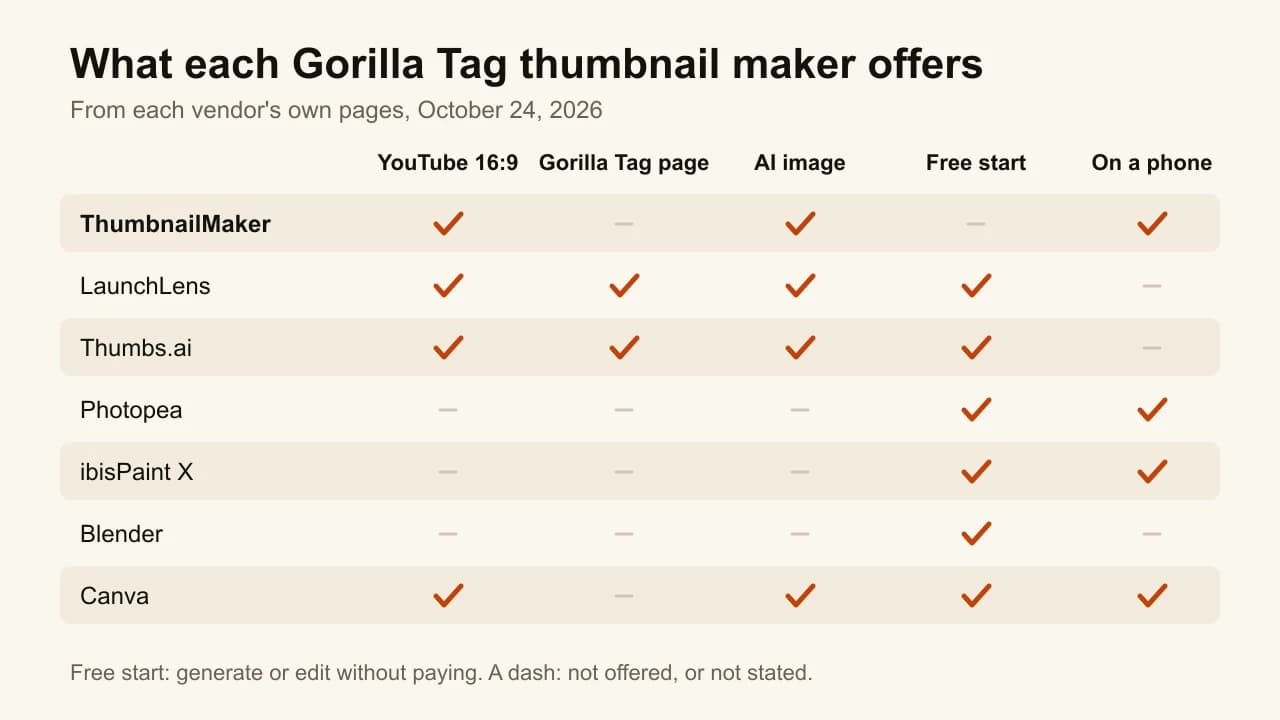
Quick answer: The best Gorilla Tag thumbnail maker depends on how much of the work you want to do. To have the thumbnail made from your video, ThumbnailMaker writes the brief from the video's link for free and generates a finished 16:9 thumbnail whose words are read back and redrawn when a letter is wrong; generating takes a plan, from $12 a month. For your own monke (your Gorilla Tag avatar) in its cosmetics, LaunchLens builds the thumbnail around your screenshot, with 90 free credits to start. For ready-made Gorilla Tag layouts, Thumbs.ai has 12 Gorilla Tag templates, from $8 a month billed yearly. To build it yourself for free, the tutorials on page one use three tools: Photopea in the browser, ibisPaint X on a phone, and Blender for a rendered 3D monke. Canva is the generic template option. Every competitor price below was checked on the vendor's own page on October 24, 2026.
A Gorilla Tag YouTube thumbnail is a 1280 × 720 image: your monke, a forest or lava background, two or three words. Search "gorilla tag thumbnail maker" and page one is almost all tutorials: Photopea, Blender, a phone app, a Reddit thread from someone offering to make them. That tells you how most Gorilla Tag channels make them today: by hand, from a screenshot of their monke.
AI tools now do part of that job, and two of them have a page for Gorilla Tag. This list puts both kinds side by side. ThumbnailMaker is our product and it is ranked first; the others are described from their own public pages, read on October 24, 2026. We did not sign up for them or test their output.
Which kinds of Gorilla Tag thumbnail makers are there?
- AI makers that start from your video or screenshot: ThumbnailMaker and LaunchLens. You give them the video or your monke; they make the image.
- AI makers with Gorilla Tag templates: Thumbs.ai. You pick a Gorilla Tag scene and describe the moment.
- Free editors you build it in: Photopea in the browser, ibisPaint X on a phone, Blender for a 3D render, and Canva for generic templates.
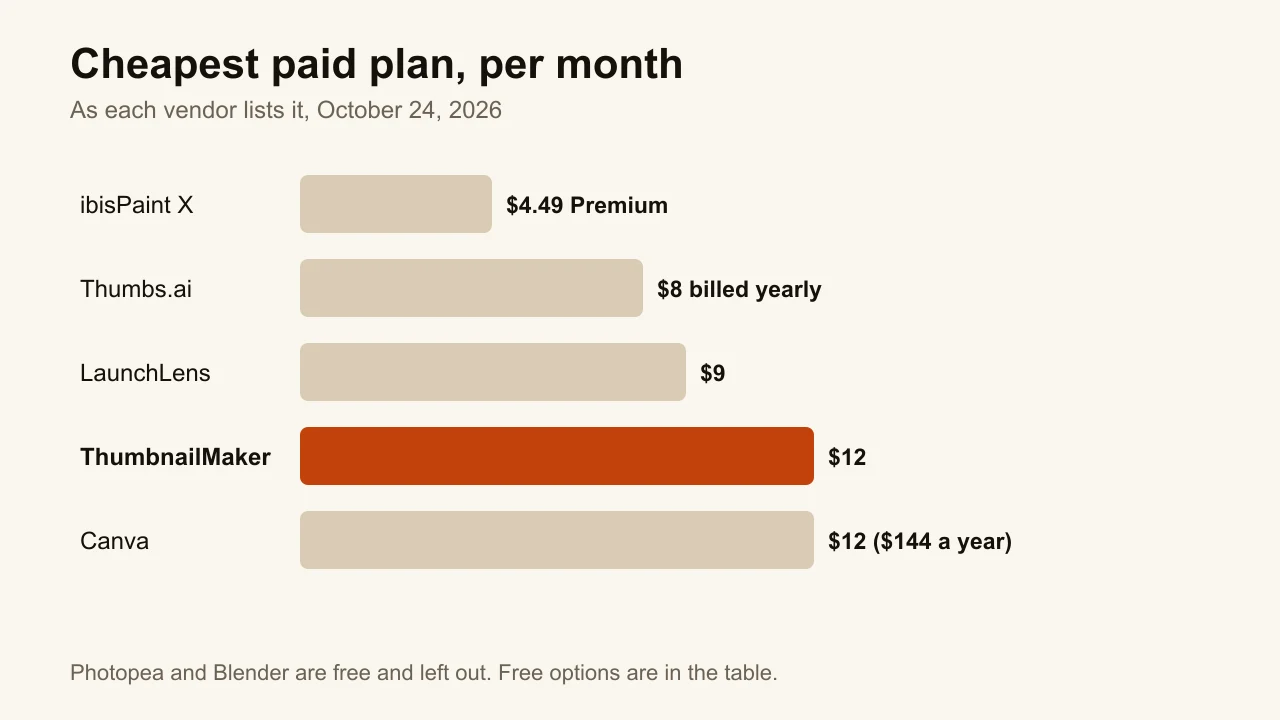
| Tool | Best for | Cheapest paid plan | Free option | Where it runs |
|---|---|---|---|---|
| ThumbnailMaker | A finished thumbnail from your video's link | $12/mo, or $10/mo yearly | Brief and eight tools free; generating takes a plan | Web, phone browser |
| LaunchLens | Your own monke and cosmetics | $9/mo | 90 credits once, about 3 thumbnails | Web, Chrome extension |
| Thumbs.ai | Ready-made Gorilla Tag templates | $8/mo billed yearly | 10 trial credits, watermarked | Web |
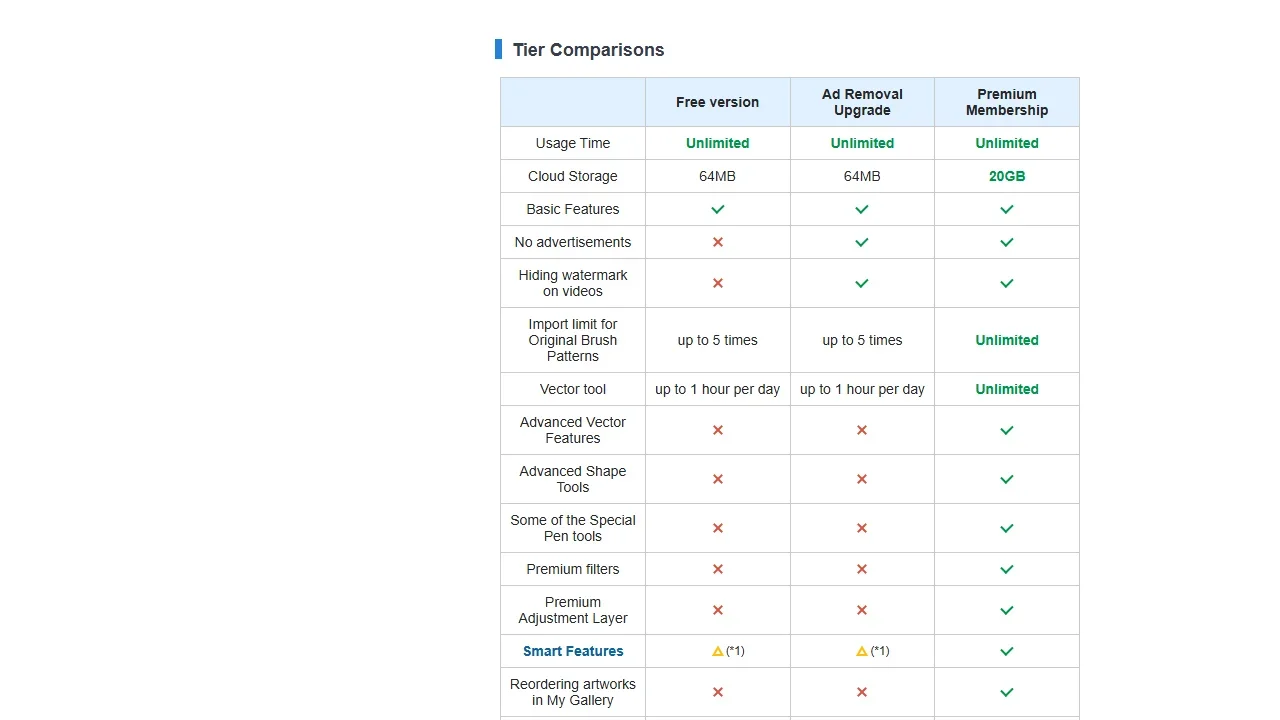
| Photopea | Free layer editing in the browser | Ad-free Premium, price in the editor | Free with ads, no account | Web |
| ibisPaint X | Making it on a phone | $4.49/mo or $27.99/yr Premium | Free with ads | iPhone, iPad, Android |
| Blender | A posed, rendered 3D monke | Free | Free, open source | Windows, macOS, Linux |
| Canva | Generic templates, drag and drop | US$144/yr Pro | Free plan, 20 AI uses | Web, iPhone, iPad, Mac |
1. ThumbnailMaker, best for a finished thumbnail from your video's link
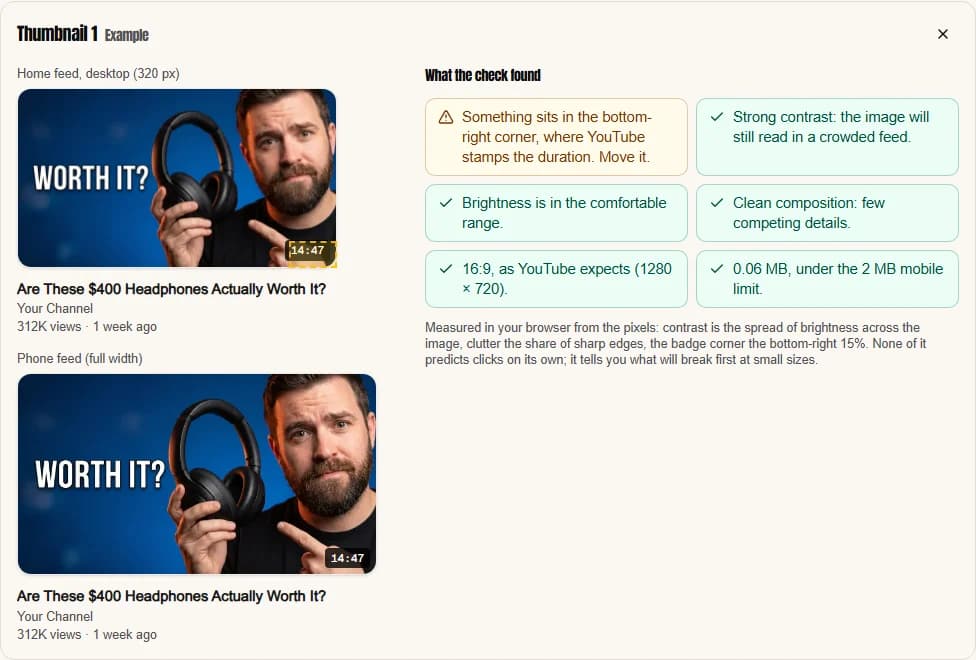
ThumbnailMaker makes YouTube thumbnails, starting from the video instead of a blank canvas. Paste your Gorilla Tag video's link and it writes three angles for the brief from the video's title, its current thumbnail and its description, plus the transcript if you paste one: the scene, the words on the image and the style. Pick one, change any word, generate. The words are drawn into the image, read back and redrawn if a letter came out wrong, and every image is checked at feed size with the duration-badge corner kept clear. It has no Gorilla Tag preset: it draws a generic scene, or edits a screenshot of your monke that you upload. It is our product.
Key features
- Three angles for the brief, from the video's link: its title, current thumbnail and description, plus the transcript if you paste one
- Ten styles, including VR Chase for a chase in a low-poly world
- Text drawn in, read back and corrected when wrong
- Feed-size check, with the bottom-right corner kept clear for the duration badge
- Upload your own gameplay screenshot and edit it by instruction
- 1280 × 720 or 1080 × 1920 for Shorts, optional 3840 × 2160
Best for
- Gorilla Tag channels posting every week that would rather not design each thumbnail
- Videos built on a short claim: "1 HOUR TAG", "NEW UPDATE", "GHOST"
Pricing
- Starter $12/mo for 400 credits, Pro $39/mo for 1,000, Studio $99/mo for 3,000; yearly is $120, $384 and $984
- One image is 10 credits, so Starter is 40 thumbnails a month
- The brief from a link and the eight tools are free; generating takes a plan
Pros
- Starts from the video you already made
- Text read back and graded at feed size before you see it
Cons
- No Gorilla Tag look built in: for your real cosmetics, you upload a screenshot
- No free generation
How you'd do it here. Paste the link in the AI YouTube thumbnail maker, pick an angle and the VR Chase style, and generate. Or upload a screenshot of your monke and type the change: "lava behind me, the word GHOST in red". The Gorilla Tag thumbnail maker page shows both routes. Check the result in the free YouTube thumbnail tester before you upload. Plans are on ThumbnailMaker's pricing page.
2. LaunchLens, best for your own monke and cosmetics
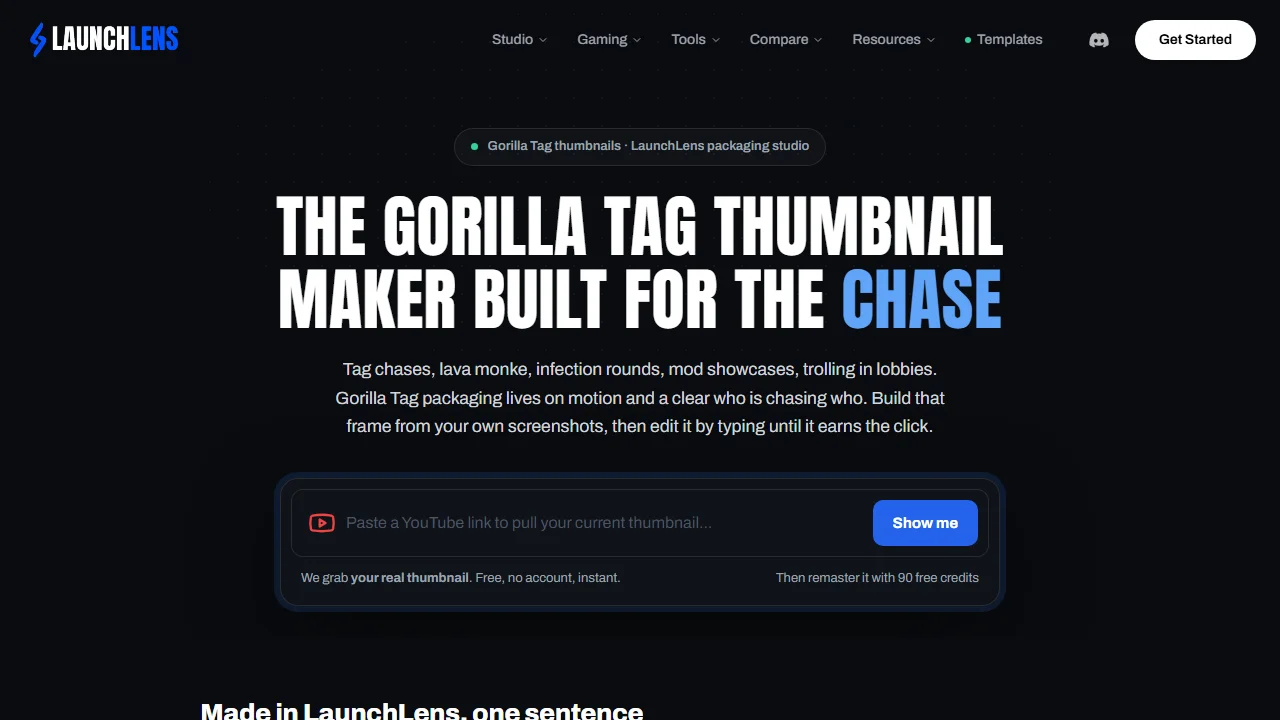
LaunchLens is an AI thumbnail tool for gaming YouTubers with a page for Gorilla Tag, and it is unusually honest about it: "There is no Gorilla Tag preset." Instead, you add a screenshot of your monke in its cosmetics as a character or a reference, plus one to three thumbnails you like, and it builds the thumbnail around them. Then you edit by typing ("swap the item, fix the text"). It can pull your current thumbnail from a YouTube link with no account, and remaster an old one into two versions for YouTube's A/B test.
Key features
- Your monke as a character, from a screenshot
- One to three reference thumbnails
- Edit by typing
- Remaster an old thumbnail into two versions to test
- A Chrome extension on the same account
Best for
- Players whose cosmetics are part of their channel's look
Pricing
- Free: 90 credits once, no card, about 3 thumbnails, no watermark
- Starter $9/mo (900 credits, about 30 thumbnails), Pro $25 (2,750), Max $50 (6,000), billed monthly
- On monthly plans, unused credits expire at the end of the cycle
Pros
- Keeps your real cosmetics
- A free start with no card
Cons
- Output size isn't stated
- Needs an account to generate
3. Thumbs.ai, best for ready-made Gorilla Tag templates
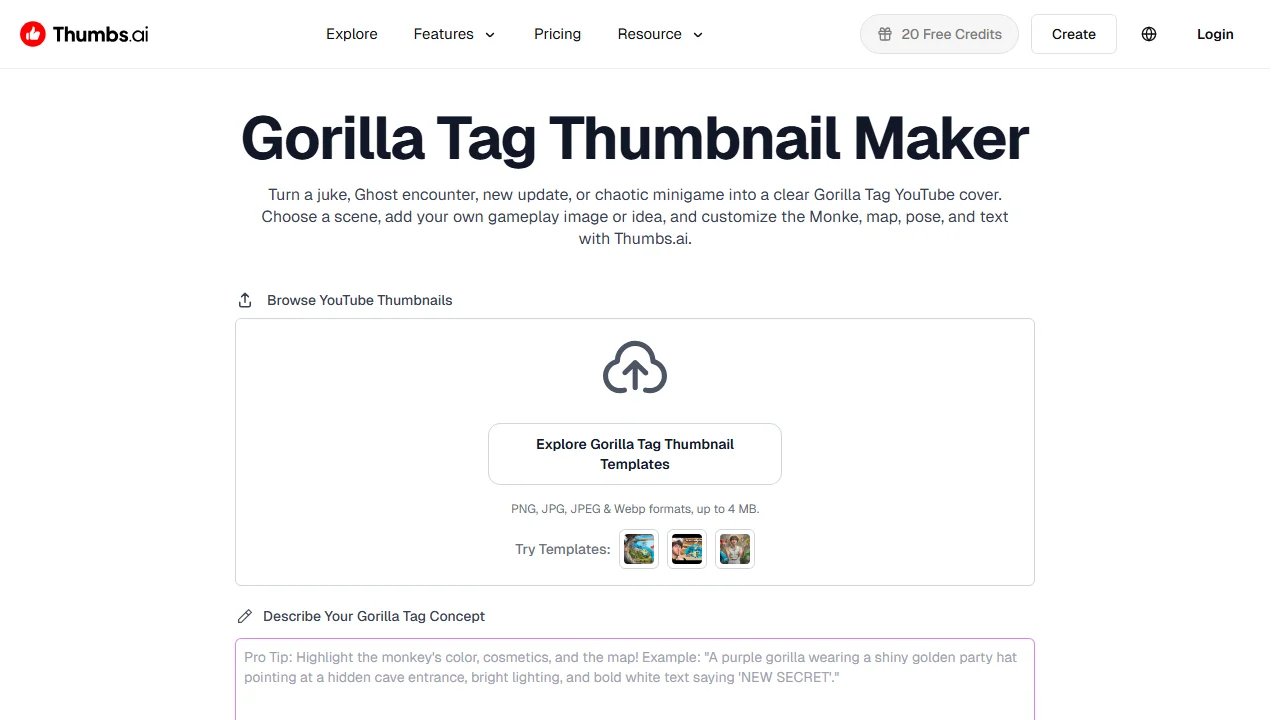
Thumbs.ai is an AI thumbnail maker with a Gorilla Tag page and 12 Gorilla Tag templates: Horror, Funny Moments, Minigame, Ghost, Montage, Update, Custom Map, Only Up, VR Gaming and more. Pick the scene, describe the moment or upload a gameplay screenshot, and it generates several covers to choose from. Its prompt box asks for the right details: the monkey's colour, its cosmetics and the map.
Key features
- 12 Gorilla Tag templates
- Generate from text or a screenshot (PNG, JPG or WebP, up to 4 MB)
- Several covers per run
Best for
- Channels that want a Gorilla Tag layout without writing a prompt
Pricing
- Free: 10 trial credits, about 5 thumbnails, with a watermark (its nav button says 20; the pricing card says 10)
- Starter $8/mo ($96 a year), Ultimate $34/mo ($412), Professional $64/mo ($773), billed yearly
- 2 credits per generation on Starter
Pros
- The most Gorilla Tag specific tool here
- The lowest AI plan price here, billed yearly
Cons
- Free thumbnails are watermarked
- "YouTube & Commercial Use Rights" is listed only on Ultimate and Professional; the Starter card doesn't say
4. Photopea, best for free layer editing in the browser
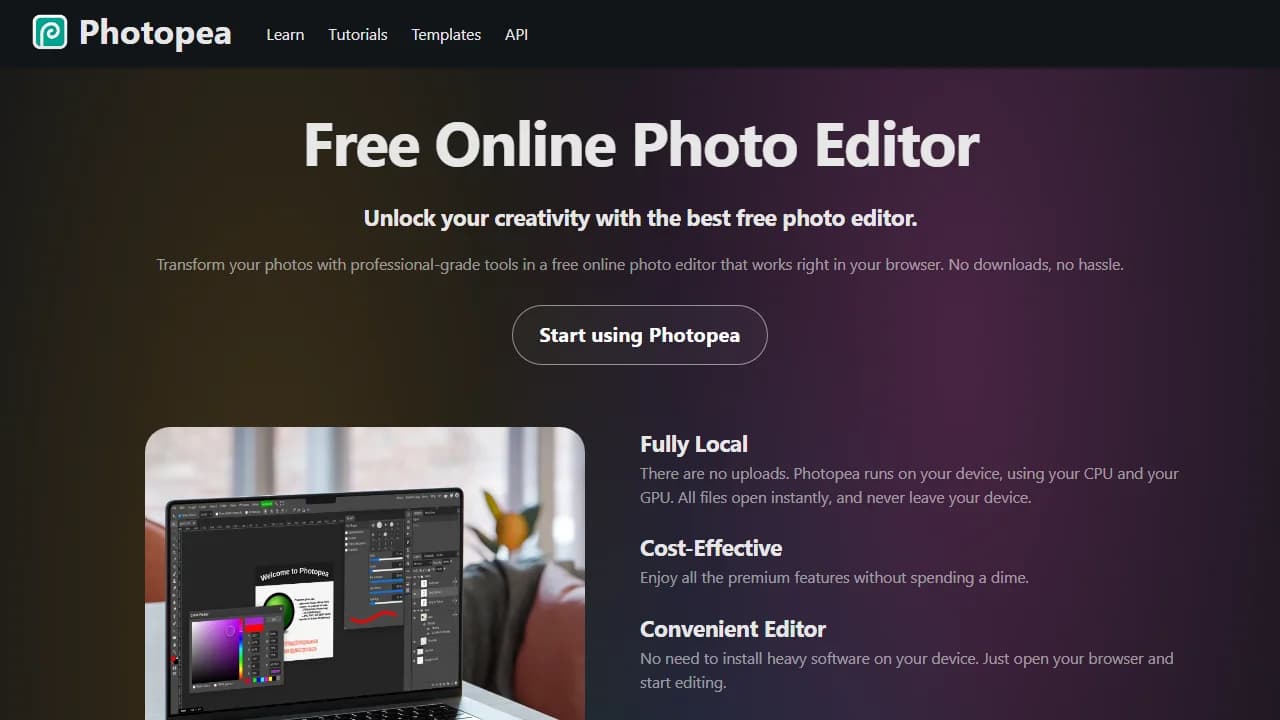
Photopea is the free browser editor in a Gorilla Tag tutorial on page one. It works like Photoshop: layers, masks, blend modes, and it opens and saves PSD files. You build the thumbnail yourself: your screenshot or render, a background, an outline on the words. It runs locally in the browser, with no upload and no account. A search of its template library found no Gorilla Tag thumbnail, only a profile-picture mockup.
Key features
- Layers, masks and PSD files in the browser
- One-click background removal
- Runs on your device, no upload
Best for
- Following a Photopea tutorial step by step
Pricing
- Free with ads, no account
- Premium removes the ads; its price is shown only inside the editor
Pros
- Works on any computer with a browser, with no install
Cons
- Every element is placed by hand
- No Gorilla Tag templates
5. ibisPaint X, best for making it on a phone
ibisPaint X is a drawing and editing app for iPhone, iPad and Android, and the phone app in a Gorilla Tag mobile tutorial on page one. It isn't a thumbnail tool: you compose the image on layers from your screenshots, with over 3,000 fonts and 86 filters. Its own page says the free and paid versions have the same features apart from ads, though some filters, fonts and materials are Premium.
Key features
- Layers, 3,000+ fonts and 86 filters
- iPhone, iPad and Android
Best for
- Players who have a VR headset and a phone, but no PC
Pricing
- Free with ads
- Premium $4.49/mo or $27.99/yr; Ad Removal $15.99 once (US prices, vary by country)
Pros
- No computer needed
- A full layer editor, free
Cons
- Designing on a small screen is slow
- No templates for thumbnails
6. Blender, best for a posed, rendered 3D monke
Blender is free, open-source 3D software, and the tool the Blender tutorials on page one use for the rendered look: a gorilla model posed, lit and rendered. The tutorials load a community rig, pose it, render a still, then add the words in a 2D editor. Version 5.2.3 LTS came out on October 22, 2026, for Windows, macOS and Linux.
Key features
- Rigging, posing and the Cycles renderer
- Free, with no account or watermark
Best for
- Channels whose look is a rendered monke in a dramatic pose
Pricing
- Free and open source
Pros
- The most control over the pose and the light
Cons
- The steepest learning curve on this list
- The tutorials add the words in a second editor
7. Canva, best for generic templates and drag and drop
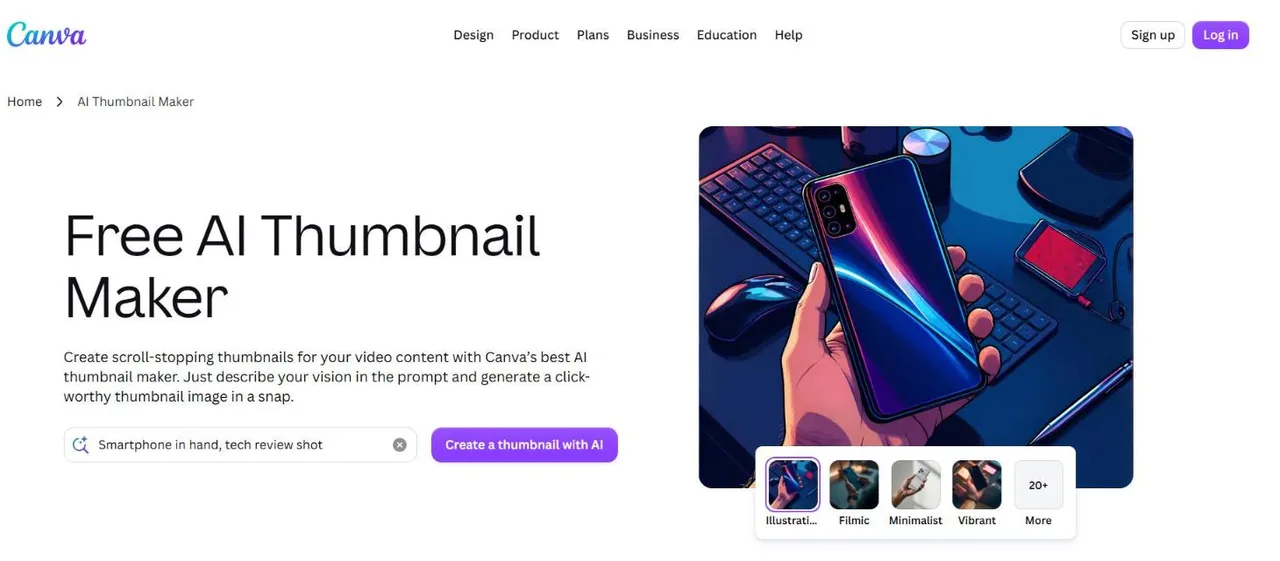
Canva has a YouTube thumbnail design type at 1280 × 720 and a large template library, but a search for Gorilla Tag templates returned gorilla logos and worksheets, not Gorilla Tag thumbnails. It is still a fast way to put a screenshot, a background and big words together, on the web or the iPhone app, with background removal on Pro.
Key features
- A 1280 × 720 YouTube thumbnail design type
- Templates, uploads and drag and drop
- AI image generation, 20 uses on the free plan
Best for
- Creators who already use Canva for everything else
Pricing
- Free plan
- Pro US$144 a year
Pros
- Quick to learn, on web and phone
Cons
- No Gorilla Tag templates
- Background removal is a Pro feature
How to choose a Gorilla Tag thumbnail maker
Choosing comes down to four questions: who makes the image, whether your cosmetics must show, what device you have, and how often you post.
Do you want to make it or have it made?
If you enjoy the editing, Photopea, ibisPaint X and Blender cost nothing and give you full control. If the thumbnail is the part you put off, an AI tool makes it: ThumbnailMaker from the video's link, LaunchLens from your screenshot, Thumbs.ai from a Gorilla Tag template.
Do your cosmetics have to be in it?
If your cosmetics are part of your channel's look, start from a screenshot: LaunchLens and Thumbs.ai take one as the starting point, and ThumbnailMaker can edit one you upload. LaunchLens's own example shows what words alone give you: "a plain gorilla in the default forest".
Do you have a PC?
If you play on a standalone headset and have no PC, ibisPaint X works on a phone, Canva has an iPhone app, and ThumbnailMaker runs in a phone browser. Blender needs a computer.
How many videos do you post a month?
Twice a week is about 9 thumbnails a month. ThumbnailMaker's Starter is 40, LaunchLens' Starter about 30, Thumbs.ai's Starter up to 50. At one video a week, a free editor is enough.
Frequently asked questions
What is the best free Gorilla Tag thumbnail maker?
The best free Gorilla Tag thumbnail maker on a computer is Photopea, a full layer editor in the browser, free with no account. On a phone, ibisPaint X. For AI, LaunchLens gives 90 free credits once, about three thumbnails, with no watermark.
How do you make a Gorilla Tag thumbnail on mobile?
On a phone, open a screenshot of your monke in ibisPaint X or the Canva app and set the canvas to 16:9. Put it on a bright forest or lava background, then add two or three words with a thick outline. Export it as a PNG or JPG and upload it in YouTube Studio. Or paste the video's link in ThumbnailMaker in the phone's browser.
Can I use Gorilla Tag in my YouTube thumbnail?
The fan content policy of Another Axiom, the studio behind Gorilla Tag, allows posting videos of you playing on YouTube and doesn't mention thumbnails by name. Its licence for fan content is for "non-commercial, community use", it bars using the game's IP in advertising, and it asks for a disclaimer "in a clear and visible area". It also says you may not put the official logo in the center or imply the game endorses you. This is not legal advice; read the page, which had no "Last Updated" date when we checked.
Can AI make a Gorilla Tag thumbnail?
AI can make a Gorilla Tag thumbnail: Thumbs.ai has Gorilla Tag templates, LaunchLens builds one around your screenshot, and ThumbnailMaker makes one from your video's link. To keep your exact cosmetics, give the tool a screenshot of your monke.
What size should a Gorilla Tag thumbnail be?
A Gorilla Tag thumbnail follows YouTube's rules: 16:9, at least 1280 × 720 pixels, under 2 MB if you upload from the phone app. The YouTube thumbnail size guide has every number.
Can you download a Gorilla Tag video's thumbnail?
Yes. Paste the video's link in the free YouTube thumbnail downloader and it shows the thumbnail in every size YouTube stores, up to 1280 × 720, with no account. It's a quick way to collect the Gorilla Tag thumbnails you want to learn from.
What text works on a Gorilla Tag thumbnail?
The text that works is two or three words that name the moment: "GHOST", "1 HOUR TAG", "NEW UPDATE". Big, with a thick outline, and away from the bottom-right corner, where YouTube puts the video's length.
Pick by the part you'd rather skip
If the editing is the fun part, open Photopea or Blender. If you would rather spend the time playing, paste the video's link in ThumbnailMaker and let the brief be written for you. For other games, the best gaming thumbnail makers and the Roblox thumbnail makers are compared the same way.
ThumbnailMaker is an independent product and is not affiliated with, sponsored by, or endorsed by Another Axiom, LaunchLens, Thumbs.ai, Photopea, ibis inc., the Blender Foundation or Canva. Gorilla Tag, LaunchLens, Thumbs.ai, Photopea, ibisPaint, Blender and Canva are trademarks of their respective owners, named here only to compare publicly documented features. Details were accurate when written and may have changed since.
ThumbnailMaker Team — Guides from the people building ThumbnailMaker: thumbnail design, CTR, and what happens under the hood of an AI generator. Every number is checked against YouTube's own pages and dated.
Try it on your next video
Paste the video's link: the brief is written for you, then you generate with a plan from $12 a month.