AI YouTube banner generator, from your channel link
YouTube Banner Maker
A YouTube banner maker that gives you a finished banner from your channel link, with your name inside the safe area, the part of the 2560 × 1440 image every screen shows.
Banners are on every plan, from $12 a month. Already have an image? The free banner resizer fits it to 2560 × 1440.
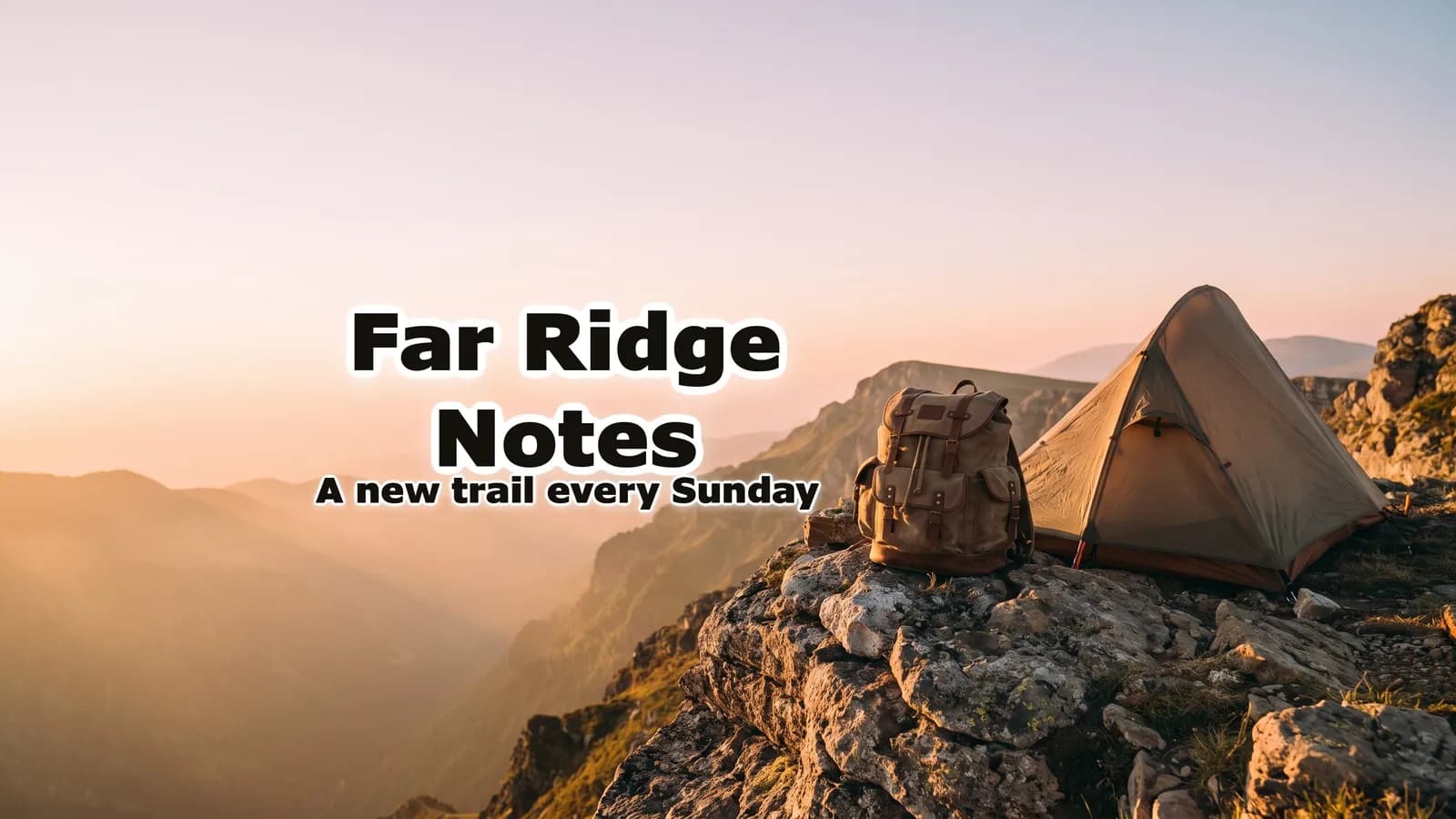
How it works, in short: the image model paints a scene for your channel with no words in it. Then code sets your channel name, and an optional second line such as your upload schedule, inside YouTube's centred 1546 × 423 safe area, at the largest size that fits. The letters are set in a font, not drawn by the model, so they read exactly as typed and cannot drift out of the safe area. You download a 2560 × 1440 JPEG under 6 MB, ready for YouTube Studio. A banner costs 10 credits, the same as a thumbnail.
How it works
You bring the channel. We make the banner.
The banner above, followed from the channel to the download.
Your channel
Paste the channel link, or describe it
From a link (youtube.com/@yourhandle), the brief is written from the channel's name, its description and its latest video titles, and the name is the channel's own, letter for letter. Without a link, you type the name and one sentence. This one was described: “Solo hiking and wild camping in the mountains, one long trail at a time, filmed on foot.”
The scene
Painted with no words in it
The image model paints the whole 16:9 picture: the subject on one side, calm sky or soft light on the other, and no letters, logos or frames. A vision check measures where the subject landed and paints it once more if letters, a frame or a known game or film character slipped in.
The words
Your name, set inside the safe area
Code sets the name in the calm side of the safe area, as large as it fits, with the second line under it (A new trail every Sunday on this one). The outline and the shadow follow the background: dark letters with a light outline on this pale sky, light letters with a dark outline on a dark scene. The words are then read back as a last check.
Your banner
Download it, or change it in a sentence
A 2560 × 1440 JPEG under 6 MB, shown with the safe area and a TV, Computer and Phone preview. Close but not right? Say so in plain words. "Make the name yellow" or "put the name on the right" is redone in code on the same scene; "make it night" repaints the scene and sets the words again.
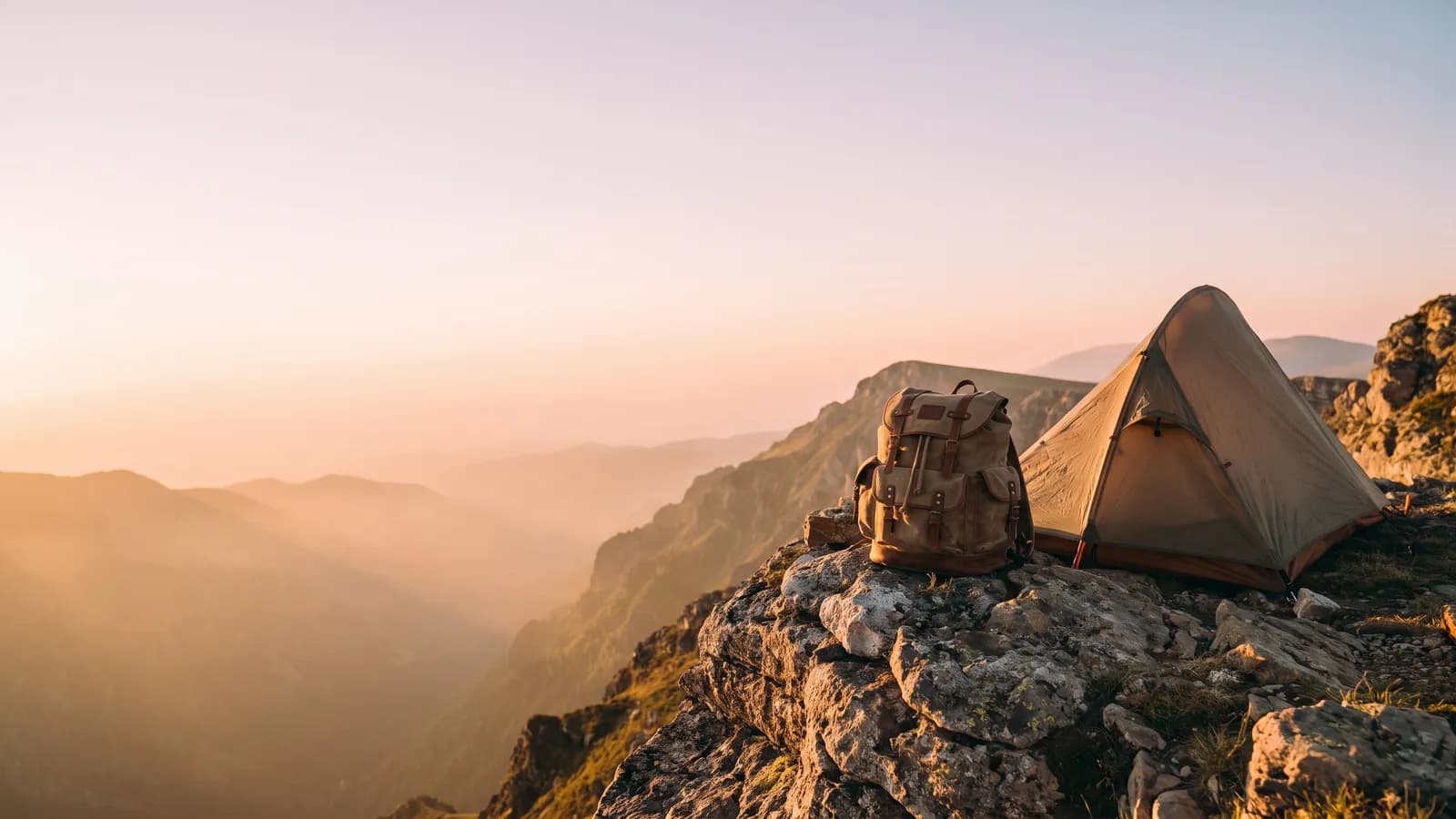
More banners from the same generator
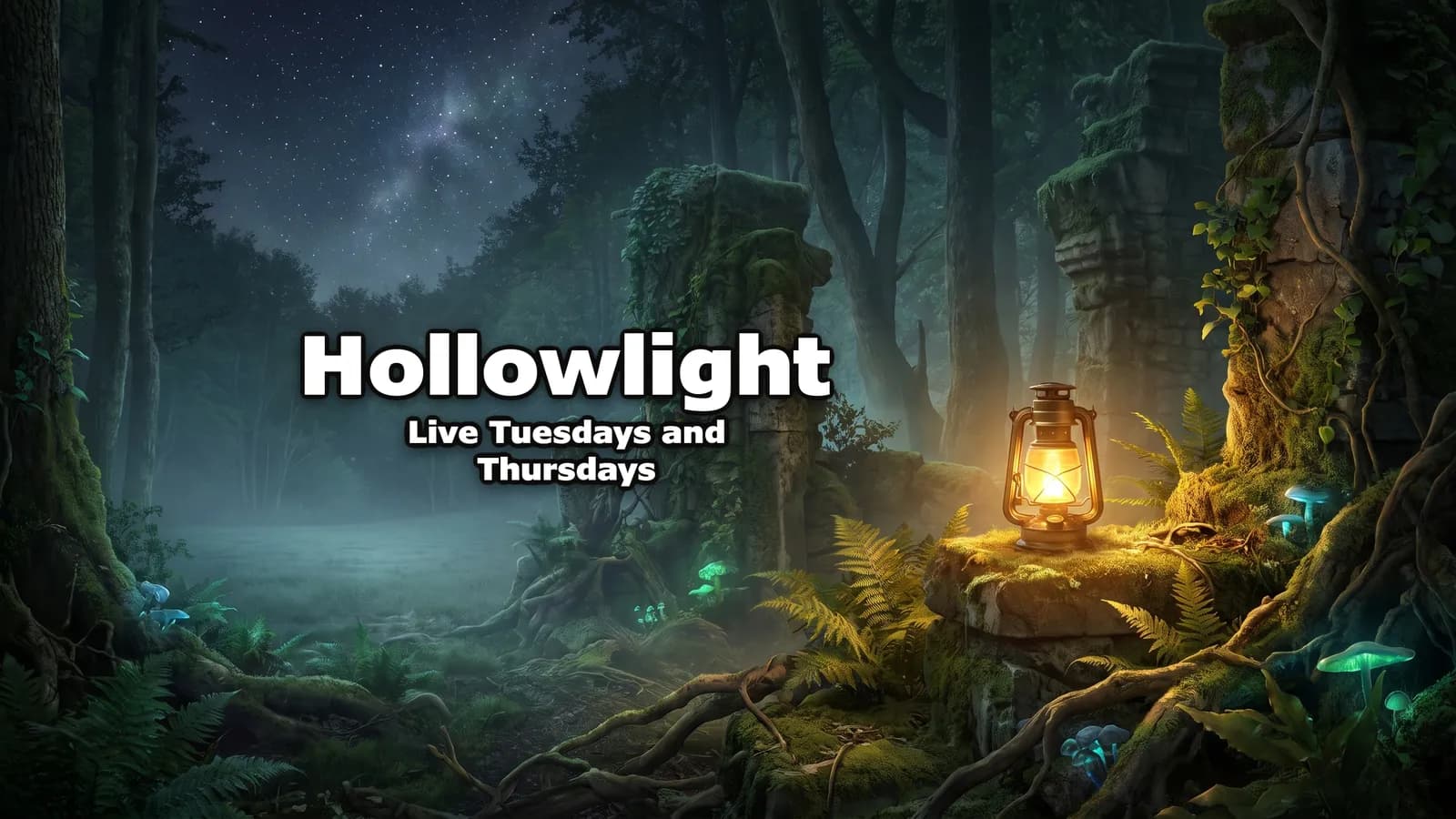
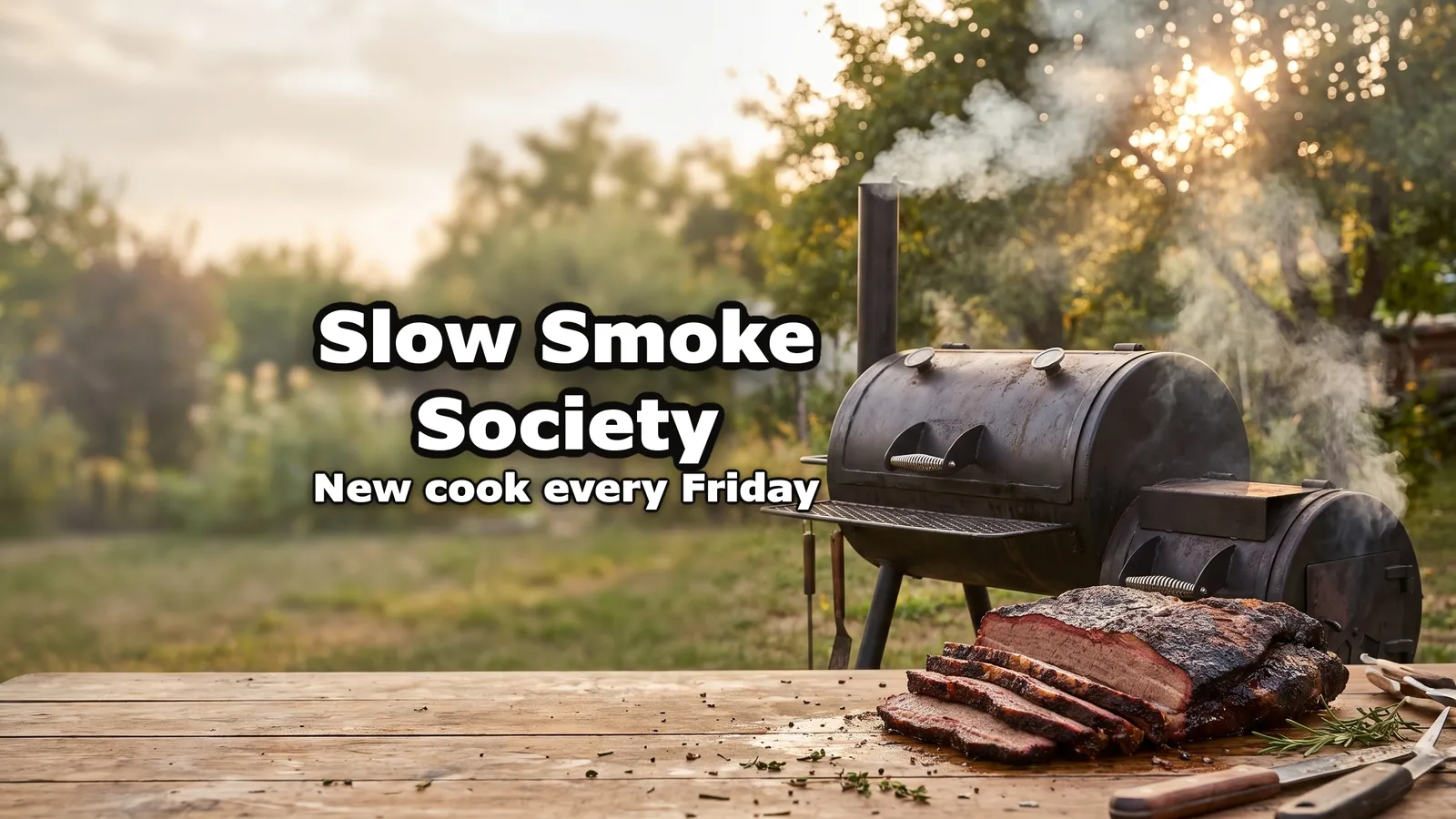
What every banner is built to pass
YouTube banner maker questions
Guides: Free YouTube banner makers compared · YouTube banner size guide
Start with your channel
Your channel's banner starts with its link.
Every video under the banner still needs a thumbnail: the AI thumbnail maker writes it from the video's link, and your first one is a free preview.
The channels in the examples are invented; the banners are real, unedited outputs of this generator.