Skip to content

Podcast thumbnails for full episodes, interviews and clips

Podcast Thumbnail Maker

Paste the episode's YouTube link. ThumbnailMaker reads the video, finds the line worth clicking for and makes the thumbnail around it: two people at the mics, three or four words, spelled right.

Plans from $12 a month for 40 thumbnails. Cancel anytime.

A podcast thumbnail has one job the cover art doesn't. Your cover art sells the show and stays the same on every episode; the YouTube thumbnail sells this one episode, next to videos that were designed to be clicked. So it carries the episode's best line, not the show's name: three or four words a viewer would want explained, like I WAS BROKE or STOP DOING THIS. One or two faces, mid-sentence or reacting, read faster than a wide shot of the studio. Keep it 16:9 for the full episode and 9:16 for the clips you post as Shorts, leave the bottom-right corner clear for the duration badge, and skip the logo, the waveform and the microphone icon: the feed already says it's a podcast.

How it works

You bring the a podcast episode video. We make the thumbnail.

Here is one real thumbnail from this page, followed from the brief to the download.

  1. Your input

    Paste the video's link, or describe it

    The brief is written from the link for you, or you write the scene yourself. This one was one sentence: “A podcast guest in a denim jacket leans into a studio microphone mid-sentence, hand raised, while the host across the table listens with one eyebrow raised, dark studio, warm amber lights behind them”

  2. Words and style

    The exact words, and a style

    The words I WAS BROKE, typed exactly as they should read. The Podcast style sets the framing, the light and the colours.

  3. Generated, then checked

    Checked at the size of the feed

    Every image is graded at 336 px, the width of a card in YouTube's feed. The words are read back and redrawn if a letter is wrong, and the bottom-right corner stays clear of the duration badge.

  4. Your thumbnail

    Download it, or change it in a sentence

    1280 × 720, or 4K. If it is close, describe the change ("make the title yellow") and the rest of the image stays as it is.
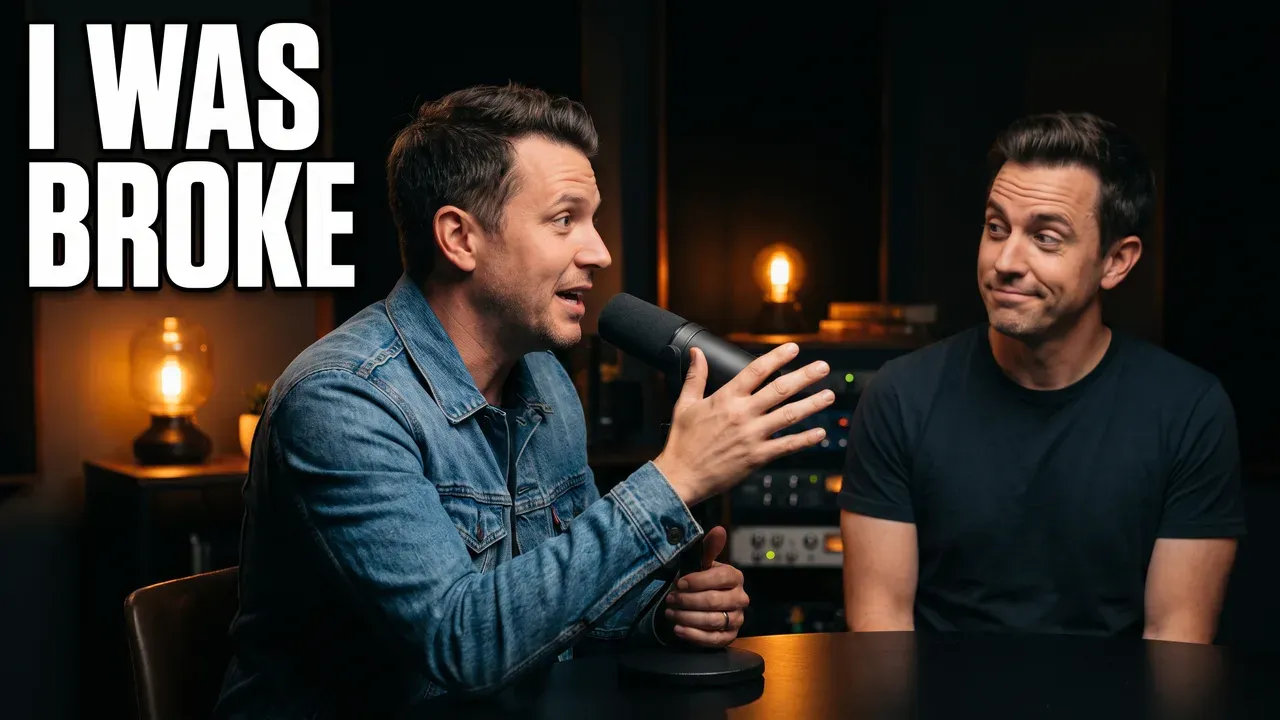
AI-generated podcast thumbnail: a guest in a denim jacket talks into a studio mic while the host listens, with the words I WAS BROKE
The result of step 04, as generated with Podcast.

More from the same generator

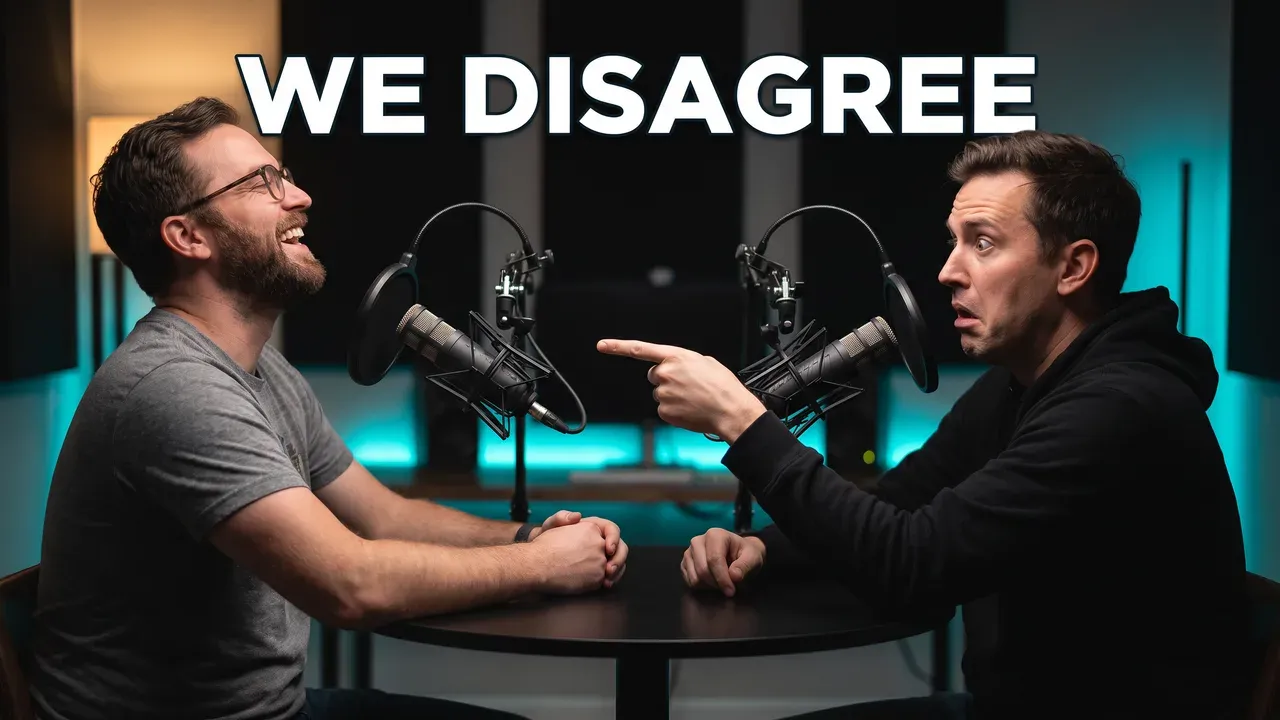
AI-generated podcast thumbnail: two hosts at studio mics face each other, one laughing, one pointing, with the words WE DISAGREE
Two hosts who disagree
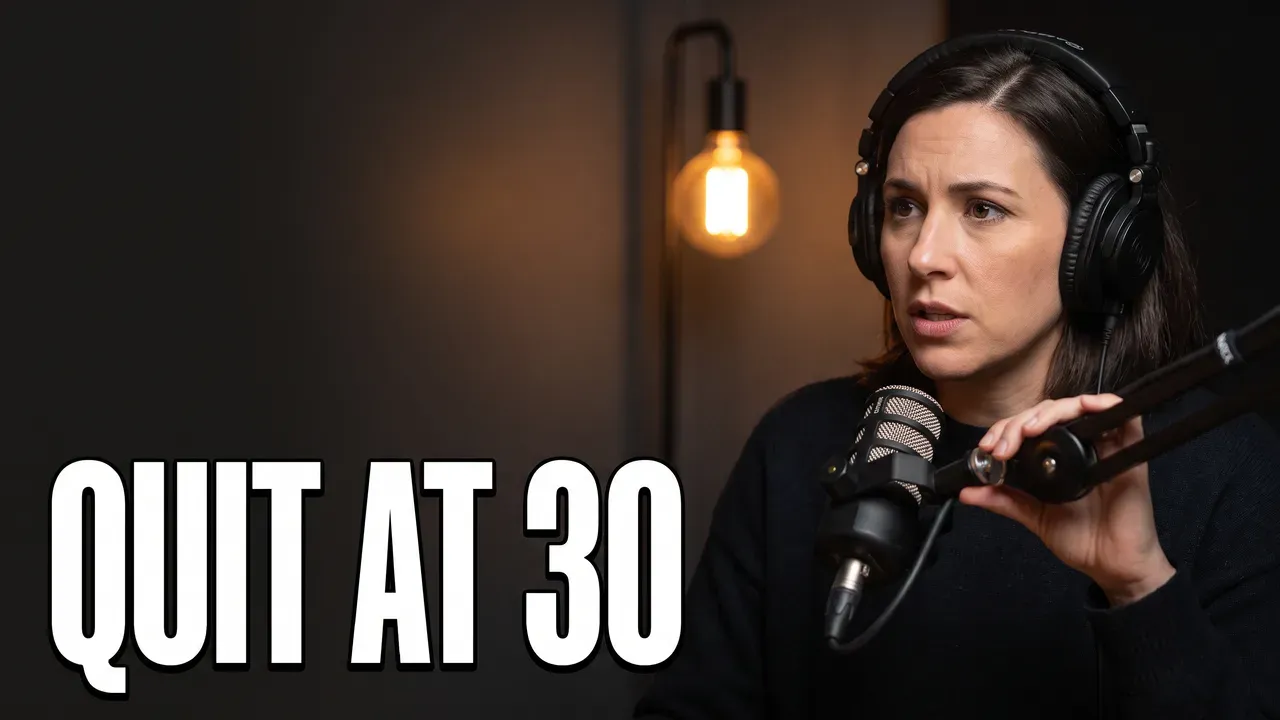
AI-generated podcast thumbnail: a solo host in headphones looks straight at the camera beside a studio mic, with the words QUIT AT 30
A solo episode

Built around how podcast episodes actually get clicked

The guest's best line

The strongest podcast thumbnails promise a moment, not a conversation. Pick the sentence from the episode that makes someone stop, cut it to three or four words, and put it beside the person who said it. Paste the link and the brief proposes that line from the video itself.

"A guest leaning into the mic mid-confession, the host listening with one eyebrow raised, warm studio lights" + I WAS BROKE

Two hosts who disagree

A debate episode sells the tension, so show both people at the same size, facing each other, one of them clearly not buying it. Two calm faces side by side reads as a rerun; a raised hand or a pointed finger reads as an argument worth hearing.

"Two hosts at studio mics in profile, one laughing, the other pointing at him in disbelief, teal accent lights" + WE DISAGREE

Solo episodes

With one host there is no reaction to borrow, so the eyes do the work: the host looks straight into the lens, close enough that the face survives a phone screen, with the words on the empty side of the frame.

"A host in headphones facing the camera at a studio mic, serious, one warm lamp, empty space on the left" + QUIT AT 30

Clips and Shorts

The clips you cut from an episode get their own 9:16 cover, made from the same link, with the words kept clear of the Shorts title and buttons. One episode can feed a week of Shorts, each with the line it's built on.

"Vertical, a doctor holding up a coffee cup like evidence, the host wide-eyed beside him" + STOP DOING THIS

Mistakes that quietly kill podcast CTR

The same template every week

Logo top-left, both hosts smiling, episode number in the corner: a consistent template looks tidy on the channel page and identical in the feed, where a returning viewer thinks they've already seen it. Keep the colours and the lettering, change the moment.

The episode title on the image

The title is already written under the thumbnail. Repeating it in small type wastes the space and can't be read on a phone. Three or four words that the title doesn't say do more.

Waveforms, mic icons and logos

They tell the viewer it's a podcast, which the two people at microphones already said. Every icon takes space from the faces and the words, the two things a viewer reads first.

The square cover art, cropped

Cover art is square, from 1400 × 1400 to 3000 × 3000 pixels on Apple Podcasts, and it is built to be recognised at a glance in a podcast app. Cropped into a 16:9 YouTube frame it loses its edges and says nothing about this episode.

Podcast thumbnail maker questions

Guides: the best podcast thumbnail makers, compared · YouTube thumbnail ideas

Start with your next video

Your next podcast thumbnail starts with the episode's link.

Posting the clips too? The YouTube Shorts thumbnail maker covers the 9:16 side, and the YouTube banner maker makes the channel banner from your channel's link.

Not sure what your thumbnails should be aiming at? See what a good YouTube CTR looks like, or check yours at feed size before you publish.