Twitch banner: your channel name, spelled right, at 1200 × 480
Twitch Banner Maker
A Twitch banner maker that starts from your channel, not from a template. Type the channel's name and what you stream: ThumbnailMaker draws the banner with the name read back, then cuts it to Twitch's 1200 × 480, with Discord and X sizes from the same image.
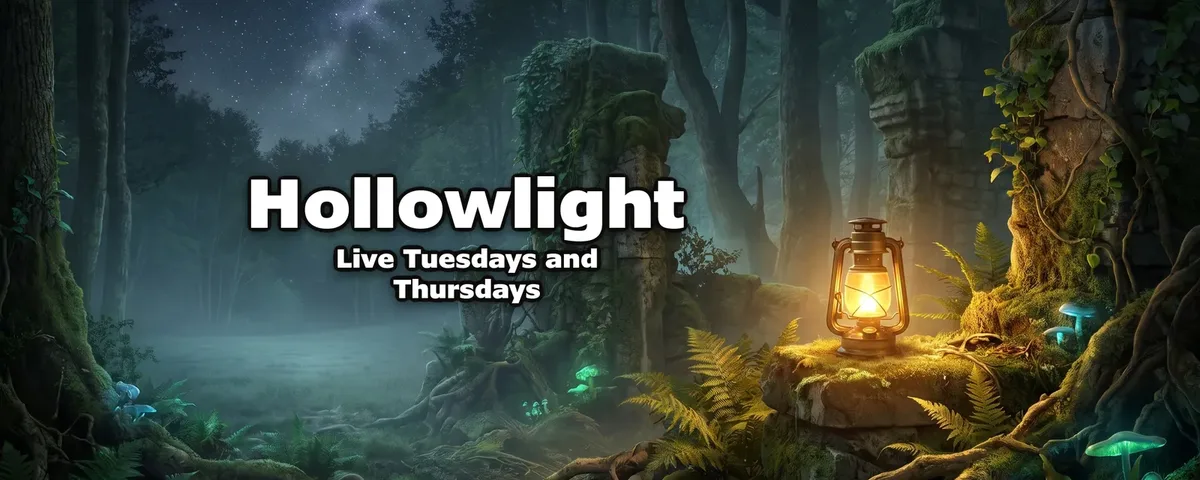
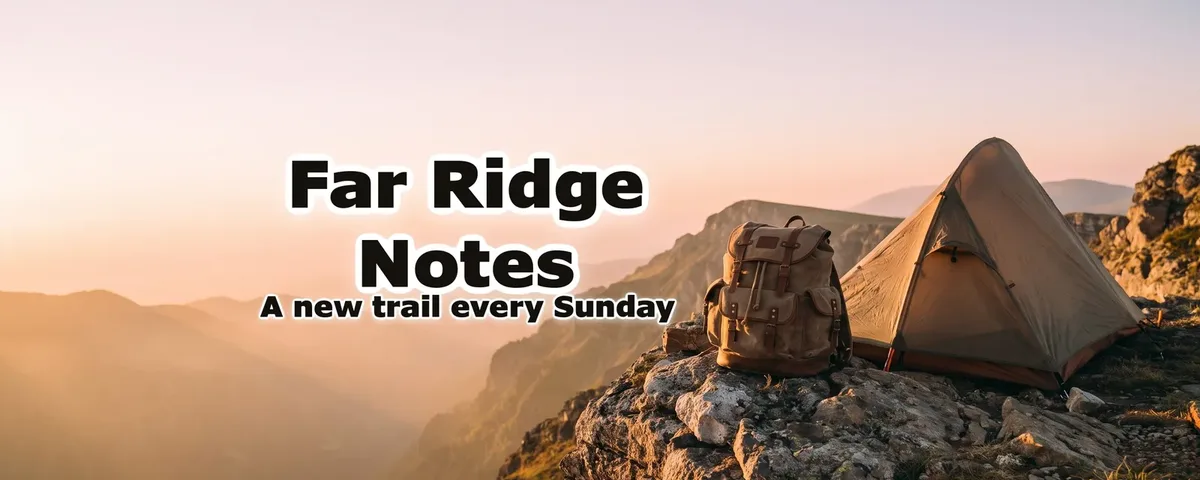
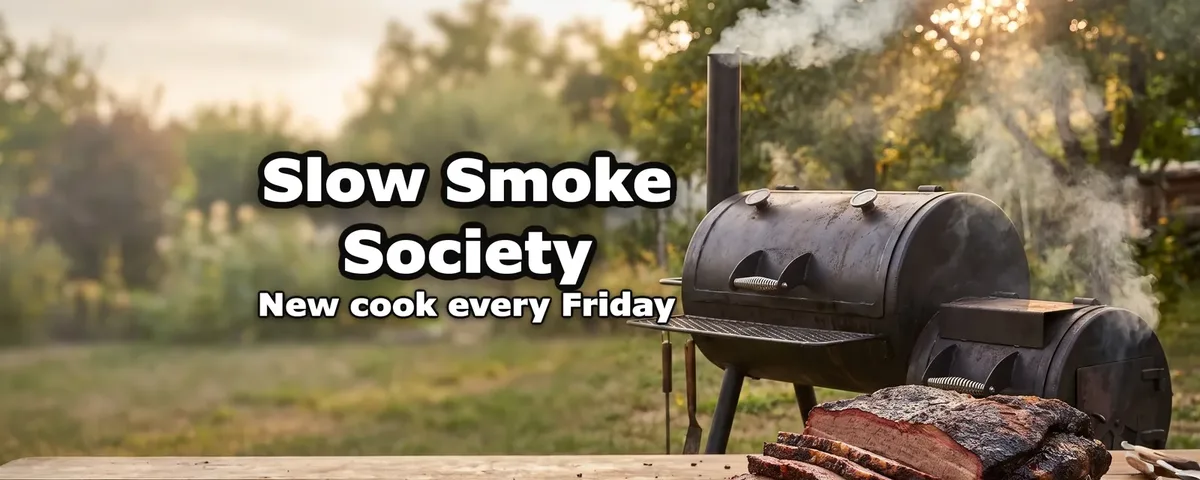
A Twitch profile banner is 1200 × 480, scaled to 480 pixels high. Twitch stretches it across the top of your channel page, and on a window wider than the image it stretches further, so the name belongs in the middle, not at the edges. ThumbnailMaker draws the banner with your name and one line, a schedule or a tagline, inside a centred safe area, then cuts the Twitch version around it, so nothing that matters is lost. The same banner downloads for a Discord profile banner, an X header and a 2560 × 1440 YouTube banner.
One banner, cut for every platform
The words go inside the safe area first. Each platform's banner is a centred cut of the same image, so the name is never cut off.
What goes on a Twitch banner
Your channel name
Drawn into the image and read back, so it comes out spelled the way you typed it.
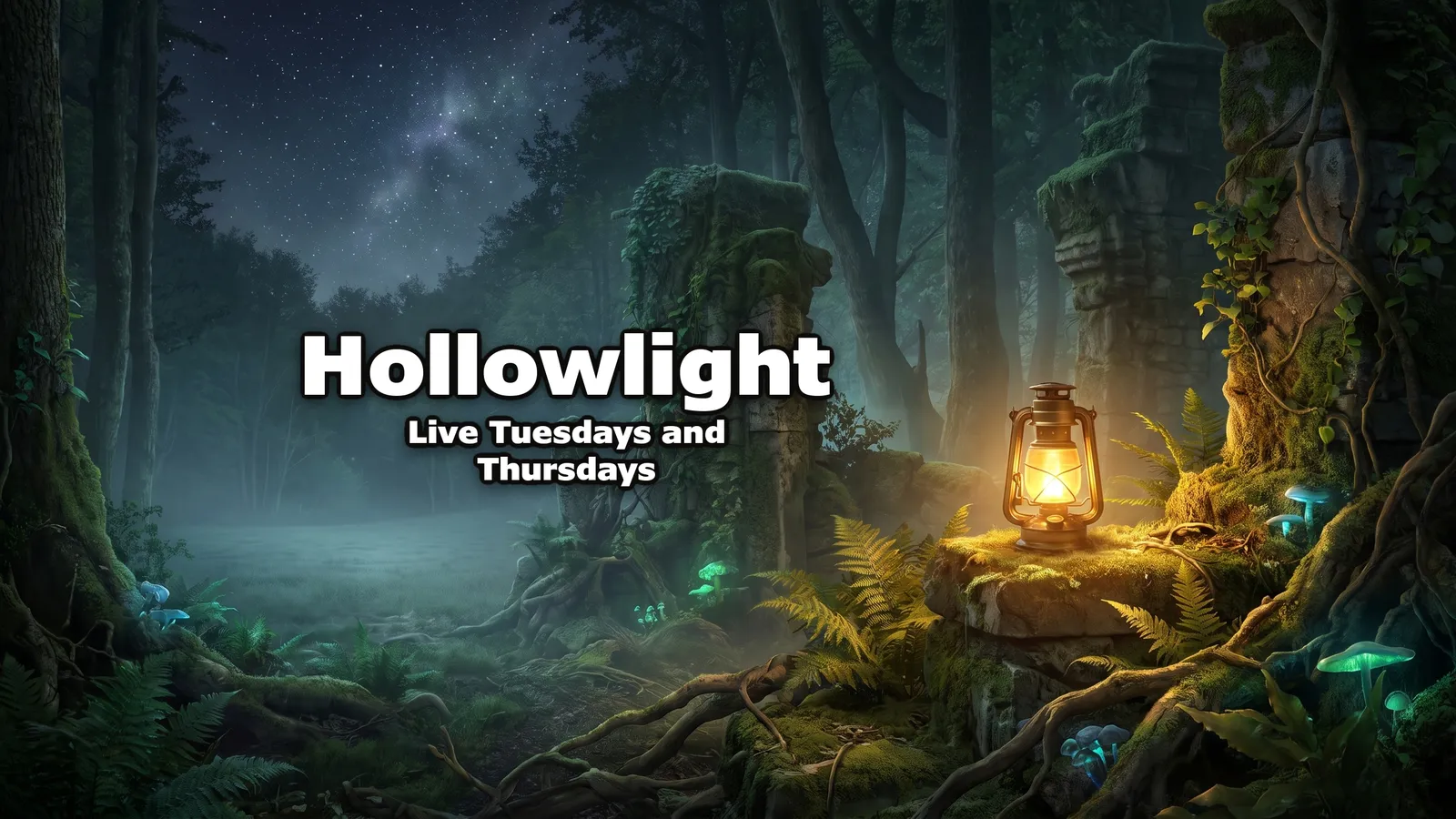
Hollowlight
When you're live
One line under the name: a schedule viewers can remember, or what the channel is about.
Live Tuesdays and Thursdays
What you stream
One scene that says the game, the mood or the topic, not a collage of logos.
A misty forest at night, a glowing lantern on a mossy stone
Nothing at the edges
Twitch stretches the banner on wide windows and crops what doesn't fit, so the name and the subject stay in the middle.
Mistakes that make a Twitch banner look off
A 16:9 picture in a 5:2 slot
Scaled to 480 pixels high, a 16:9 image loses its top and bottom. Start from a banner made for the cut.
Words at the edges
A name in a corner is the first thing a wide window crops. Keep it centred.
Too many words
A name and one line read at a glance. A paragraph of socials and sponsors doesn't.
A small file stretched wide
Twitch stretches the banner on wide screens. Upload at least 1200 pixels across, never less.
Twitch banner maker questions
Guides: YouTube banner maker · YouTube banner size
Start with your channel name
Your channel's name, spelled right.
Make the banner once and download it for Twitch, Discord, X and YouTube. Streaming on YouTube too? The YouTube banner maker page shows the full 2560 × 1440 version.
Need a thumbnail for the VOD? The thumbnail generator makes one from the video's link. Have the picture already? The free banner resizer crops it to 1200 × 480.
ThumbnailMaker is an independent product and is not affiliated with, sponsored by or endorsed by Twitch, Discord or X. Their names are used here only to describe where the banner goes.