Discord profile banner: your name, spelled right, sized for Discord
Discord Banner Maker
A Discord banner maker for your profile banner. Type your name and a line about you or your server: ThumbnailMaker draws the banner with the words read back and downloads it sized for Discord, with Twitch and X sizes from the same image.
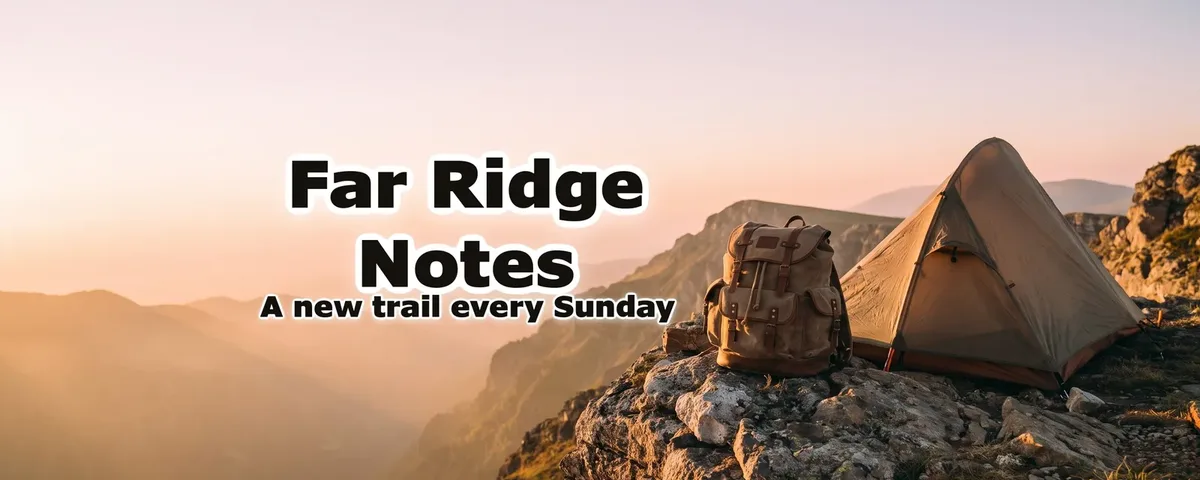
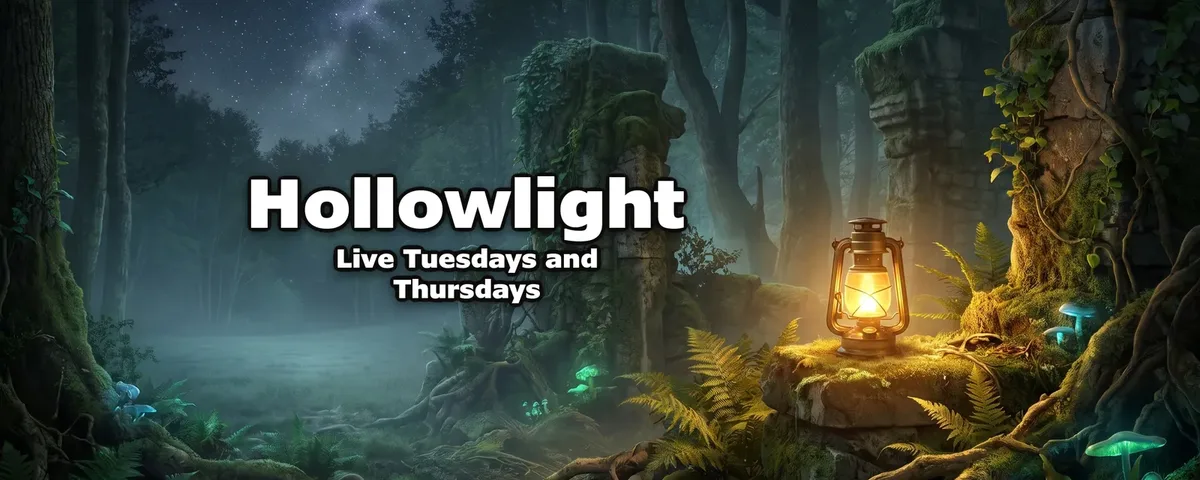
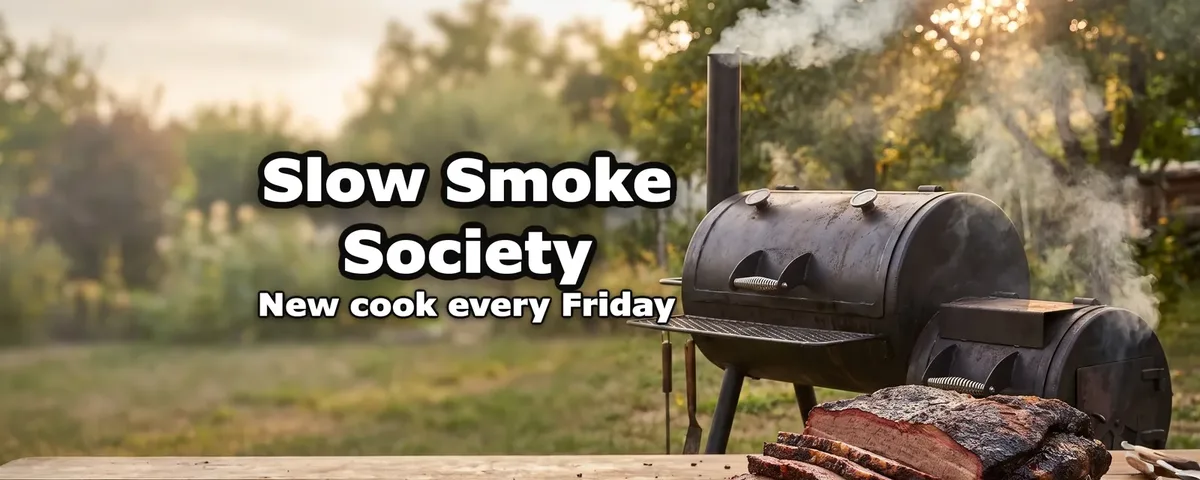
A Discord profile banner is at least 600 × 240, and it's a Nitro feature. Discord shows it at the top of your profile card, with your avatar over its lower-left part, so the name belongs in the middle. ThumbnailMaker downloads it at 1200 × 480, twice Discord's minimum so it stays sharp, cut around a centred safe area where the words are. Discord asks for no text on server banners, so this is for your profile banner, not your server's.
One banner, cut for every platform
The words go inside the safe area first. Each platform's banner is a centred cut of the same image, so the name is never cut off.
What goes on a Discord banner
Your name or handle
Drawn into the image and read back, so it comes out spelled the way you typed it.
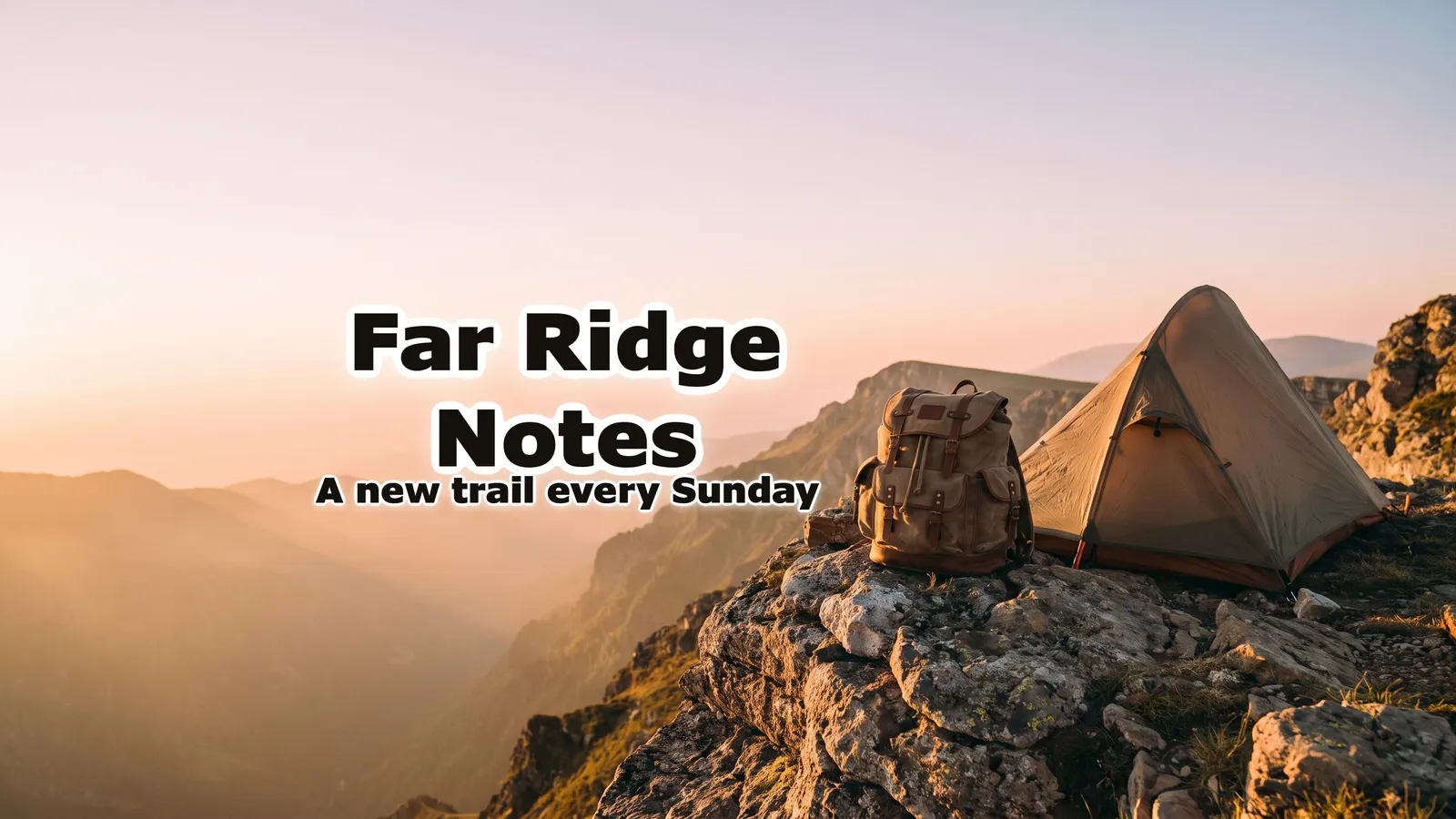
Far Ridge Notes
One line about you
What you play, what you make, or the server people know you from.
A new trail every Sunday
A scene, not a collage
One picture that says who you are reads better on a small profile card than five stickers.
A tent and a backpack on a rocky ridge at sunrise
Room for the avatar
Your avatar sits over the lower left of the banner on your profile, so the words stay in the middle.
Mistakes that make a Discord banner look off
Uploading at the bare minimum
Discord asks for at least 600 × 240. Uploading twice that keeps the banner sharp on high-density screens.
Words under the avatar
Anything in the lower left is covered by your profile picture. Keep the name centred.
Text on a server banner
Discord asks for no logos or text on server banners. Keep the words for your profile banner.
Too many words
A profile card is small. A name and one line read; a list of links doesn't.
Discord banner maker questions
Guides: YouTube banner maker · Discord banner size
Start with your name
Your name, spelled right.
Make the banner once and download it for Discord, Twitch, X and YouTube. Have a YouTube channel too? The YouTube banner maker page shows the full 2560 × 1440 version.
Making videos too? The thumbnail generator makes a thumbnail from a video's link. Have the picture already? The free banner resizer crops it to Discord’s size.
ThumbnailMaker is an independent product and is not affiliated with, sponsored by or endorsed by Twitch, Discord or X. Their names are used here only to describe where the banner goes.