Free AI tool
YouTube banner resizer
YouTube banner resizer: drop in any image and get it back as a 2560 × 1440 channel banner, cropped or fitted, under YouTube's 6 MB limit. The safe area is marked on the preview, so you see what a phone keeps before you upload.
Drop an image here
JPG, PNG or WebP. It never leaves your browser: the resizing happens on your own device.
Making thumbnails as well? The YouTube thumbnail resizer does 1280 × 720, 4K and Shorts covers the same way.
No image to start from? The YouTube banner maker makes the whole banner from your channel link, with your name set inside the safe area.
How do I resize an image for a YouTube banner?
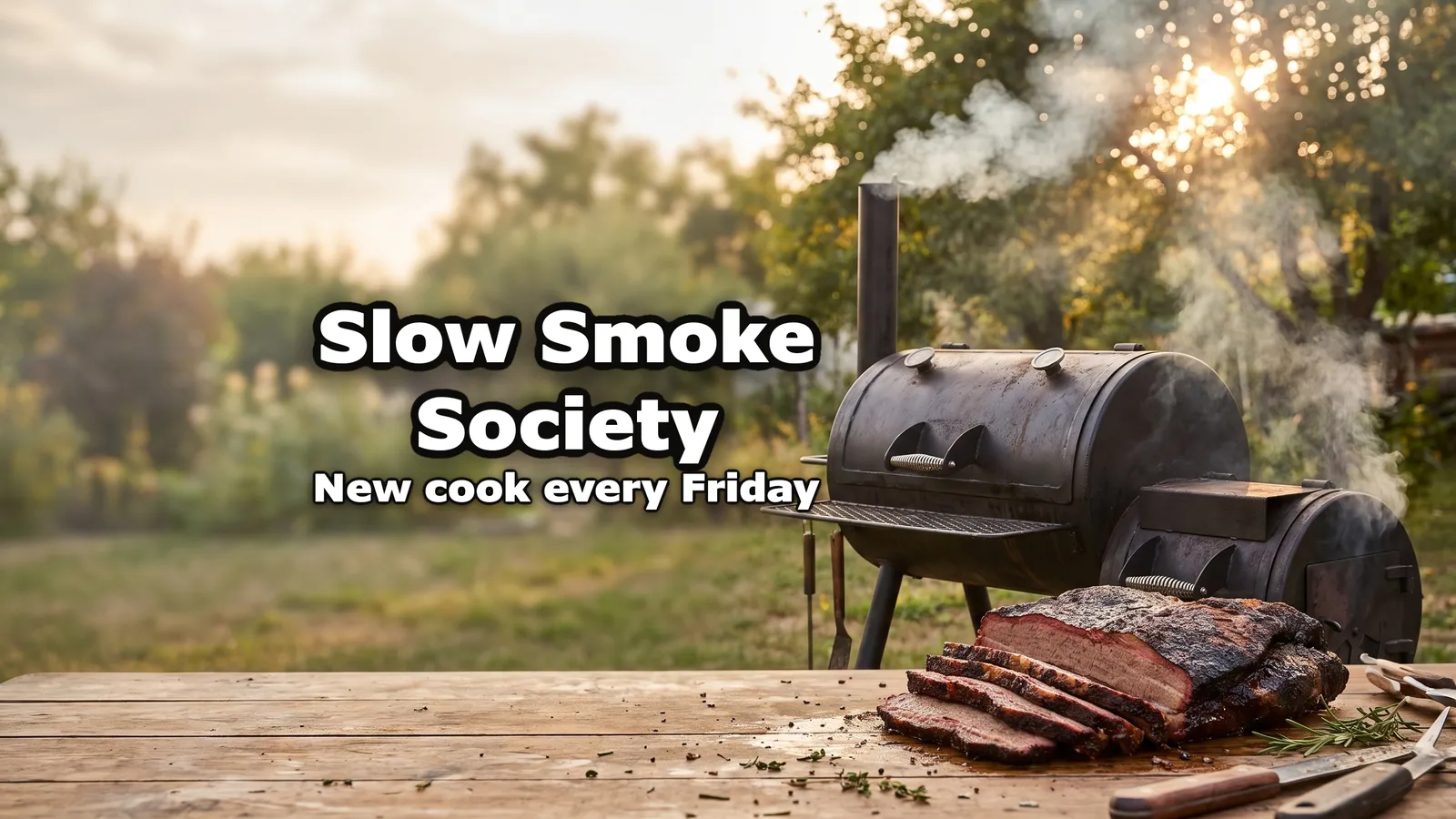
The panels use banners made with our generator for invented channels.
Drop an image here
01
The image
Drop in an image
JPG, PNG or WebP. 2560 × 1440 or larger stays sharpest; anything under 2048 × 1152 has to be enlarged, and the tool says so.
Crop to fill Fit whole image · Blurred copy 02
The fit
Crop it or fit it
Crop to fill covers the whole banner: drag the image, or use the sliders, to choose what stays. Fit whole image keeps all of it and fills the sides with a blurred copy or a solid colour.
- Preview as
- TV
- Computer
- Phone
03
The safe area
Check the safe area
Keep your channel name and logo inside the dashed rectangle in the middle, the only part YouTube shows on every device. Switch the preview to Computer or Phone to see roughly what each keeps.
Download JPG
youtube-banner-2560x1440.jpg- Recommended size: 2560 × 1440 pixels (16:9), especially for TV
- File size: 6 MB or smaller
04
The file
Download the JPG
It comes out at 2560 × 1440 and under 6 MB, and the tool shows the size of the file it saved. Upload it as your banner in YouTube Studio.
What are YouTube's banner size rules?
| What | Value |
|---|---|
| Recommended size | 2560 × 1440 pixels (16:9), especially for TV |
| Minimum upload | 2048 × 1152 pixels (16:9) |
| Safe area at the minimum size | 1235 × 338 pixels, in the centre |
| Safe area at 2560 × 1440 | About 1546 × 423 pixels, in the centre |
| File size | 6 MB or smaller |
| What each screen shows | TV: the whole image. Computer and phone: a strip through the middle |
| Leave out | Added borders, shadows or frames |
From YouTube's Help page on banner images. The 1546 × 423 figure is the minimum safe area scaled to 2560 × 1440 (× 1.25), rounded the way most guides round it. Each number is explained in our YouTube banner size guide.
And the thumbnails?
A banner is one image per channel; a thumbnail is one per video. The YouTube thumbnail resizer does this same job for 1280 × 720, 4K and Shorts covers, and the YouTube thumbnail size guide explains each number. To make the thumbnail itself, the AI thumbnail maker writes it from your video's link. The brief and your first 3 thumbnails are free; then plans from $12 a month.
When to resize one
A photo you took
A banner without a design tool
Crop a landscape photo to 2560 × 1440 and keep the subject in the middle strip, the part every screen shows.
Artwork you were sent
The right size, never stretched
Art that arrives in the wrong shape is cropped or fitted to 2560 × 1440, not squeezed.
Twitch, Discord, X
One image, four platforms
The same image cut to Twitch's 1200 × 480, a Discord profile banner or X's 1500 × 500 header.
Before the upload
Under the 6 MB limit
A PNG of a photo can go over 6 MB. The JPG export stays under it.
Questions about resizing YouTube banners
What size should a YouTube banner be?
2560 × 1440 pixels, in 16:9. That is YouTube's recommendation, and the size a TV shows in full. The minimum upload is 2048 × 1152 pixels, and the file has to be 6 MB or smaller. Keep text and logos inside the safe area in the middle: 1235 × 338 pixels at the minimum size, about 1546 × 423 at 2560 × 1440. Computers and phones crop the banner to a strip through the middle, and the safe area is the only part YouTube shows on every device. The resizer above exports 2560 × 1440 with that area marked.
How do I resize an image for a YouTube banner?
Drop it into the resizer above, choose Crop to fill or Fit whole image, and download. Crop to fill covers the whole 2560 × 1440 frame and lets you drag the image or zoom in to pick what stays. Fit whole image keeps all of it and fills the sides with a blurred copy or a solid colour. Before downloading, check that your channel name and any logo sit inside the dashed safe area. The JPG comes out under 6 MB, so YouTube takes it as it is.
What is the YouTube banner safe area?
The rectangle in the middle of the banner that YouTube shows on every device: 1235 × 338 pixels on a 2048 × 1152 image, about 1546 × 423 on a 2560 × 1440 one. Everything outside it is cut off on some screens. A TV shows the whole banner; computers and phones show a strip through the middle, so a name or logo near the top, the bottom or the sides can disappear. Text and logos go inside the safe area; the rest is background.
Why does my YouTube banner look cropped on mobile?
Because a phone shows only a strip through the middle of the banner, not the whole 16:9 image. That is how YouTube displays banners, not a fault in your file. The fix is placement: keep the channel name, faces and logos inside the safe area, about 1546 × 423 pixels in the centre of a 2560 × 1440 banner. Switch this tool's preview to Phone to see roughly what is kept; the exact strip depends on the screen.
What is the maximum file size for a YouTube banner?
6 MB. A 2560 × 1440 JPG of a photo usually weighs well under that; a PNG of the same photo can go over it. This resizer saves the JPG under 6 MB, lowering the quality step by step only when it has to, and shows the size of the file it saved. If a PNG comes out over 6 MB, download the JPG instead.
Can I crop a YouTube banner without Photoshop?
Yes. This page crops and resizes in your browser: drag the image or use the sliders to choose what stays inside the 2560 × 1440 frame, zoom in if the subject is small, and download. It works as a banner size converter too: any shape goes in, 2560 × 1440 comes out. No account, no watermark.
Is my image uploaded anywhere?
No. The resizing happens on your device, in your browser's canvas. The file is never sent to our servers, and the page keeps working if you go offline after it has loaded.
Can I resize a banner for Twitch, Discord or X?
Yes. Pick Twitch, Discord or X header above the preview: the image is cropped or fitted to Twitch's 1200 × 480, a 1200 × 480 Discord profile banner (twice Discord's 600 × 240 minimum) or X's 1500 × 500, with X's safe band drawn. Everything still happens in your browser.
Now the thumbnail
Paste the video link. The generator writes the brief from your title, makes the thumbnail and checks it at feed size. Your first 3 thumbnails are free, then plans from $12 a month.
Make my thumbnail