Geometry Dash profile picture maker, from your own icon
Geometry Dash PFP Maker
A Geometry Dash PFP maker that starts from your own icon. Upload a screenshot of your cube, ball or ship, say the mood in a sentence, and get it back as an 800 × 800 profile picture: the icon kept as it is, a new background and light, the game's interface left out. Your first 3 are free, then a plan from $12 a month.
In Create, pick Profile picture and add the screenshot under Your character.
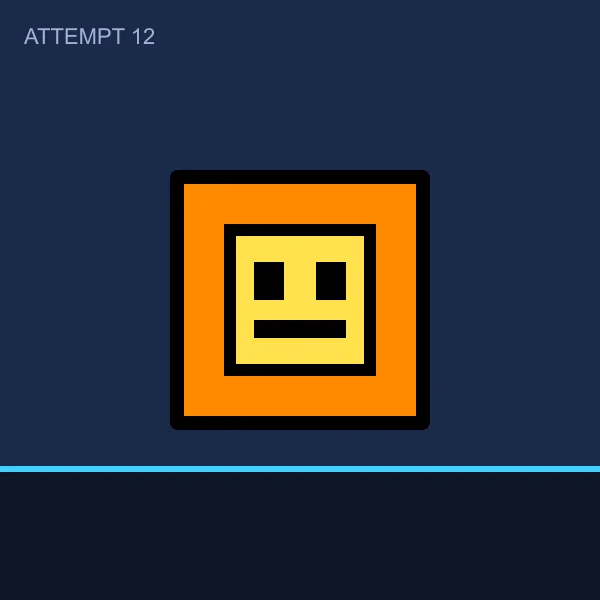
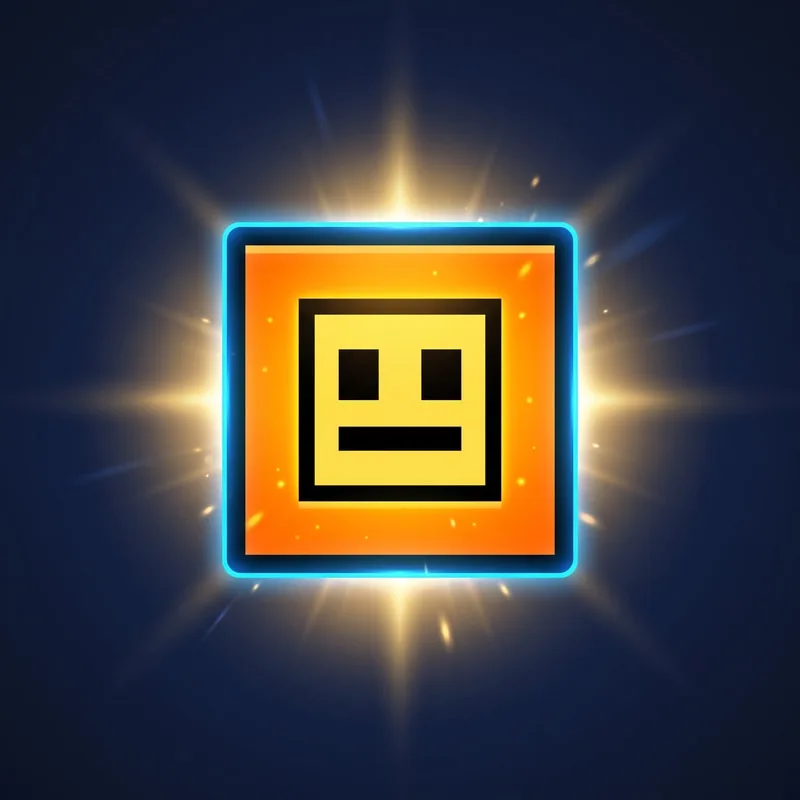
A Geometry Dash PFP is usually the player's own icon. The colours and the face picked in the icon kit are what make it theirs, so a maker that draws a new cube misses the point. Start from a screenshot of the icon: the attempt counter, the floor and the spikes are left out. Keep the icon centred and large, because YouTube shows a profile picture as a circle 98 pixels across, and put it on a colour that fights its own: an orange cube on deep blue, a lime ball on purple.
From a screenshot to a PFP
Three icons drawn for this page, not the game's own, screenshotted in a level with an attempt counter. Each became a profile picture from the sentence under it.
Screenshot PFP, 800 × 800 At 98 px, as YouTube shows it“Profile picture for my Geometry Dash channel from my cube icon: neon glow, dark blue background with small light streaks, bold and clean”
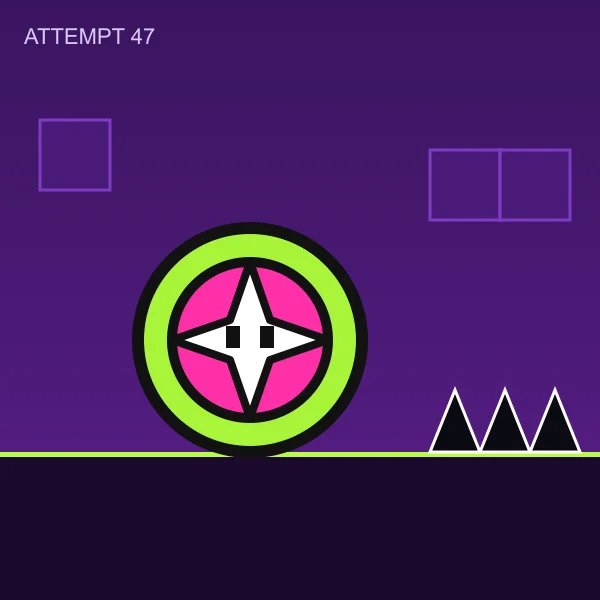
Screenshot 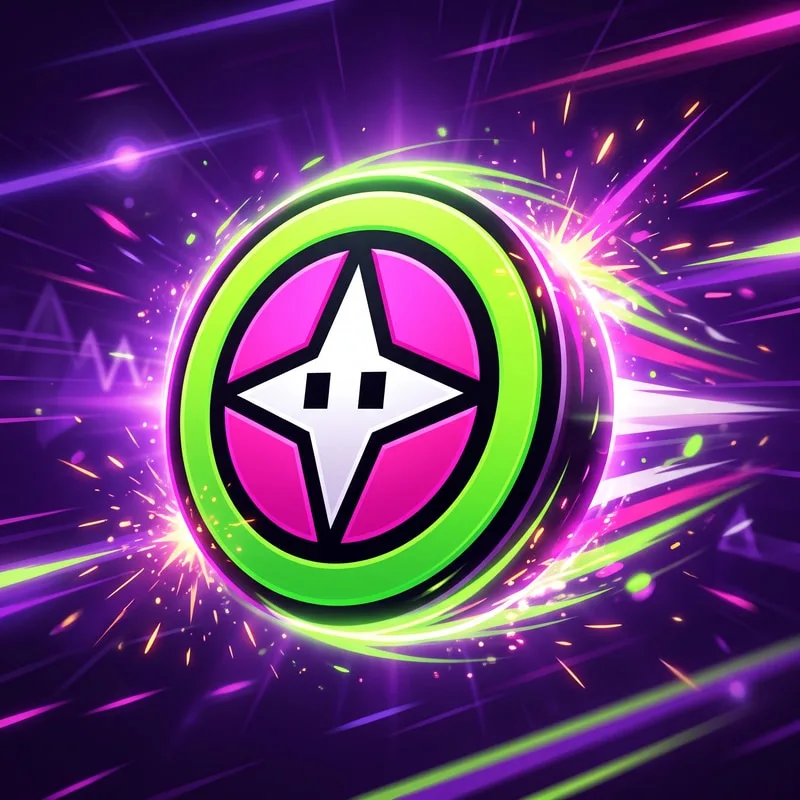
PFP, 800 × 800 At 98 px, as YouTube shows it“Profile picture for my Geometry Dash channel from my ball icon: rolling fast, lime and magenta glow, dark purple background with speed lines”
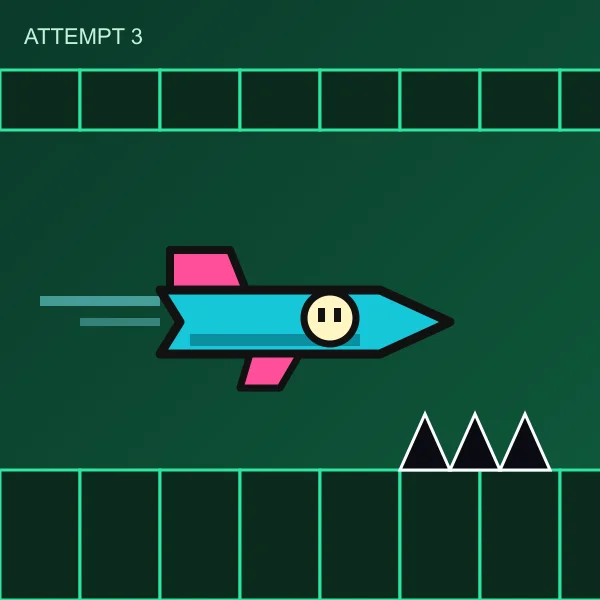
Screenshot 
PFP, 800 × 800 At 98 px, as YouTube shows it“Profile picture for my Geometry Dash channel from my ship icon: flying out of a neon tunnel, teal and pink light trails, dark green background”
How to make a Geometry Dash PFP
Step 1
Screenshot your icon
Pause in a level or open the icon kit, with the icon large and nothing over it. The counter, the floor and the spikes can stay in the shot: they are left out.
Step 2
Pick Profile picture
In Create, choose the Profile picture format and add the screenshot under Your character. A photo of a person is refused: this is for icons, avatars and mascots.
Step 3
Describe what goes around it
The icon's shape, colours and face stay as they are, so the sentence is about the rest: the background, the light, the motion.
Neon glow, dark blue background with small light streaks
Step 4
Check it small, then download
Every picture is graded at the size YouTube draws it. Download it at 800 × 800, with a 512 × 512 copy one click away, and upload it wherever your name shows.
Mistakes that cost a Geometry Dash PFP its icon
The whole screenshot as the PFP
Cut to a circle, a level screenshot is mostly floor and sky, and the icon ends up a few pixels wide. The icon has to fill the middle of the square.
Somebody else's cube
Ask a generator for "a Geometry Dash cube" and every channel gets the same one. Your colours and your face are the point, so start from your icon.
A background in the icon's colour
An orange cube on orange disappears at 98 pixels. Use the colour opposite yours: blue behind orange, purple behind lime.
A name in a 98 pixel circle
A channel name rarely reads that small. Most icon PFPs need no words; if you want some, put two initials in Text.
Geometry Dash PFP maker questions
Guides: YouTube profile picture maker · gaming thumbnail maker
Start with a screenshot
Your icon, in a picture of its own.
Your videos need thumbnails too: the Geometry Dash thumbnail maker makes them in the same neon look, on the same credits.
Want the channel banner to match? The YouTube banner maker paints it from your channel's link.
ThumbnailMaker is an independent AI image maker and is not affiliated with, sponsored by, or endorsed by RobTop Games. Geometry Dash is a trademark of RobTop Games and is named here only to describe what the picture is for. The icons on this page were drawn for it and are not the game's own.