Free thumbnail background downloads, 16:9
YouTube Thumbnail Background
Every YouTube thumbnail background on this page is a free 16:9 download at 1600 × 900, with no text and no people in it. Most keep one side calm for your face and three or four words, and the bottom-right corner plain for the video's length.
Free to use in your own thumbnails. Generated by ThumbnailMaker; no attribution needed, no account.
A thumbnail background sets the scene, then gets out of the way. The face and the words are what a viewer reads at feed size, so the background needs three things: one calm side for them, enough contrast behind the text, and nothing that matters in the bottom-right corner, where YouTube stamps the video's length. Most stock photos fail at least one: they were shot to be looked at, not written on. The 16 below were made to be written on.
16 free thumbnail backgrounds
1600 × 900 WebP files. Most cards name the calm side, where the face and words go; the Download link saves the full-size file.
 Download
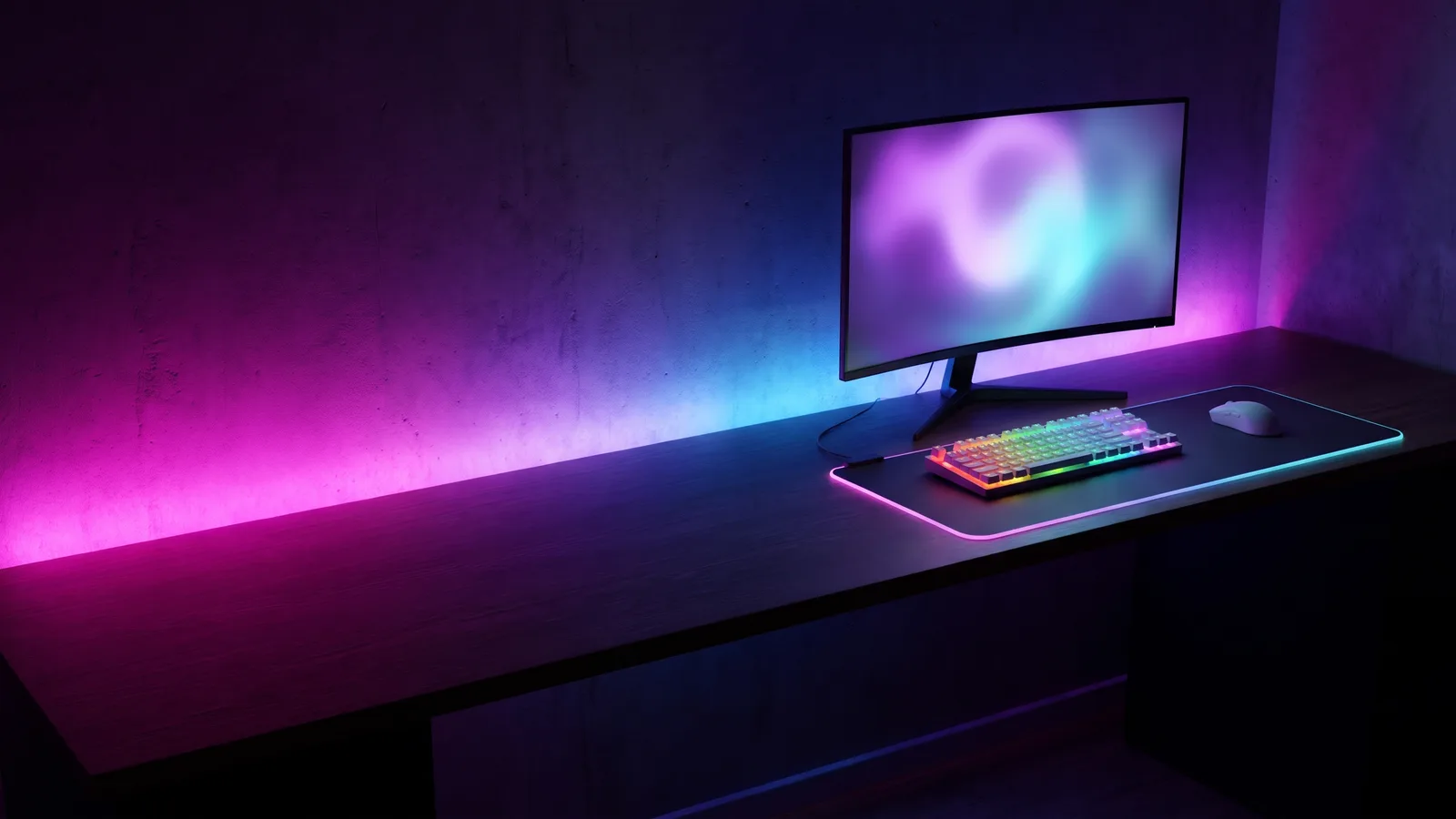
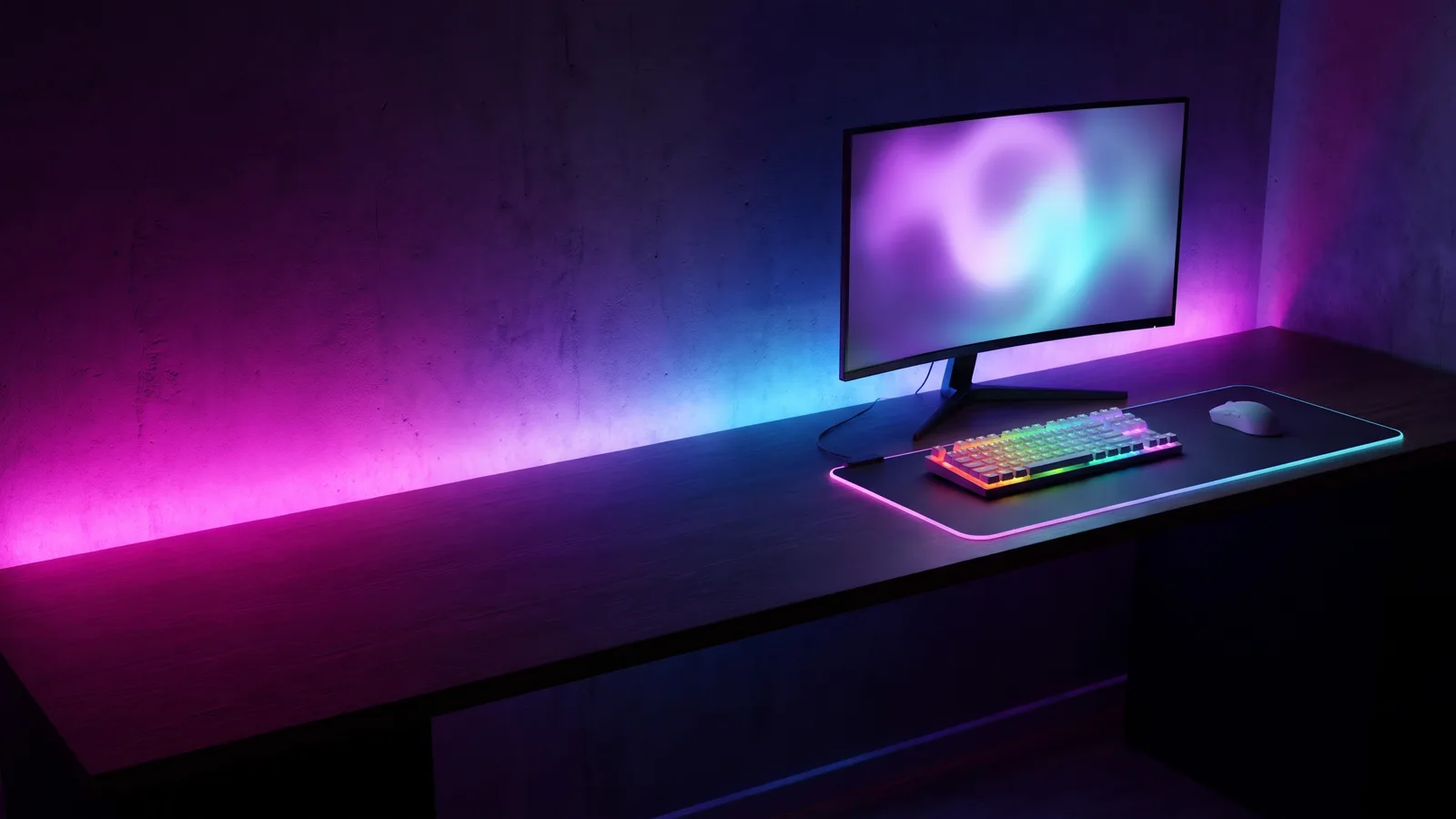
Gaming setup, RGB lights
1600 × 900 · 49 KB · calm left side
 Download
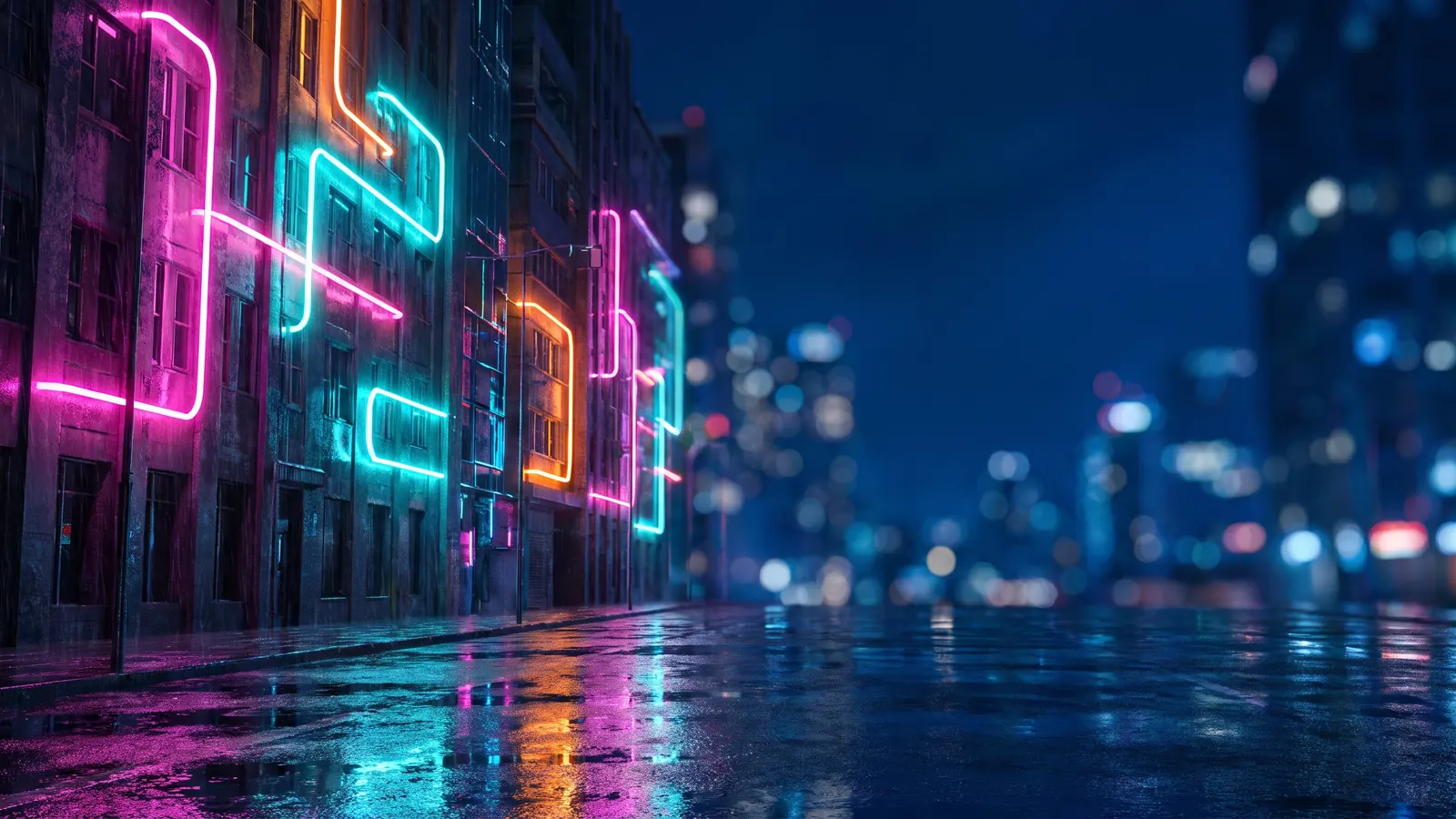
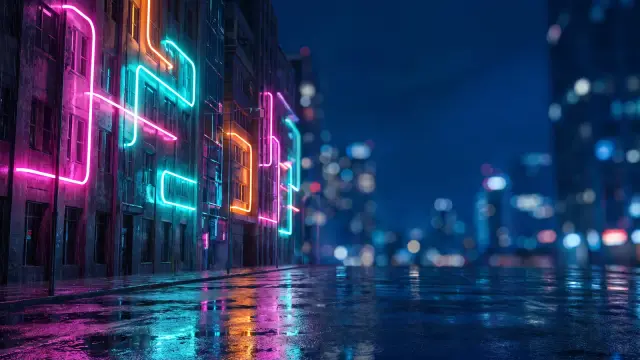
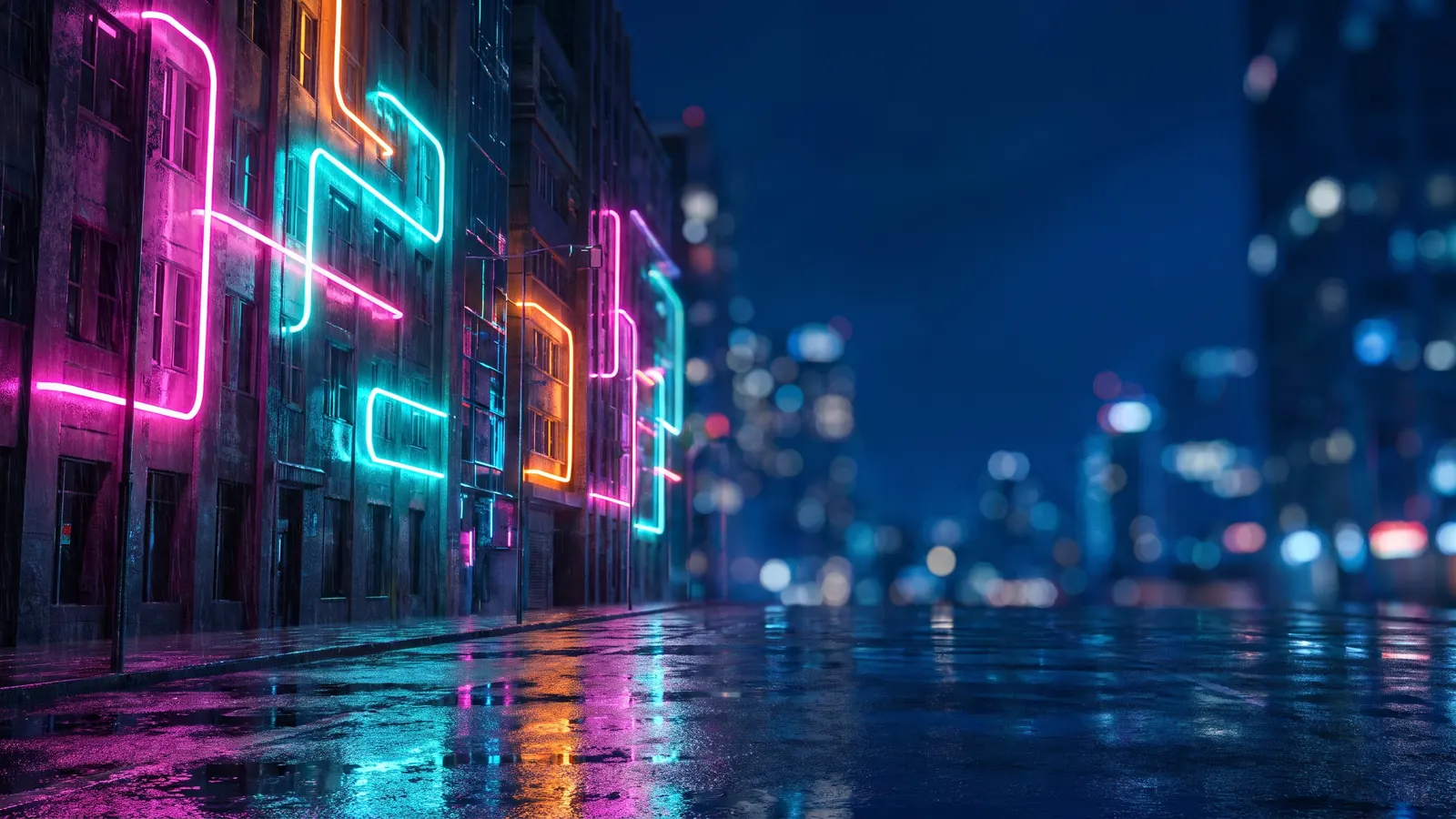
Neon city at night
1600 × 900 · 144 KB · calm right side
 Download
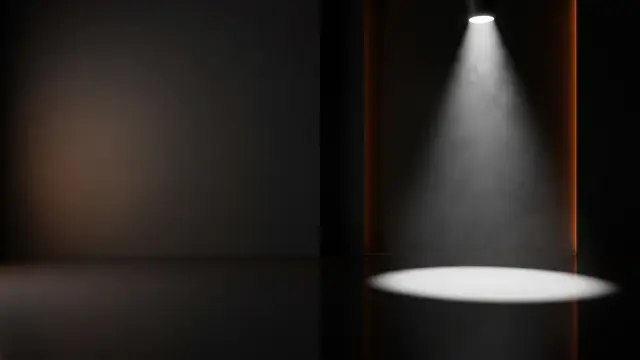
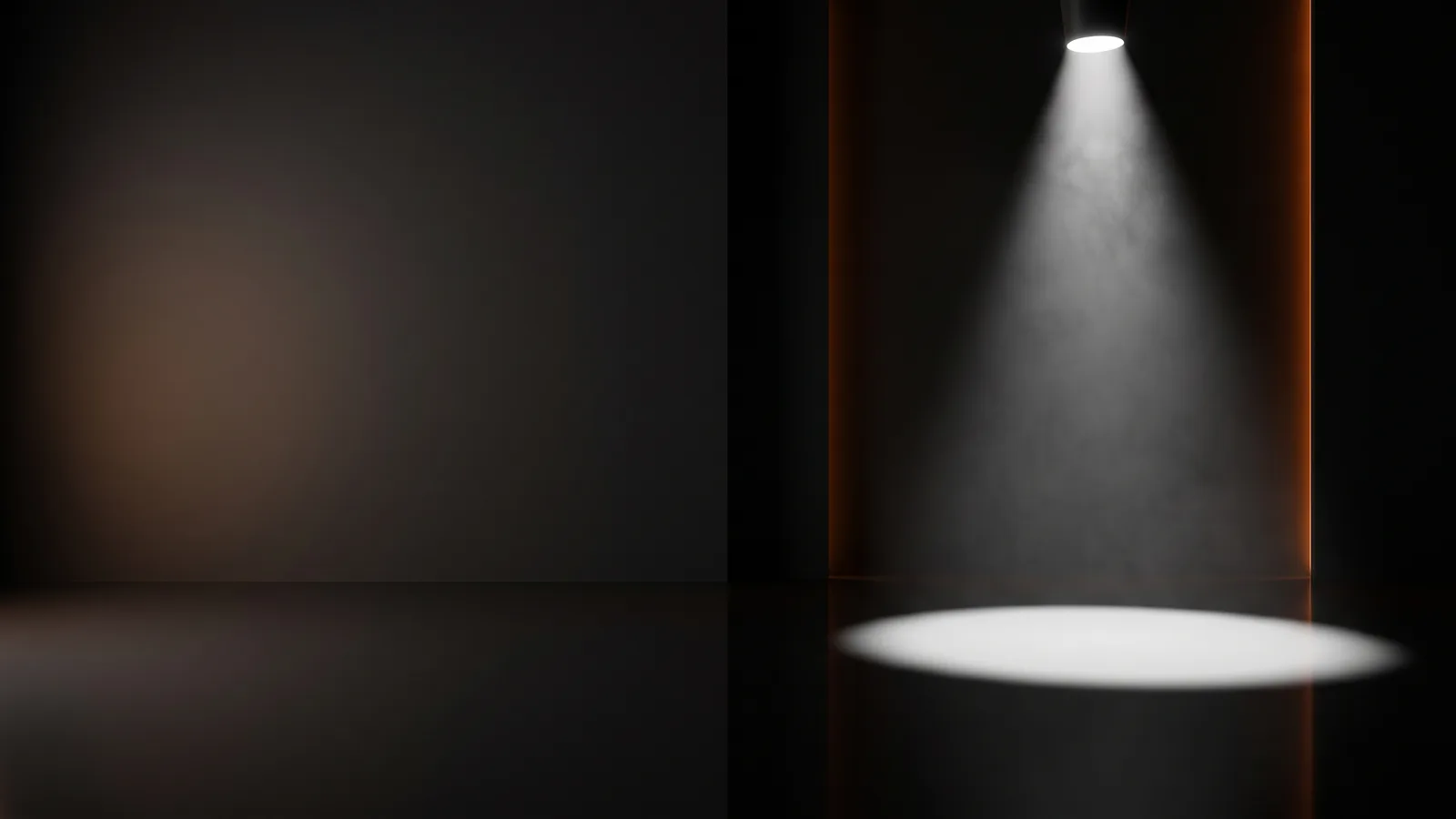
Dark studio, spotlight
1600 × 900 · 12 KB · calm left side
 Download
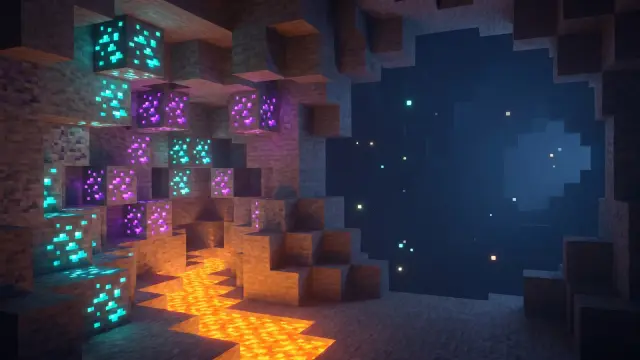
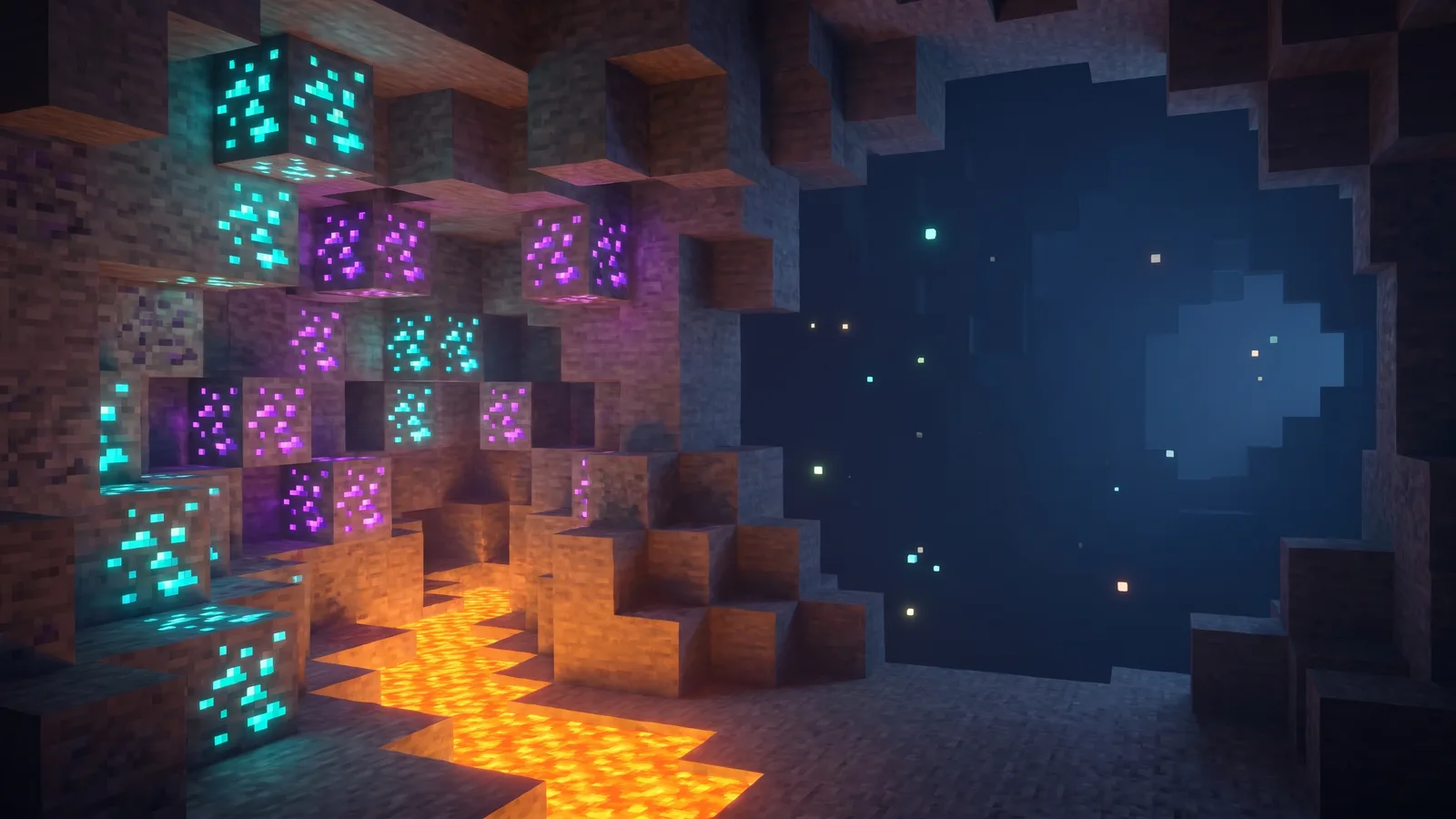
Blocky cave
1600 × 900 · 81 KB · calm right side
 Download
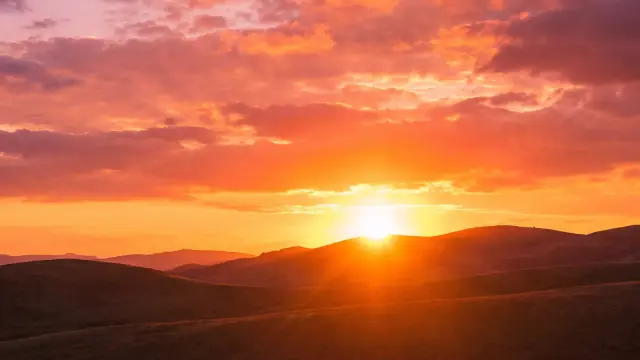
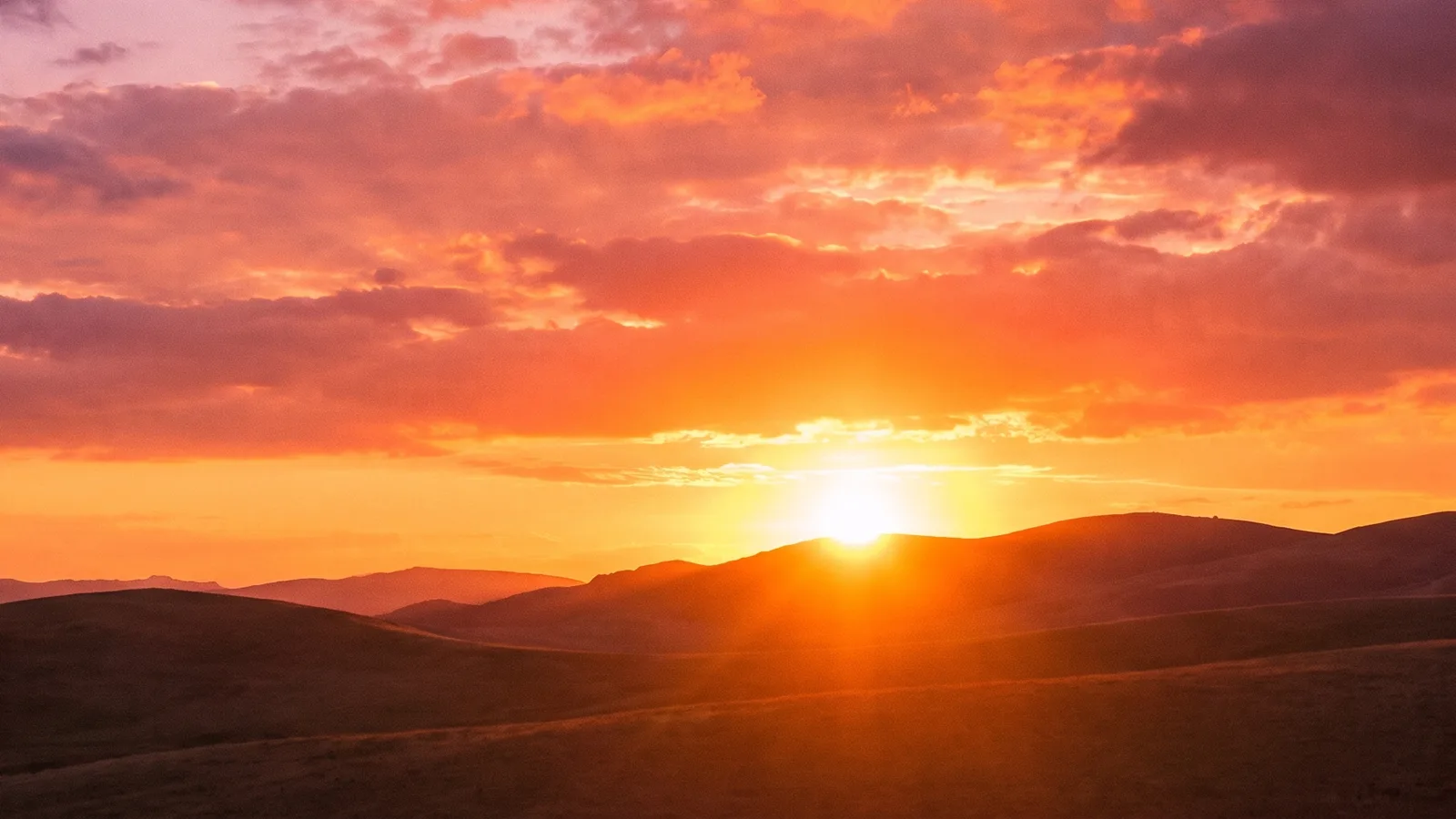
Sunset sky
1600 × 900 · 93 KB · calm left side
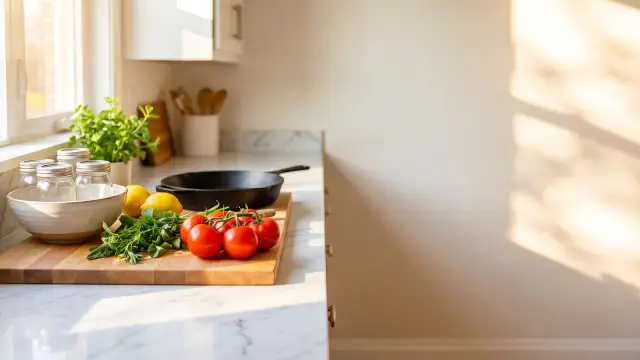 Download
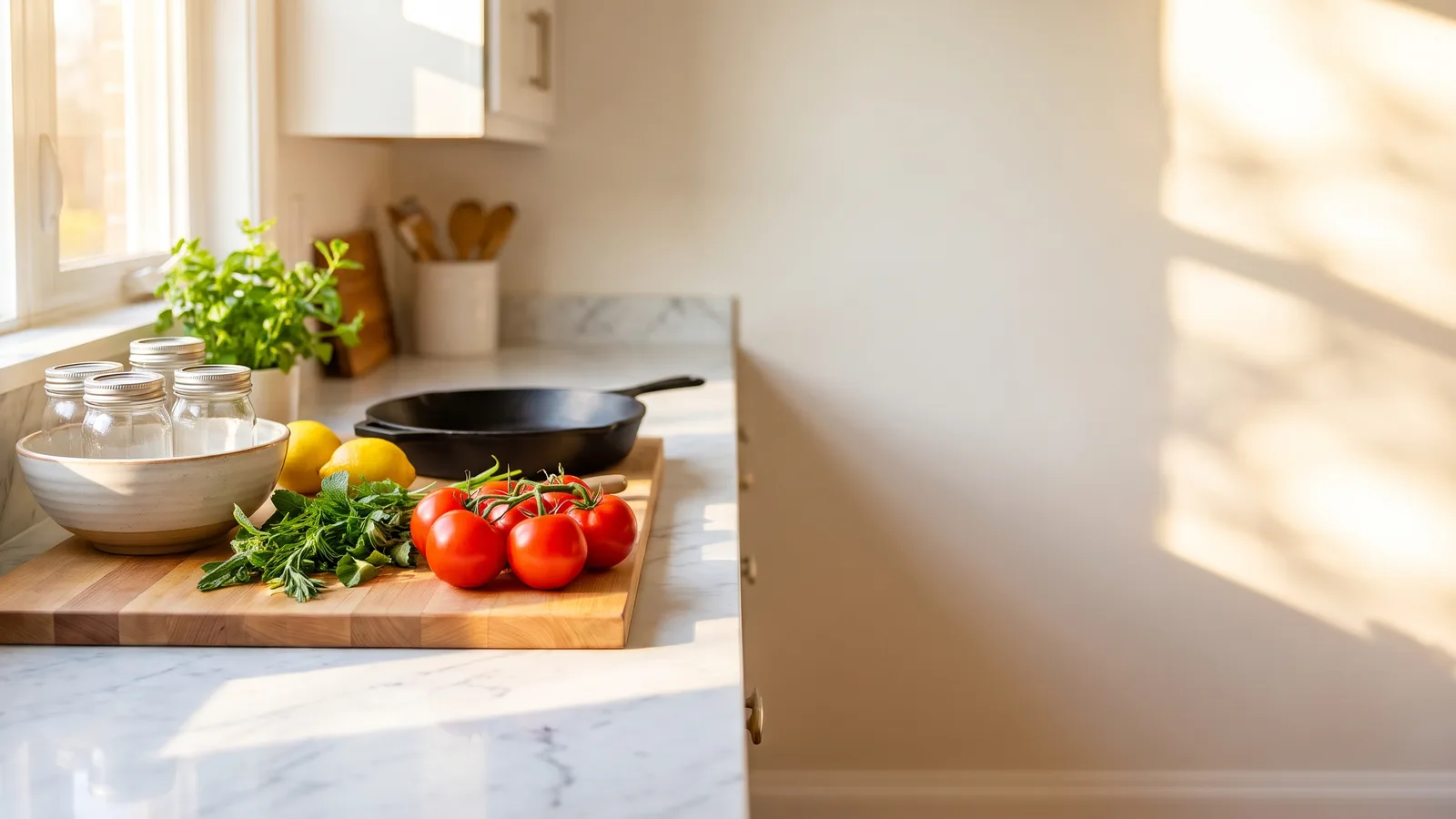
Kitchen counter
1600 × 900 · 61 KB · calm right side
 Download
Home office desk
1600 × 900 · 51 KB
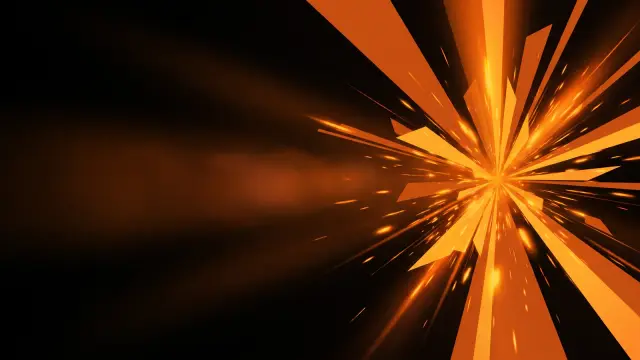 Download
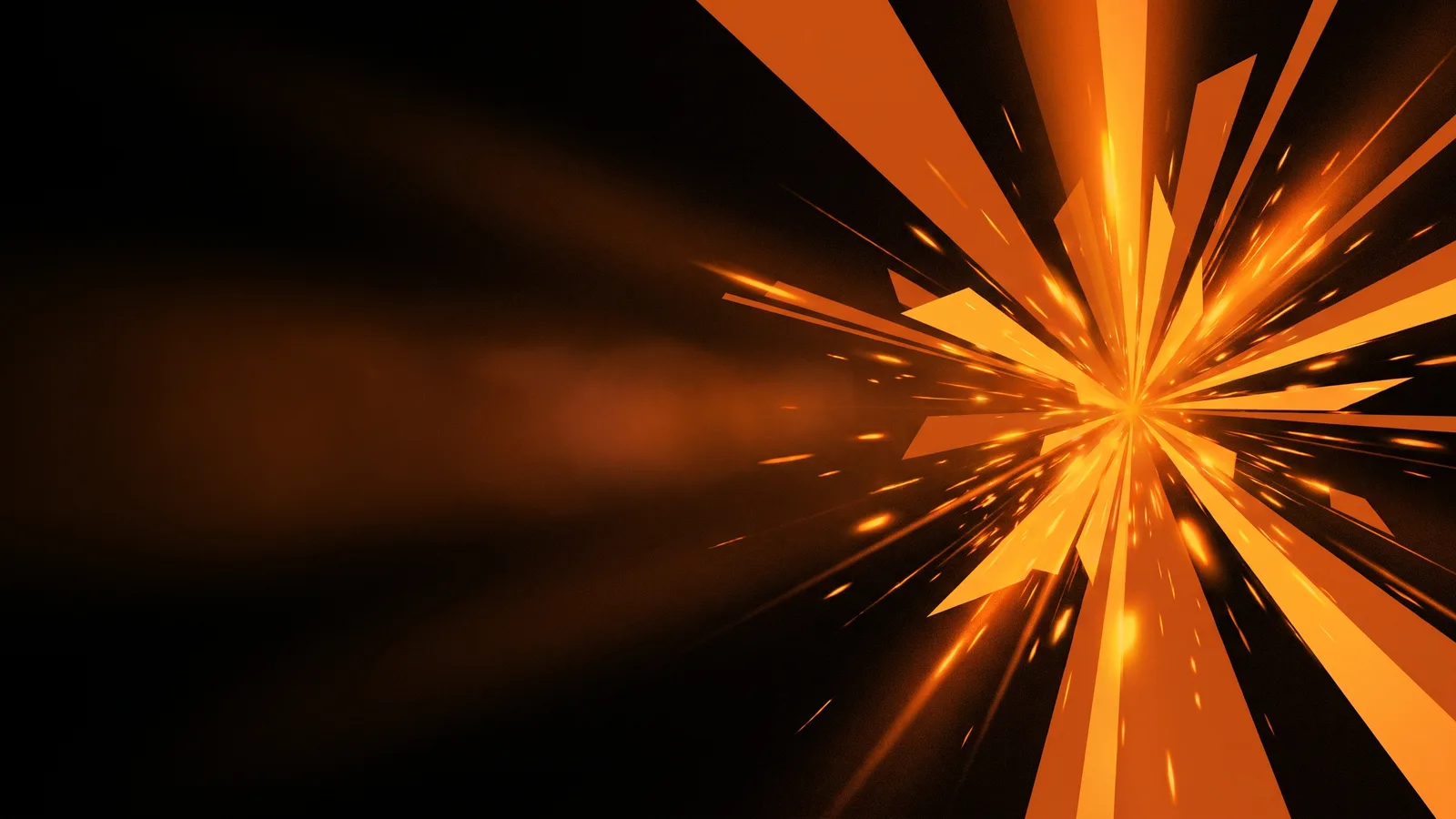
Orange burst on black
1600 × 900 · 71 KB · calm left side
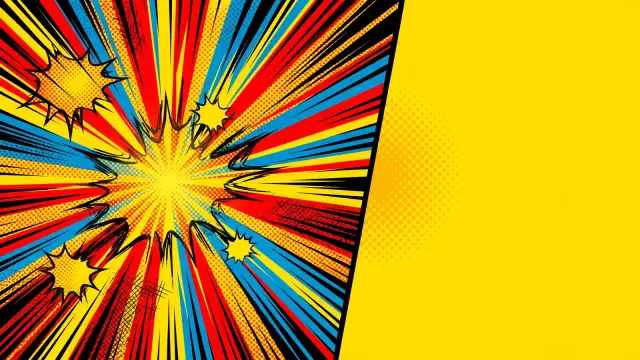 Download
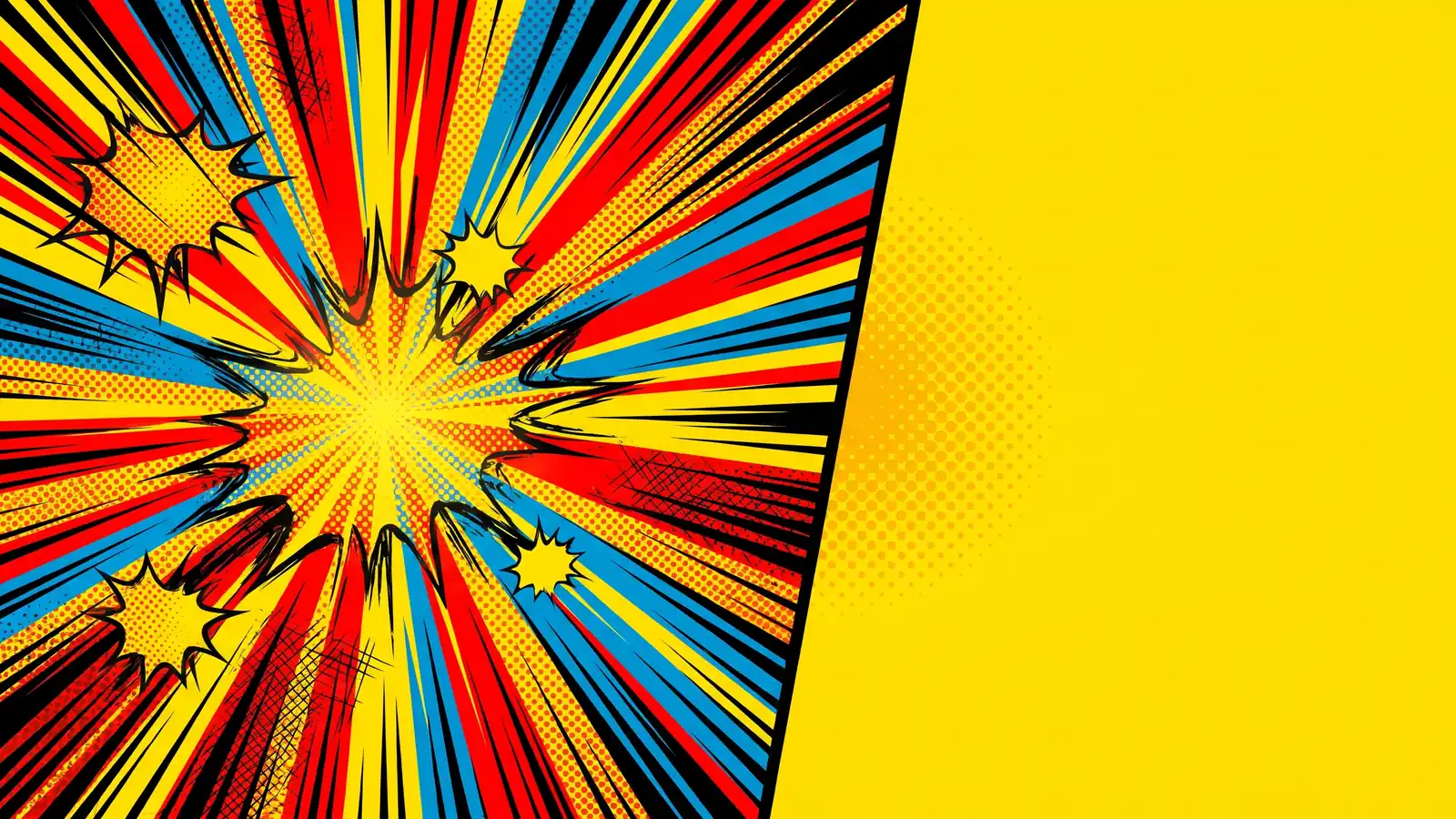
Comic speed lines
1600 × 900 · 147 KB · calm right side
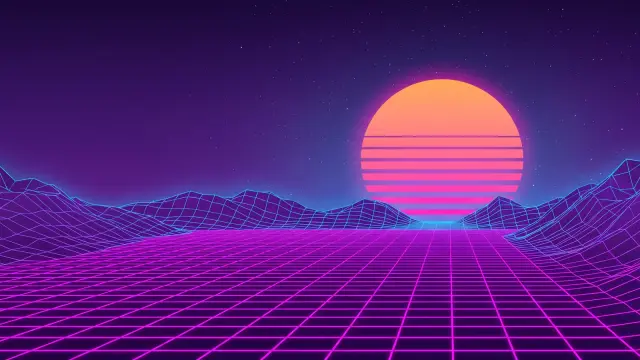 Download
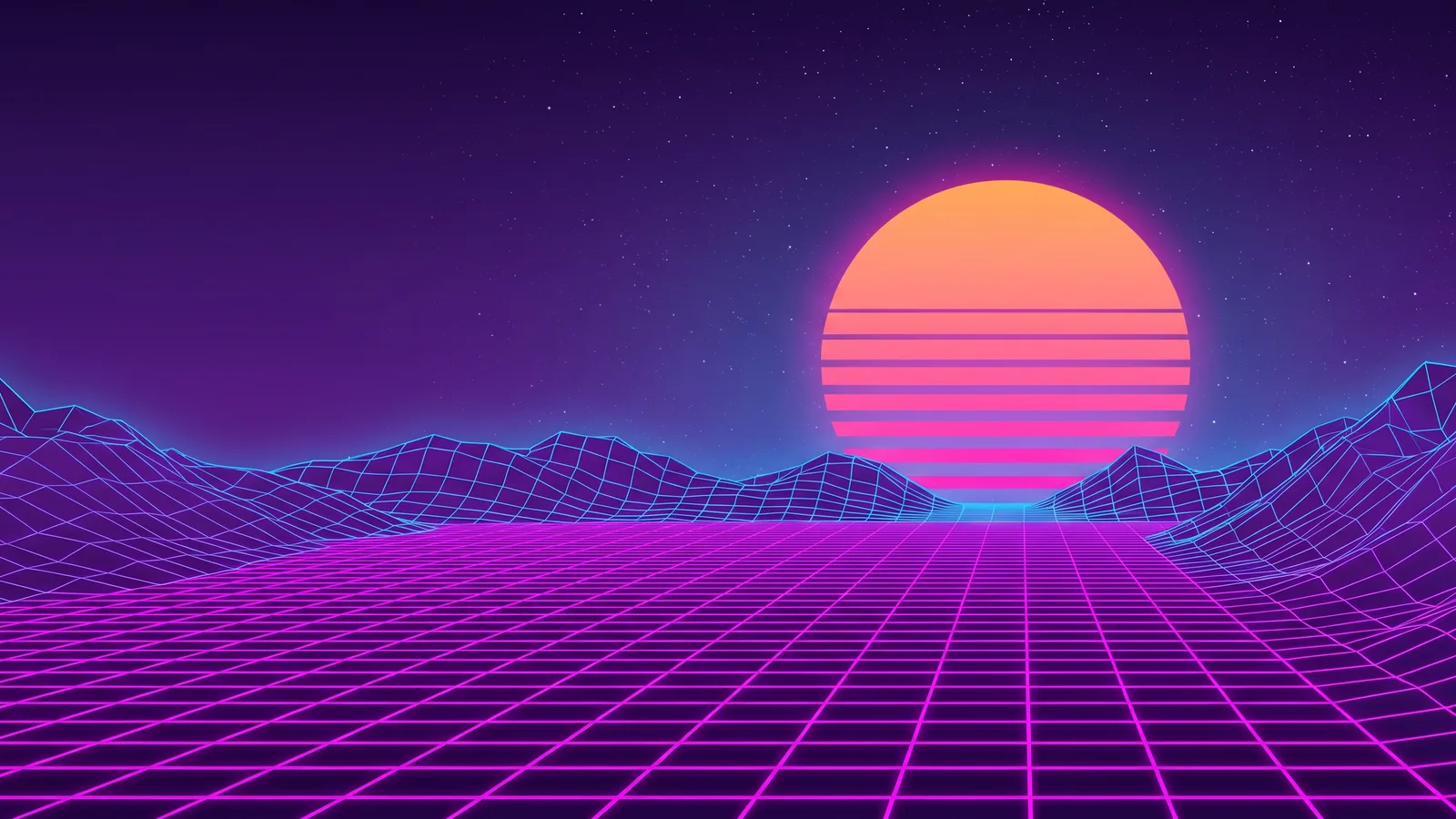
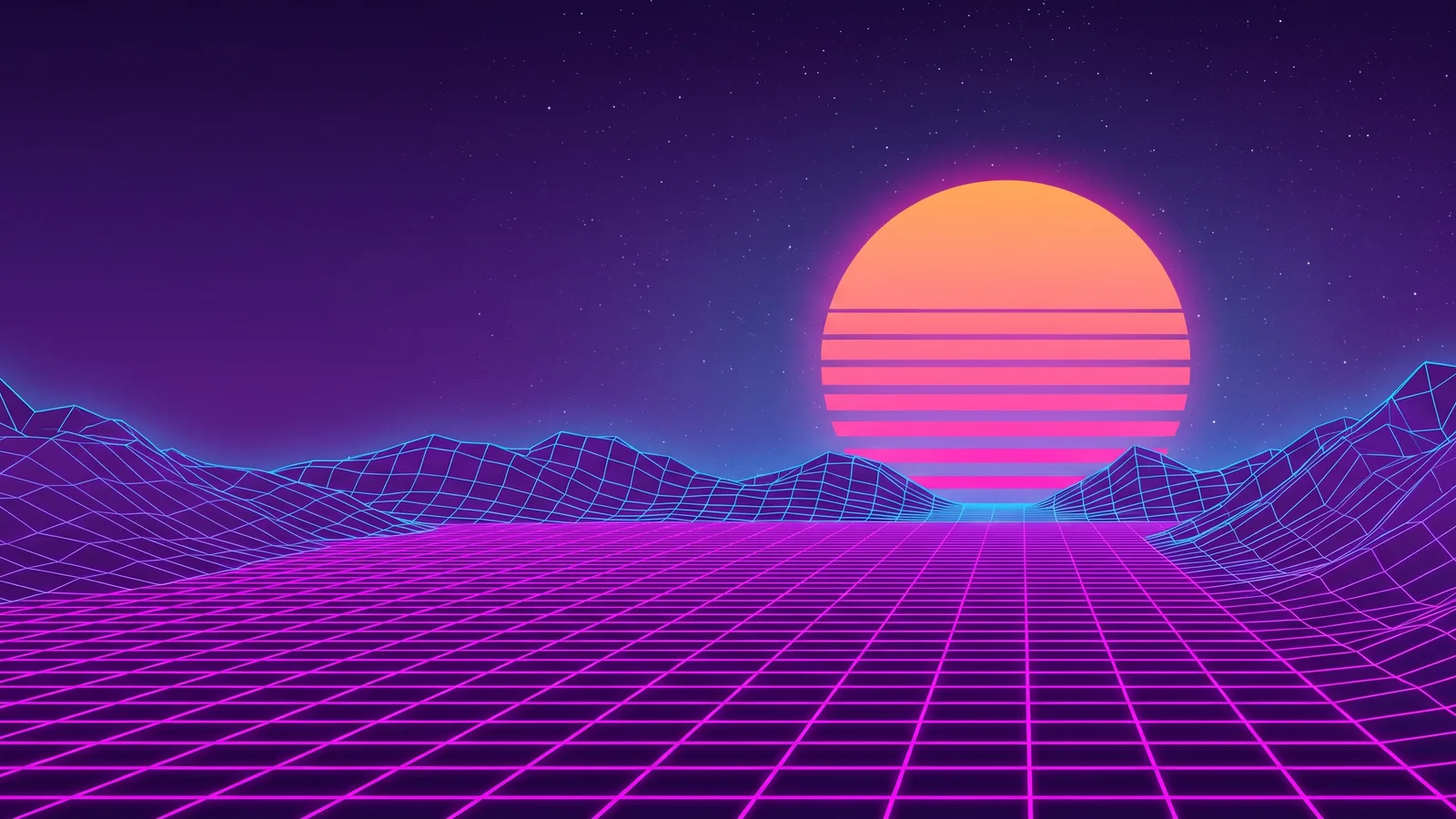
Retro synthwave grid
1600 × 900 · 119 KB · calm left side
 Download
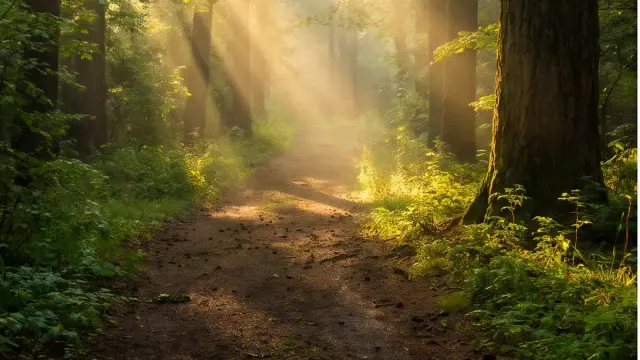
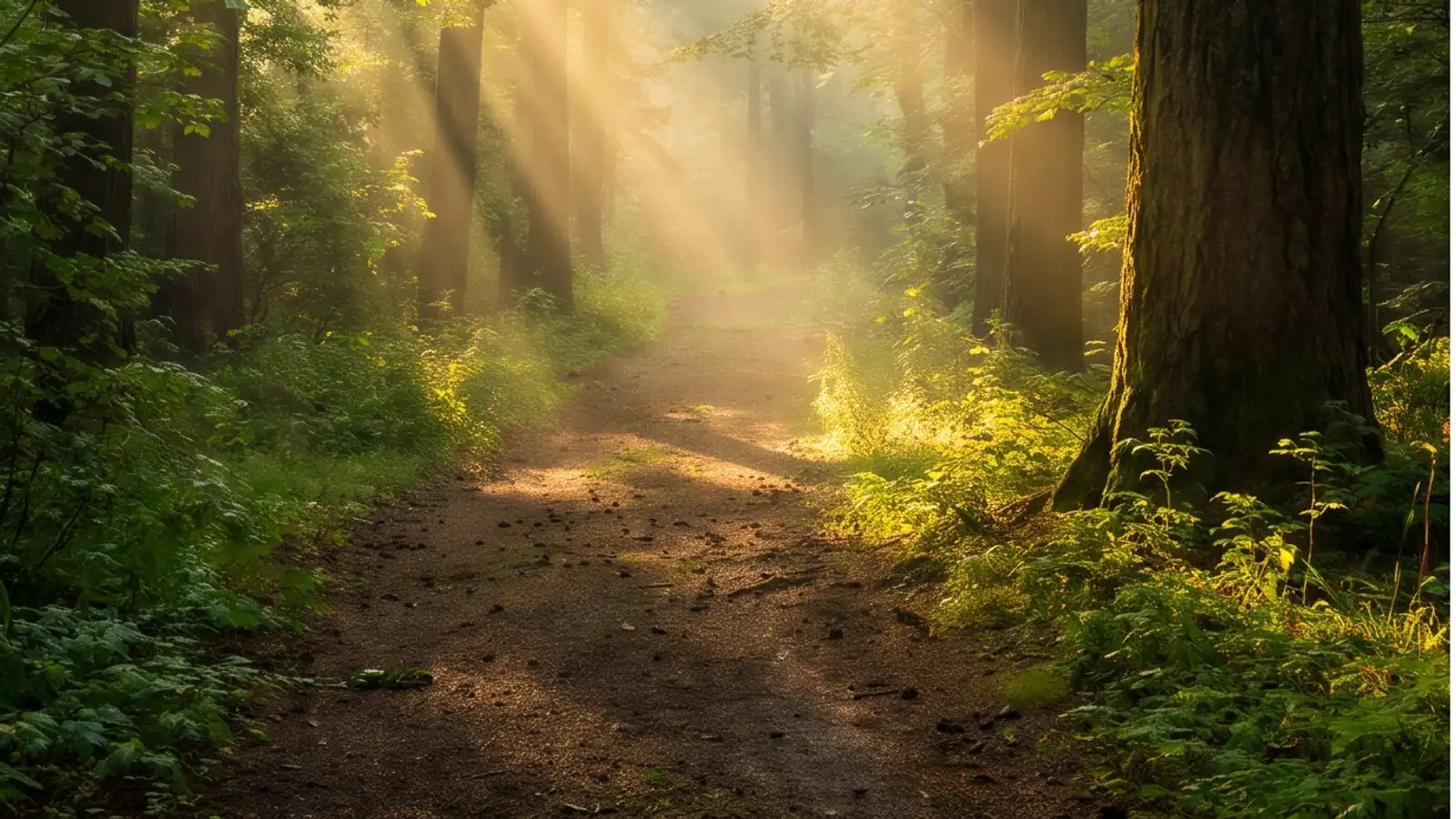
Forest path
1600 × 900 · 141 KB
 Download
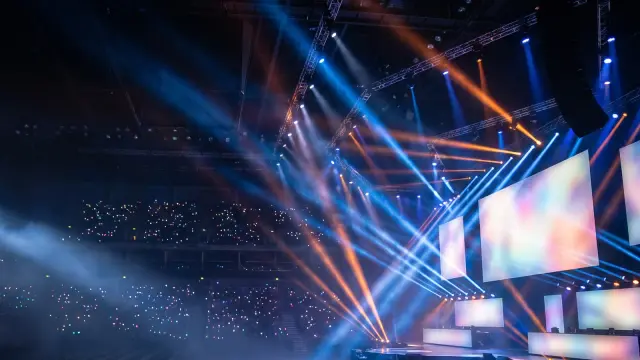
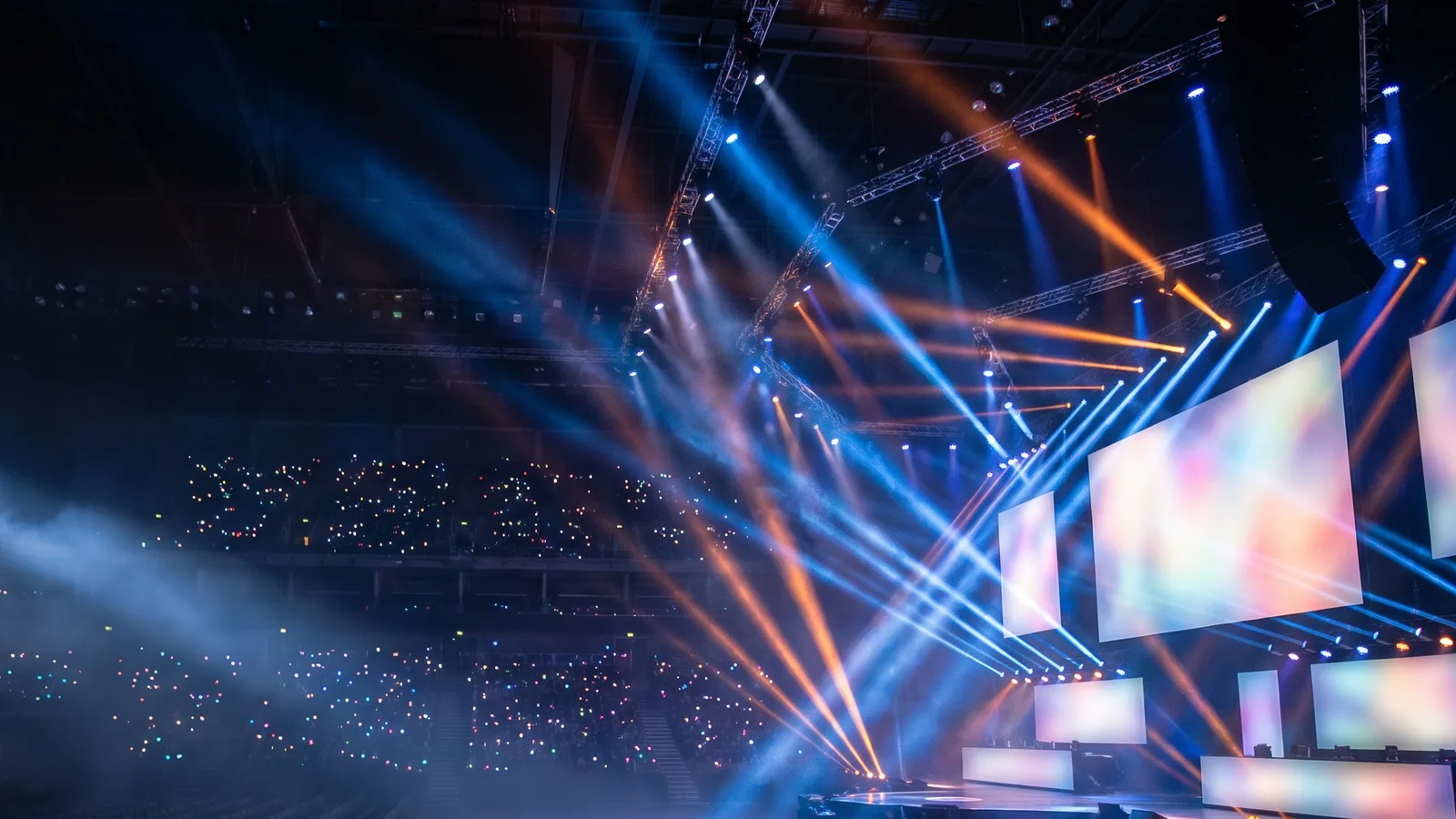
Arena stage lights
1600 × 900 · 114 KB · calm left side
 Download
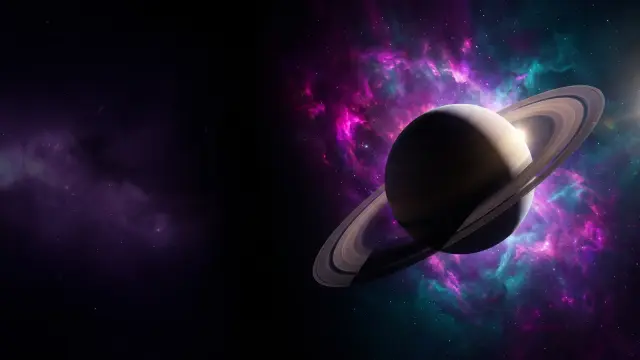
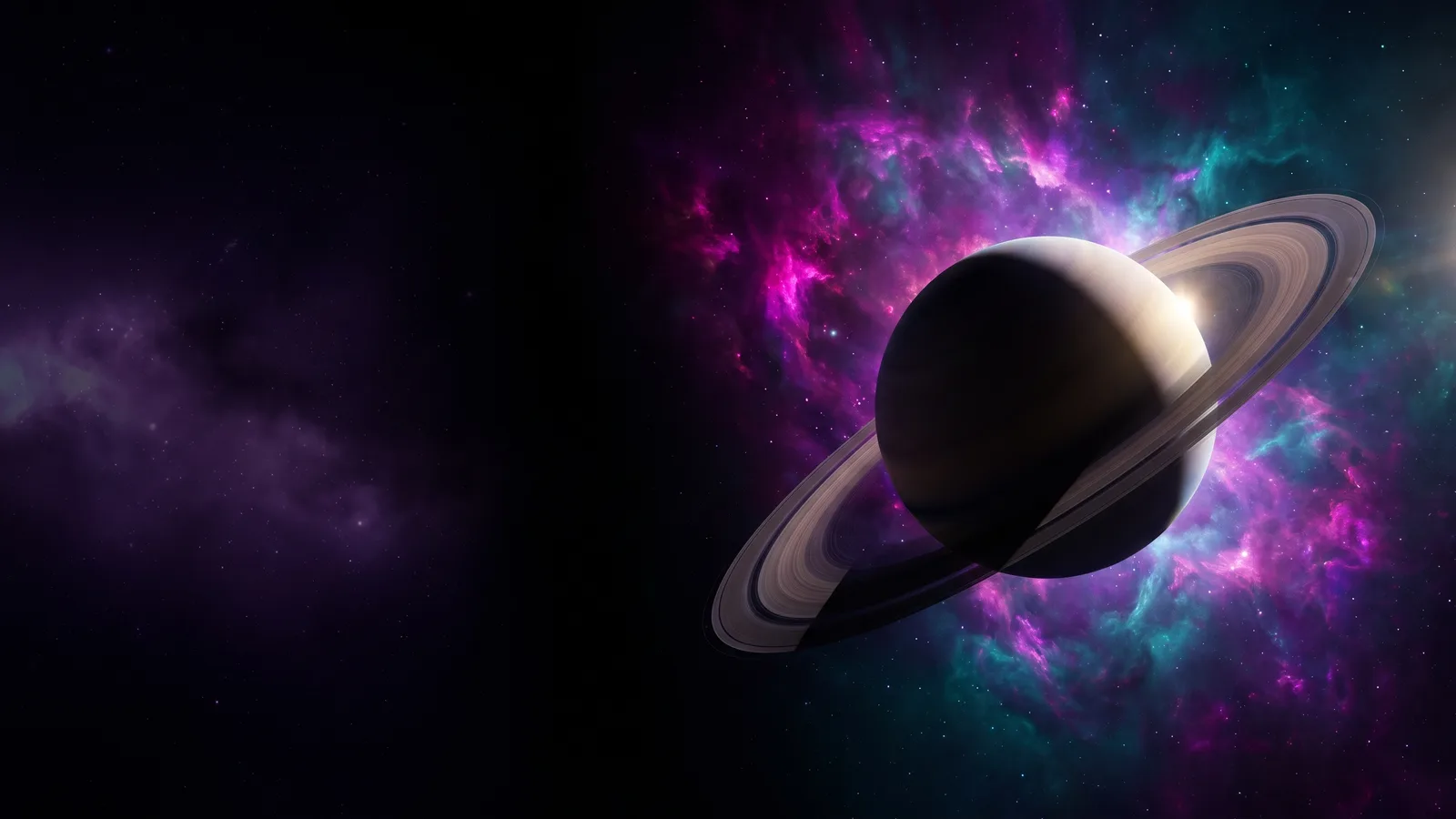
Space nebula
1600 × 900 · 50 KB · calm left side
 Download
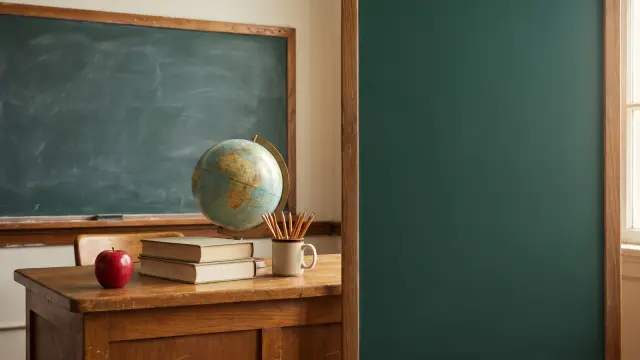
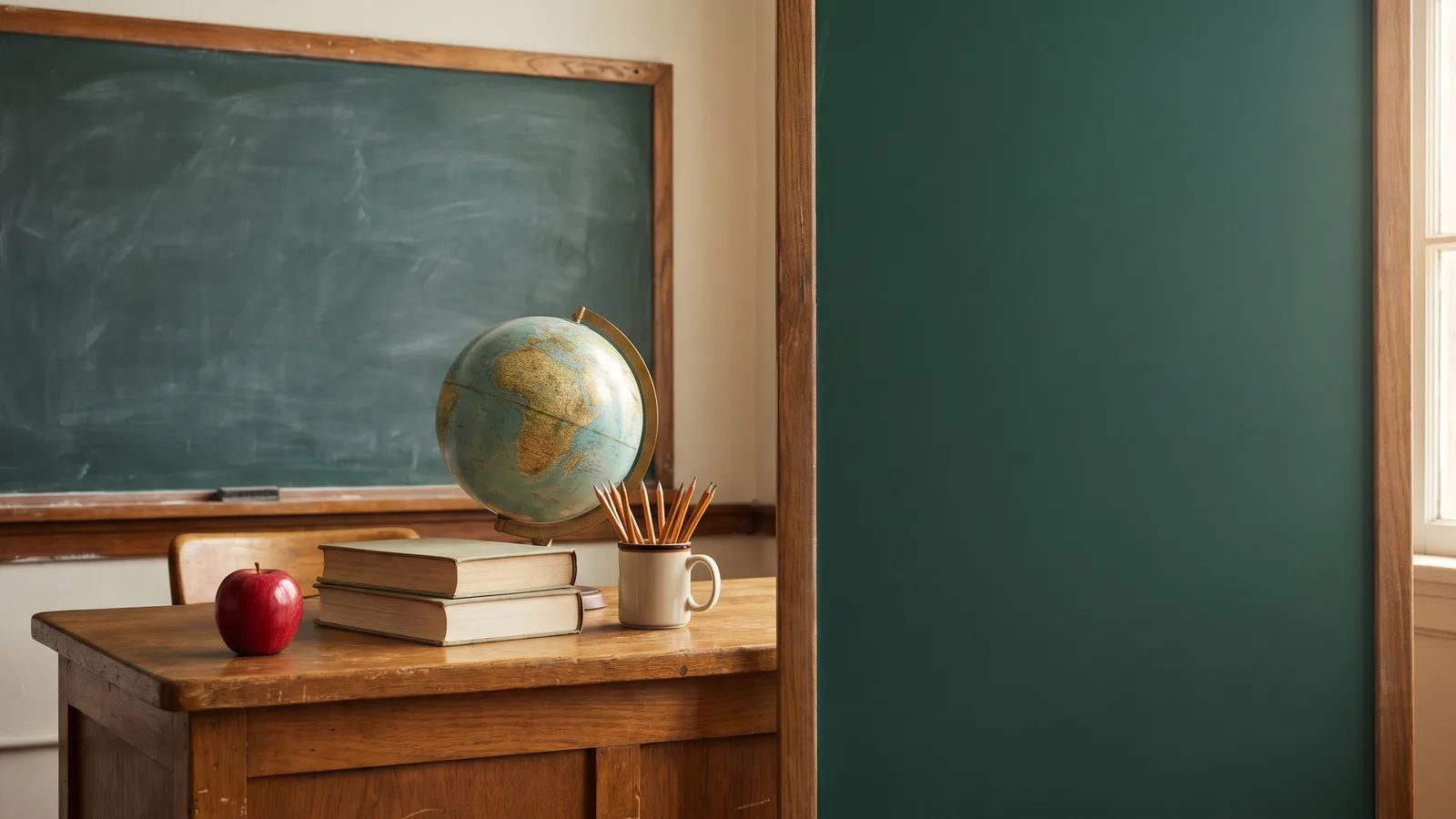
Chalkboard classroom
1600 × 900 · 68 KB · calm right side
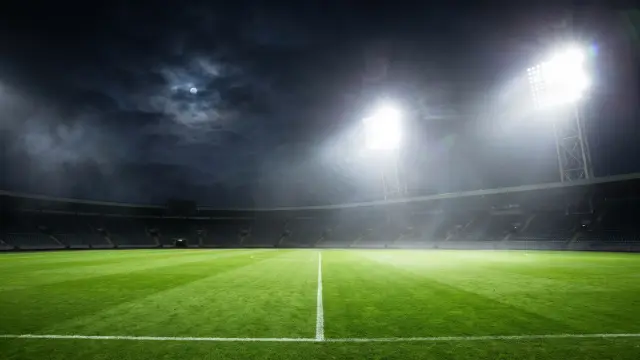 Download
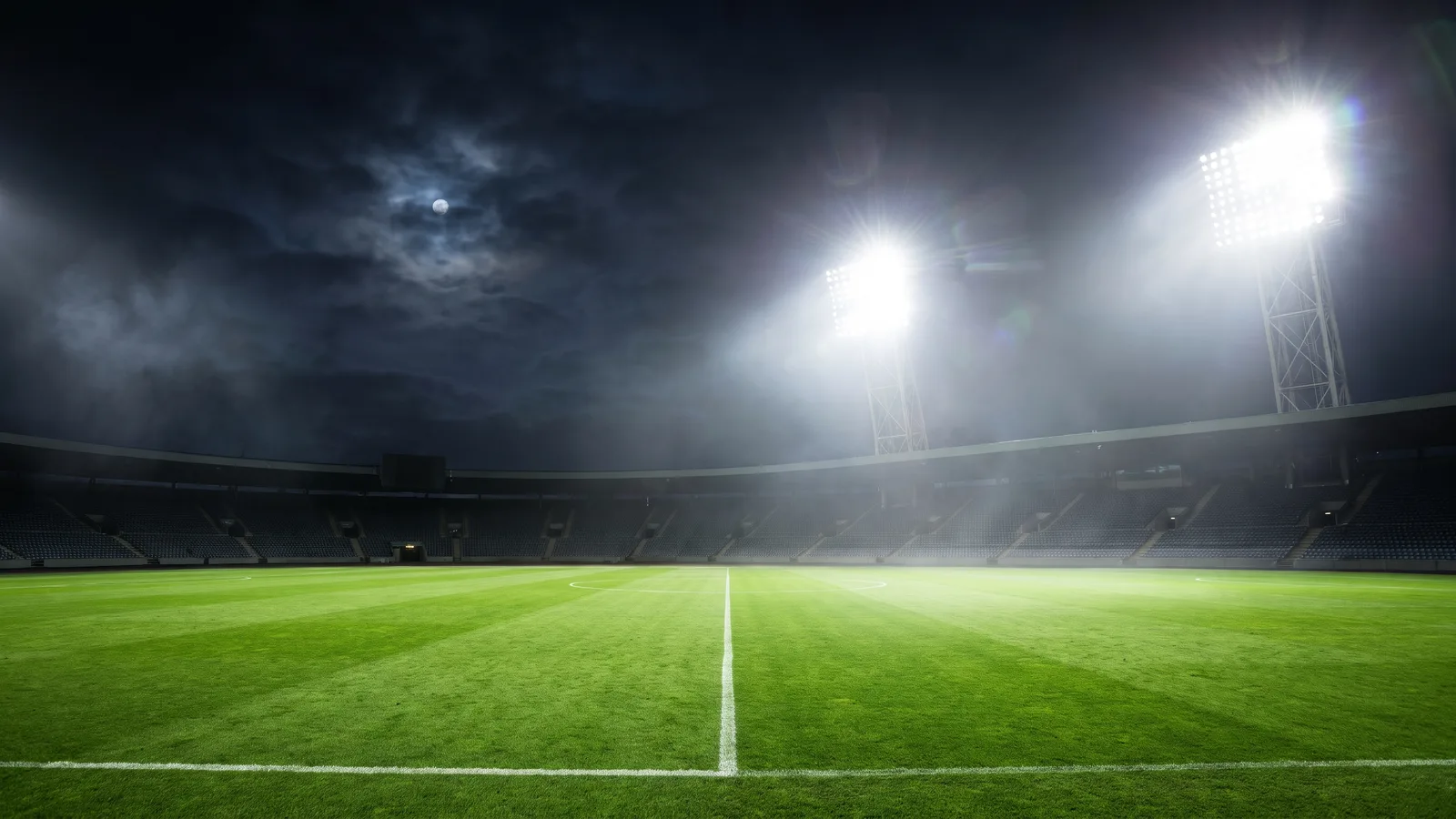
Sports field at night
1600 × 900 · 121 KB · calm left side
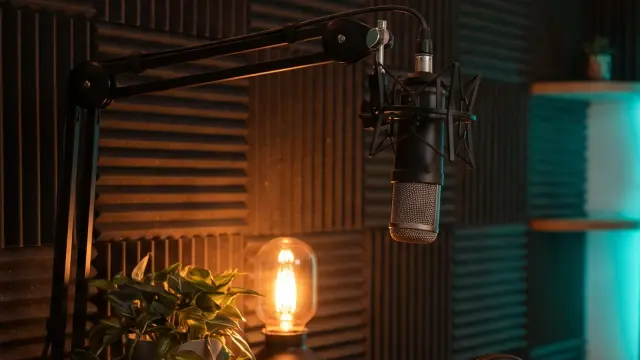 Download
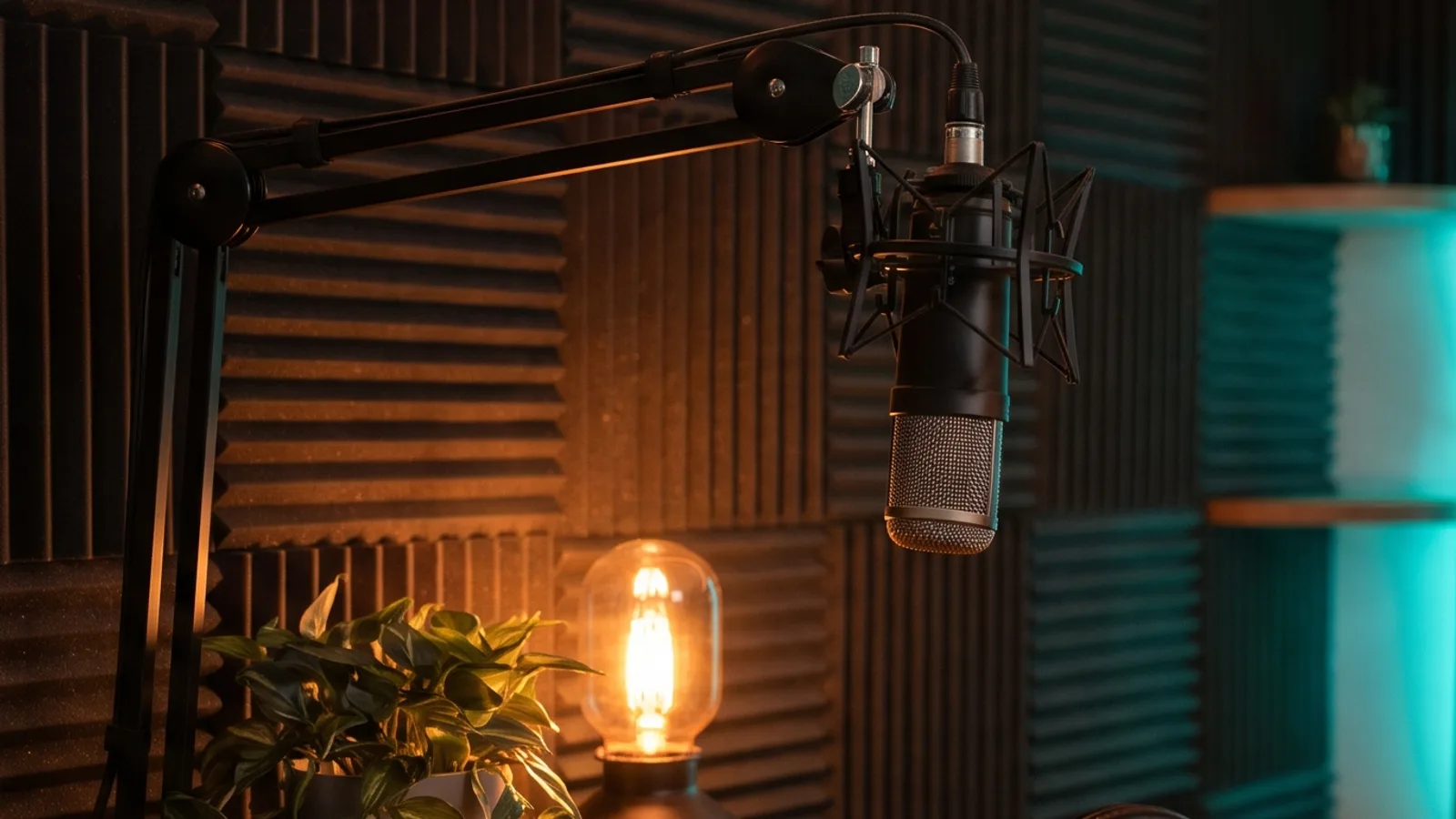
Podcast corner
1600 × 900 · 77 KB

Free to use in your own thumbnails. Generated by ThumbnailMaker; no attribution needed.
What makes a good thumbnail background
The background is the part nobody reads. That's the point: it has to leave room for the parts they do.
An empty third for the face
The face and the words carry a thumbnail; the background sets the scene behind them. Keep one side, left or right, calm: a wall, a sky, a soft glow. A background with something interesting on both sides leaves nowhere to stand.
Contrast behind the words
White words need a dark patch behind them and dark words a light one. A busy texture under the text is the most common reason a title stops reading on a phone. Most backgrounds here keep their calm side in one tone.
A quiet bottom-right corner
YouTube draws the video's length in that corner on every thumbnail, so nothing that matters should sit there. Let it be plain floor or sky. The thumbnail safe zone explains what YouTube covers.
Big shapes, not fine detail
The suggested-videos column shows a thumbnail about 168 pixels wide. A glowing sun, a bright stage or a lit monitor still reads there; a cluttered shelf turns to noise.
Make it yours
A background is half a thumbnail. Two ways to finish it, one free and one for a scene that fits your video.
Free, no account
Put your words on one of these
Drop the file into the thumbnail text editor, type up to three lines on the empty side, check it at feed size and download a 1280 × 720 PNG. It runs in your browser; the image never leaves your device.
First 3 free
Make a background for your video
In Create, choose From an idea and describe the scene: the setting, the light, the side to keep empty. Leave the Text option empty and nothing is written on it, or type your words there and it draws them.
An empty gaming room at night lit by purple and blue LEDs, the left third calm and empty for my face and title
YouTube thumbnail background questions
Guides: thumbnail ideas · how to make a thumbnail that gets clicks
Need one that fits your video?
Describe the scene, keep a side empty.
Already have the picture? Add the words in the thumbnail text editor, or change one thing in it with the thumbnail editor.