Free 2560 × 1440 template, plus AI banners by look
YouTube Banner Templates
These YouTube banner templates come in two kinds: a free 2560 × 1440 template with YouTube's safe area marked, to design on in any editor, and AI banner looks for gaming, aesthetic, anime and more, each a real banner made from one sentence about a channel.
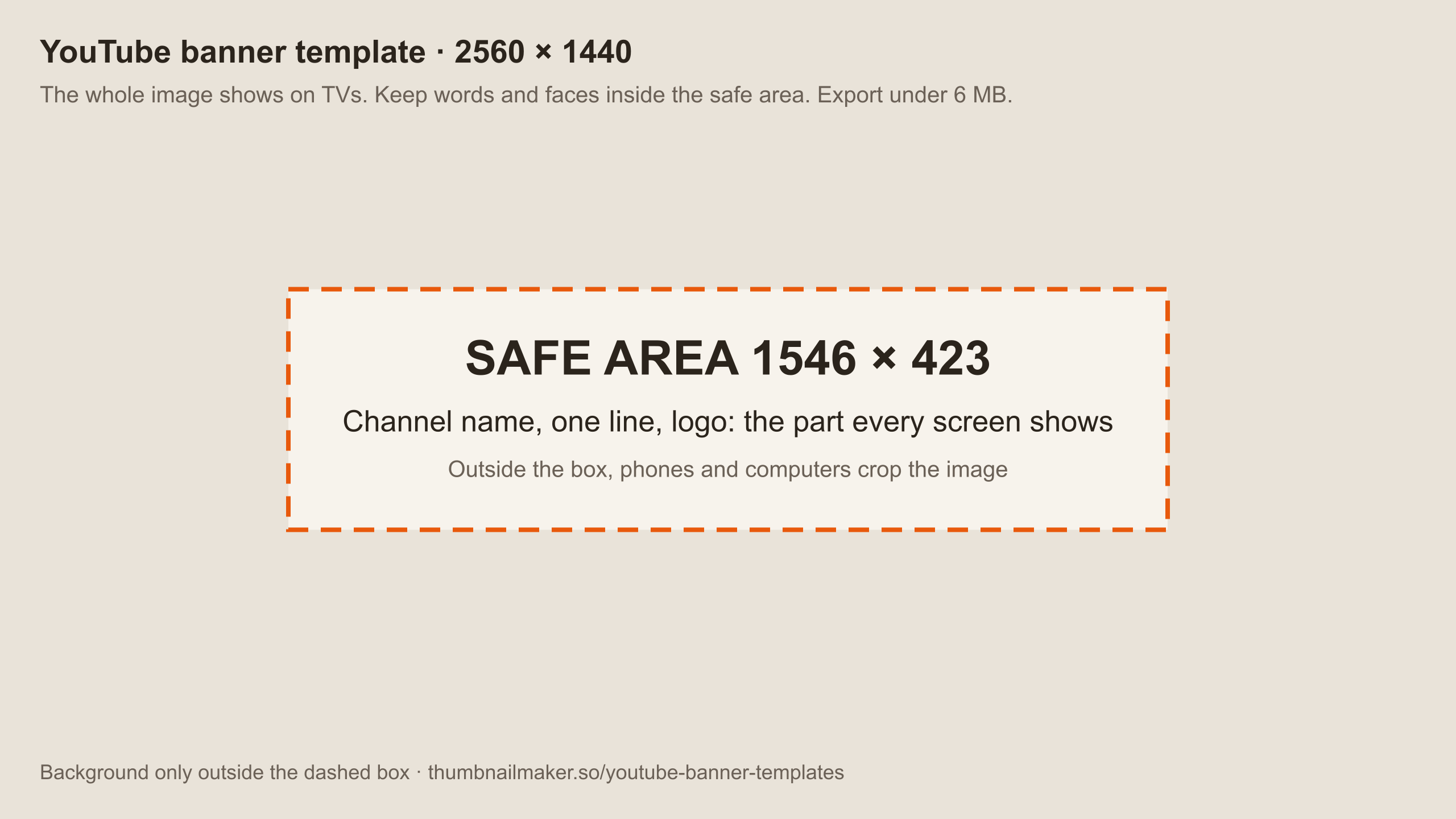
The template is free, no account. An AI banner is one of a new account's 3 free images; then a plan from $12 a month.
A YouTube banner template is 2560 × 1440 with the words in the middle. YouTube shows the whole image on TVs and crops it on phones and computers, so the channel name, one short line and any logo go in the centred safe area, about 1546 × 423, and the rest is background that reaches every edge. Export a JPG or PNG of 6 MB or less. A template only fixes that layout; the picture is still yours to make, by hand on the free template below or with AI from a sentence about the channel.
Free YouTube banner template, 2560 × 1440
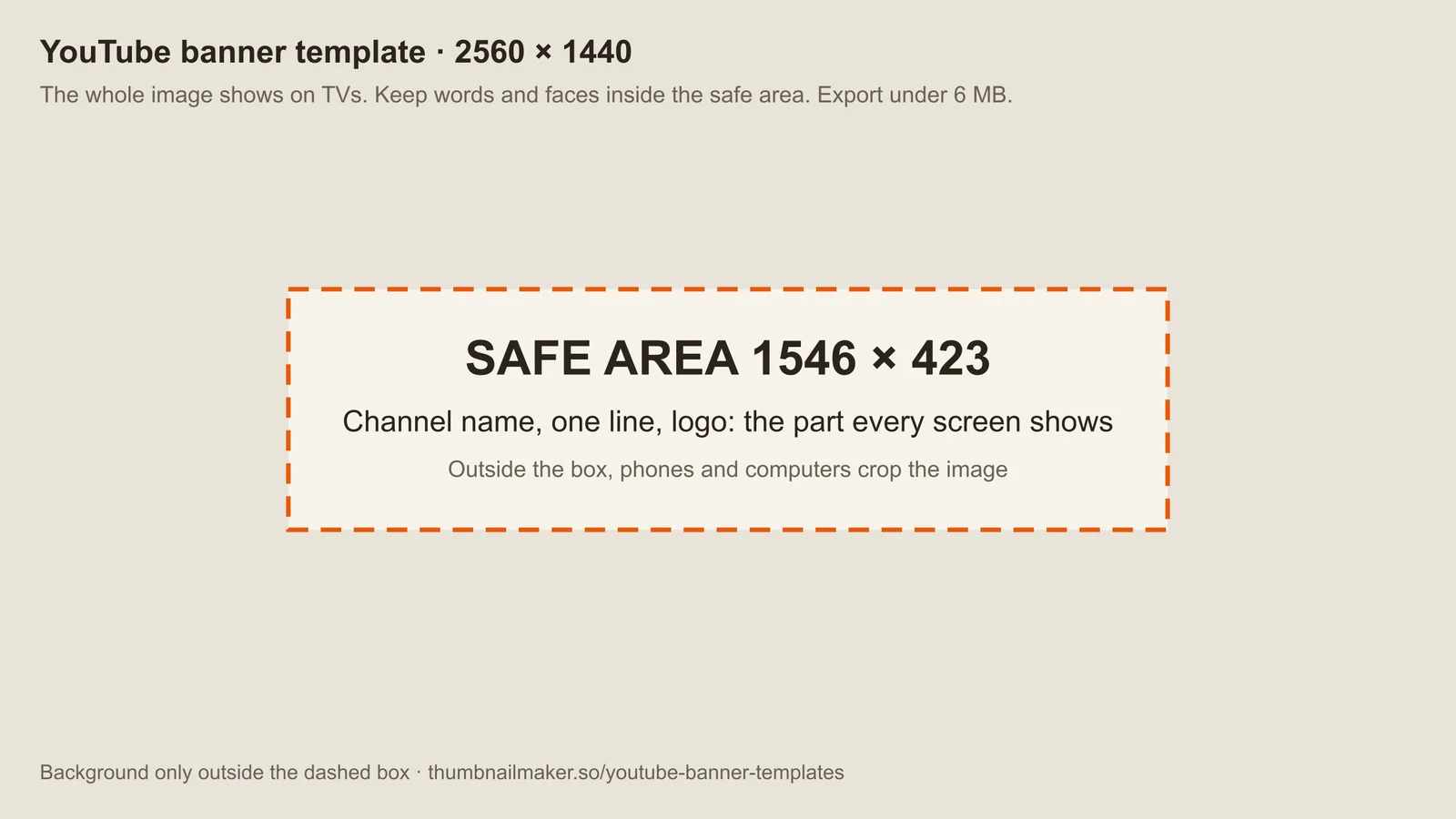
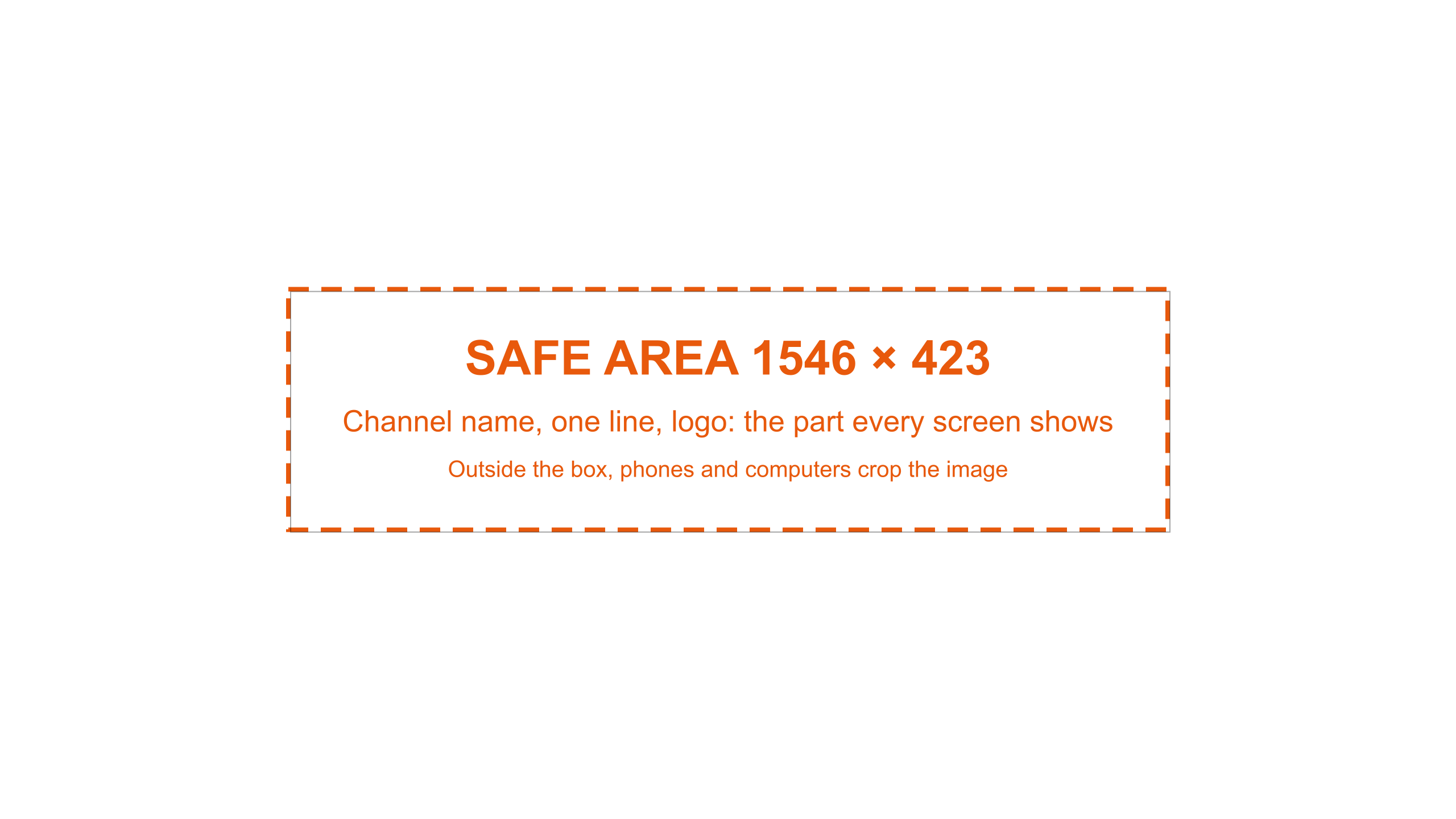
The full canvas with YouTube's safe area drawn on it. Use the guide as a starting canvas, or the transparent overlay as the top layer of your own design.
How to use the banner template
Step 1
Download the template
Take the guide to design on, or the transparent overlay to put on top of your own design as a layer. Both are 2560 × 1440 PNGs.
Step 2
Put the words inside the box
The dashed box is YouTube's safe area, about 1546 × 423 in the middle. The channel name, a short line and any logo go inside it; the rest is background.
Step 3
Fill the whole canvas
TVs show all 2560 × 1440, so the background has to reach every edge. Keep faces and anything readable away from the top and bottom.
Step 4
Hide the guide and export
Turn the template layer off, then export a JPG or PNG of 6 MB or less. Check it in the free banner resizer's phone and computer previews before uploading.
YouTube banner ideas, by look
Nine banners for invented channels, one per look people search for. Each was made in ThumbnailMaker from the sentence under it and a second line, with a style where one is named; nothing was edited by hand.
Gaming
Gaming YouTube banner
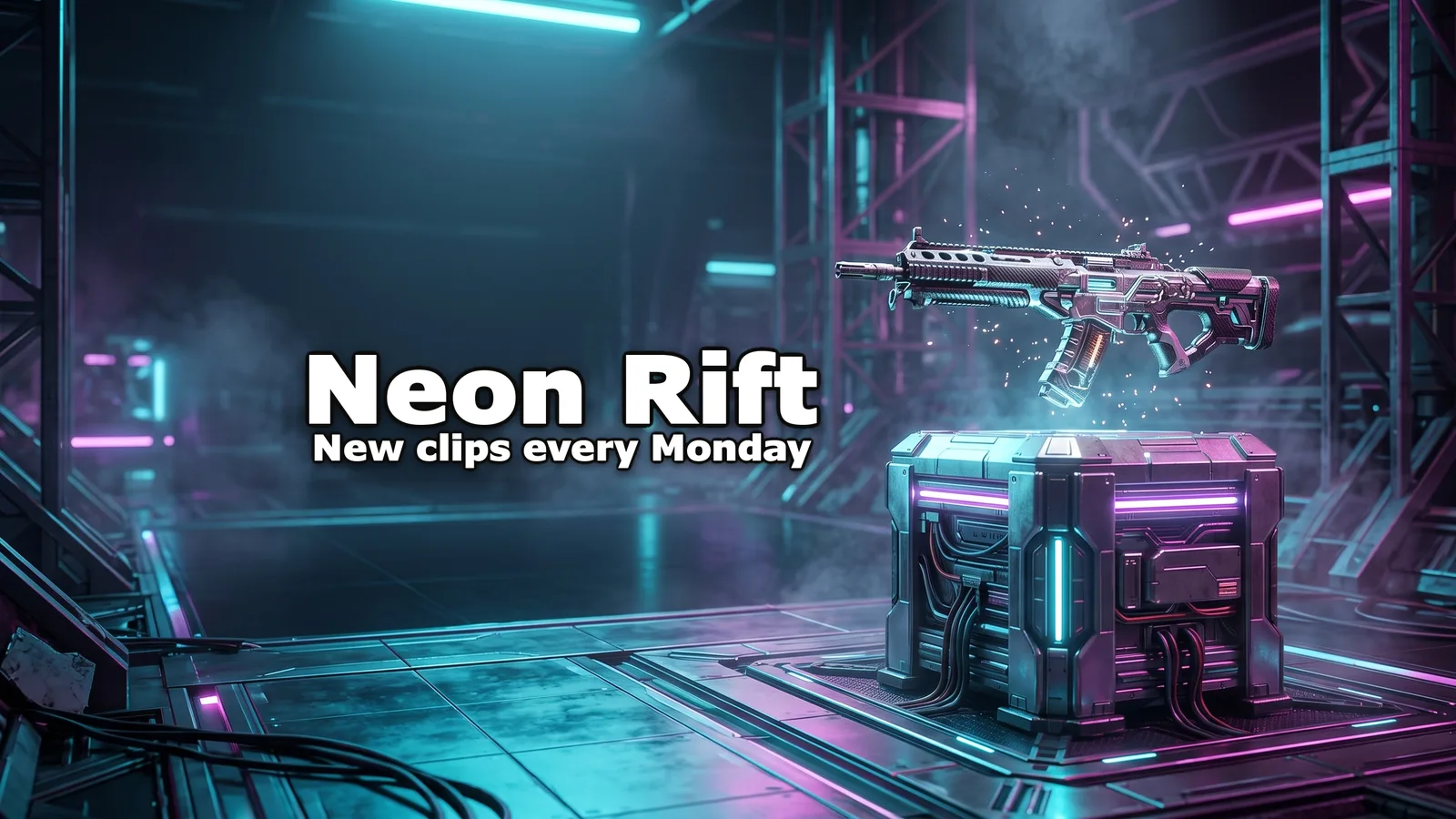
Shooters, ranked grinds and clips: gear from an original world, hard neon light, the name on the dark side.
“Competitive arena shooter gameplay: ranked matches, clutch rounds and loadout guides, with original characters only.” + “New clips every Monday” + style Tactical Shooter
Lifestyle
Aesthetic YouTube banner
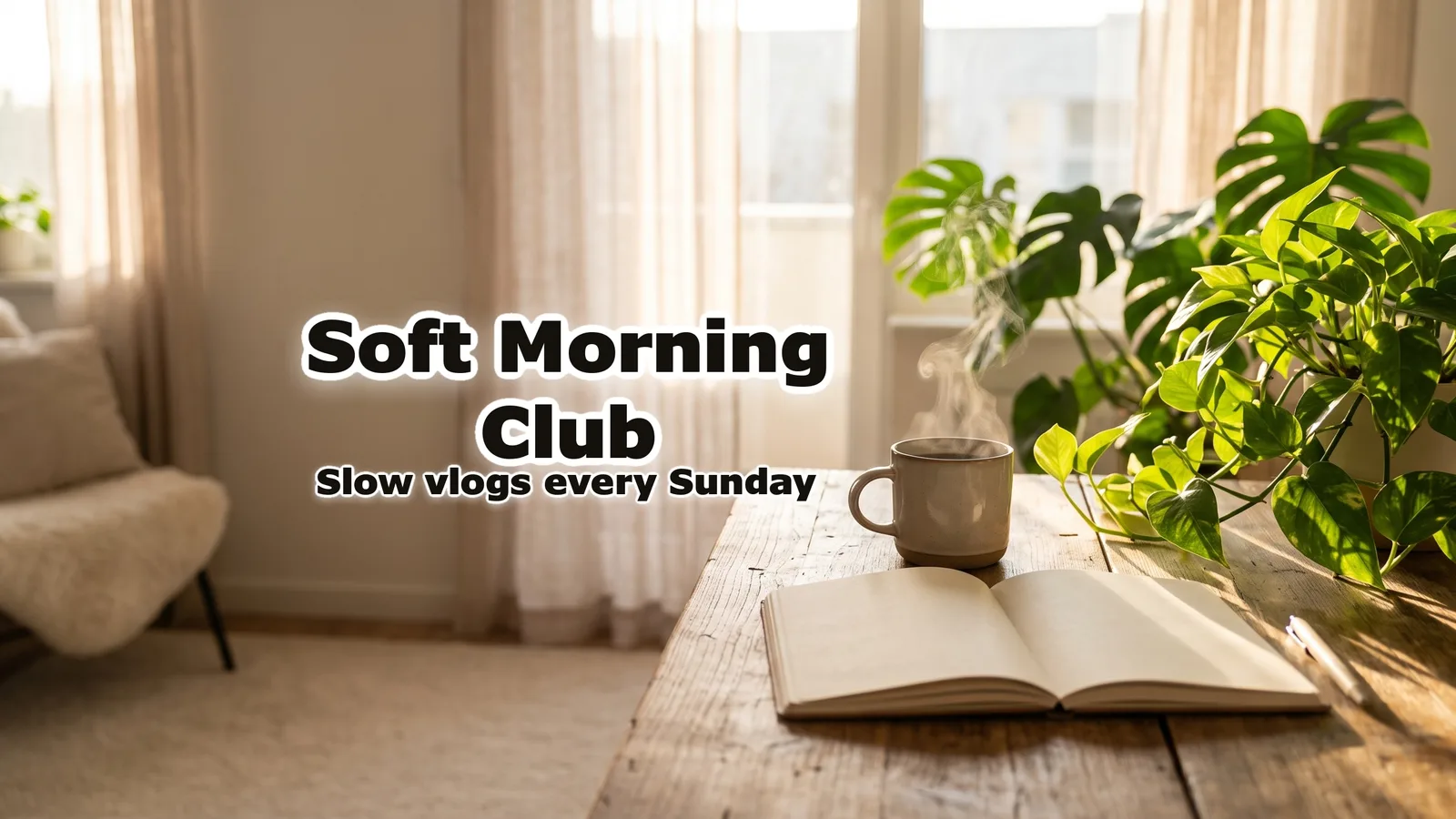
Vlogs, routines, study and journaling: soft light, a few objects, pale colours and room around the name.
“Slow living vlogs: quiet mornings, coffee, houseplants, journaling and calm routines in a small sunny apartment.” + “Slow vlogs every Sunday”
Art
Anime YouTube banner
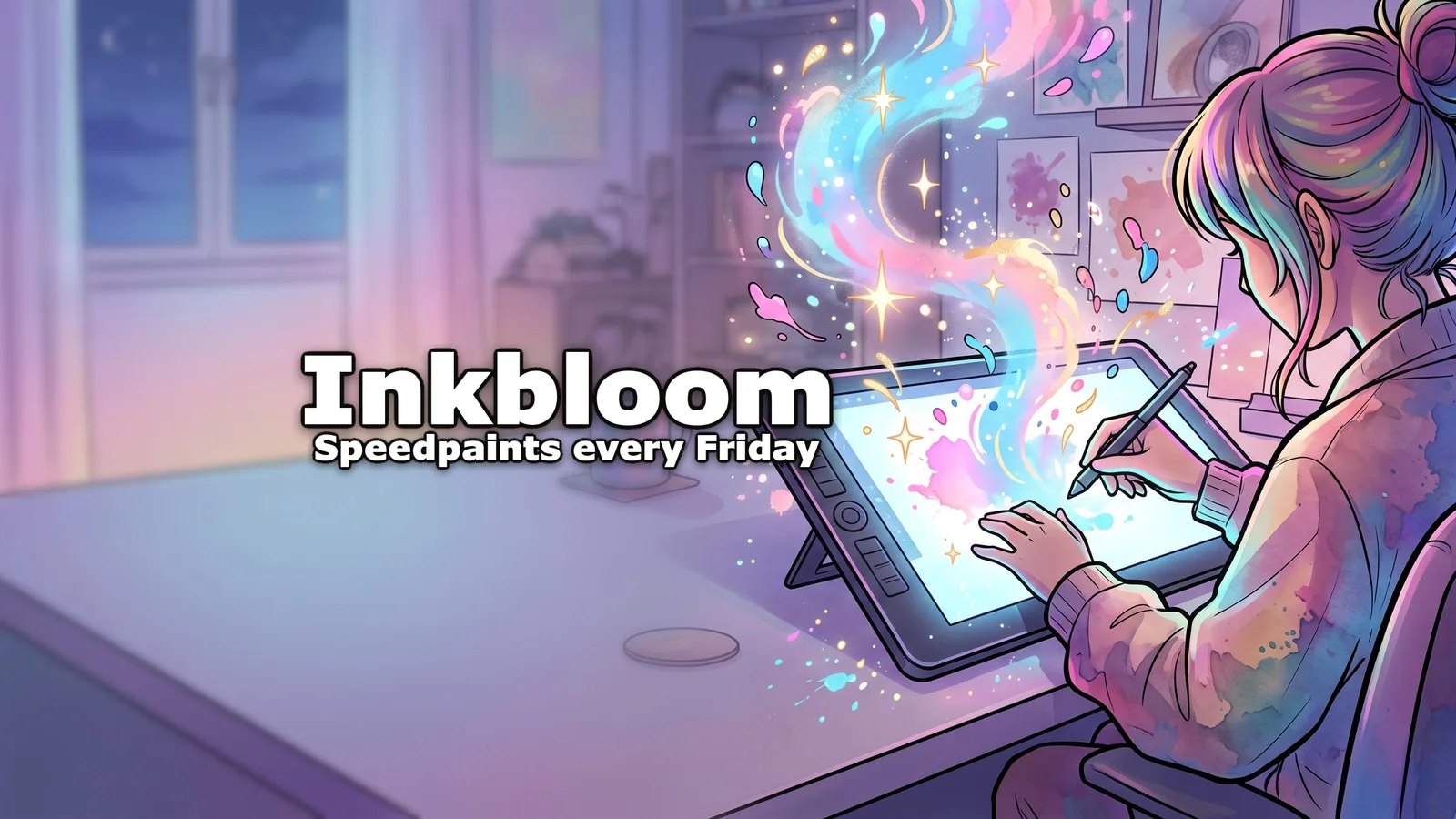
Drawing, animation and anime commentary: an original character in cel shading, never one from a series.
“Anime-style digital art: drawing original characters from sketch to finished painting, with speedpaints and brush tips.” + “Speedpaints every Friday” + style Comic / Anime
Gaming
Cozy gaming YouTube banner
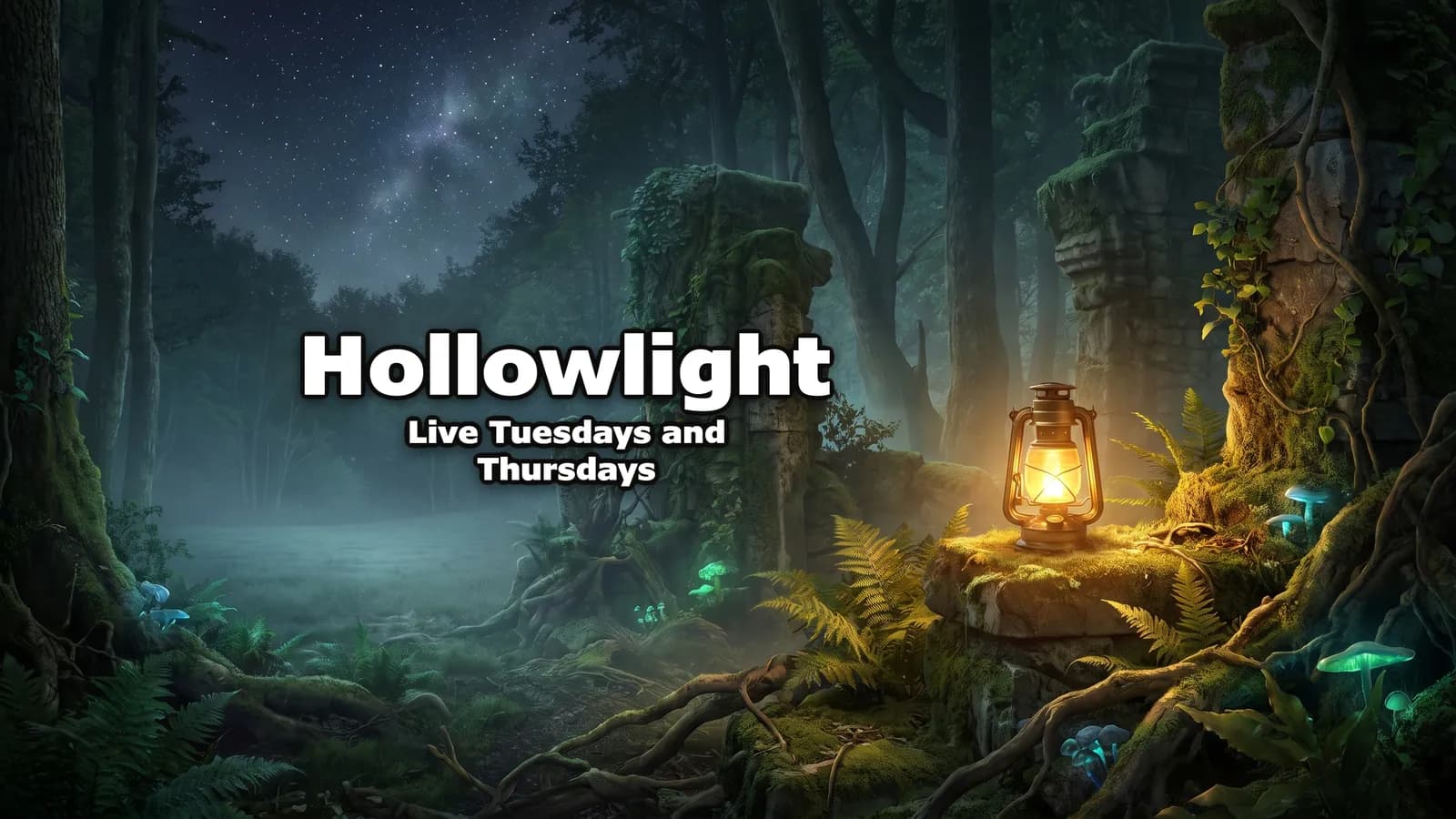
Cozy games and calm streams: a quiet scene from the game's kind of world, one warm light, a schedule under the name.
“Cozy indie adventure games: exploring caves, ruins and forests at night, played slowly and calmly.” + “Live Tuesdays and Thursdays”
Music
Lofi music YouTube banner
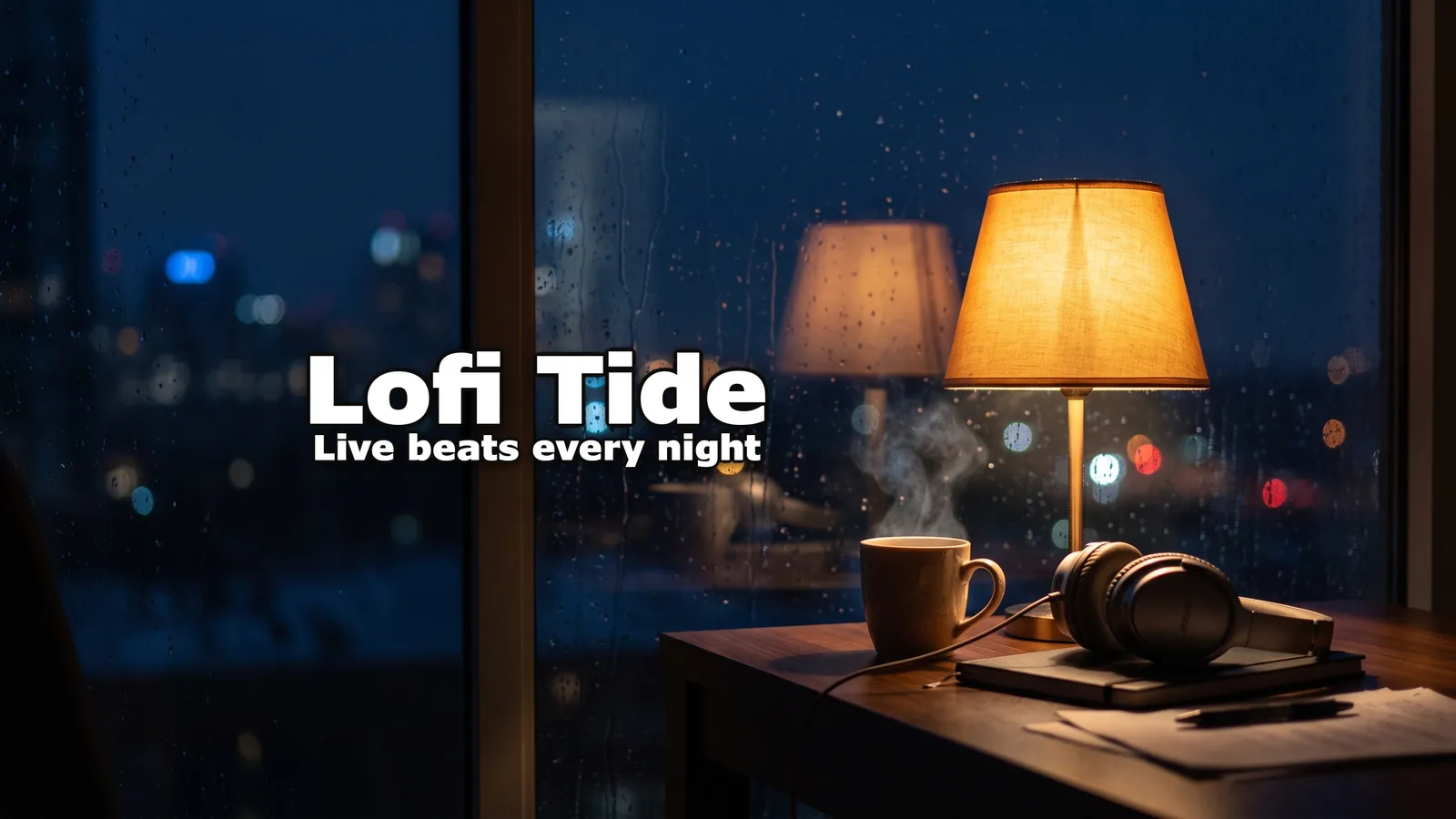
Lofi, study streams and playlists: a room at night, rain and lamplight, the mood before the name.
“Lofi hip hop beats to study and relax to, streamed live with a cozy rainy-night scene.” + “Live beats every night”
Tech
Tech YouTube banner
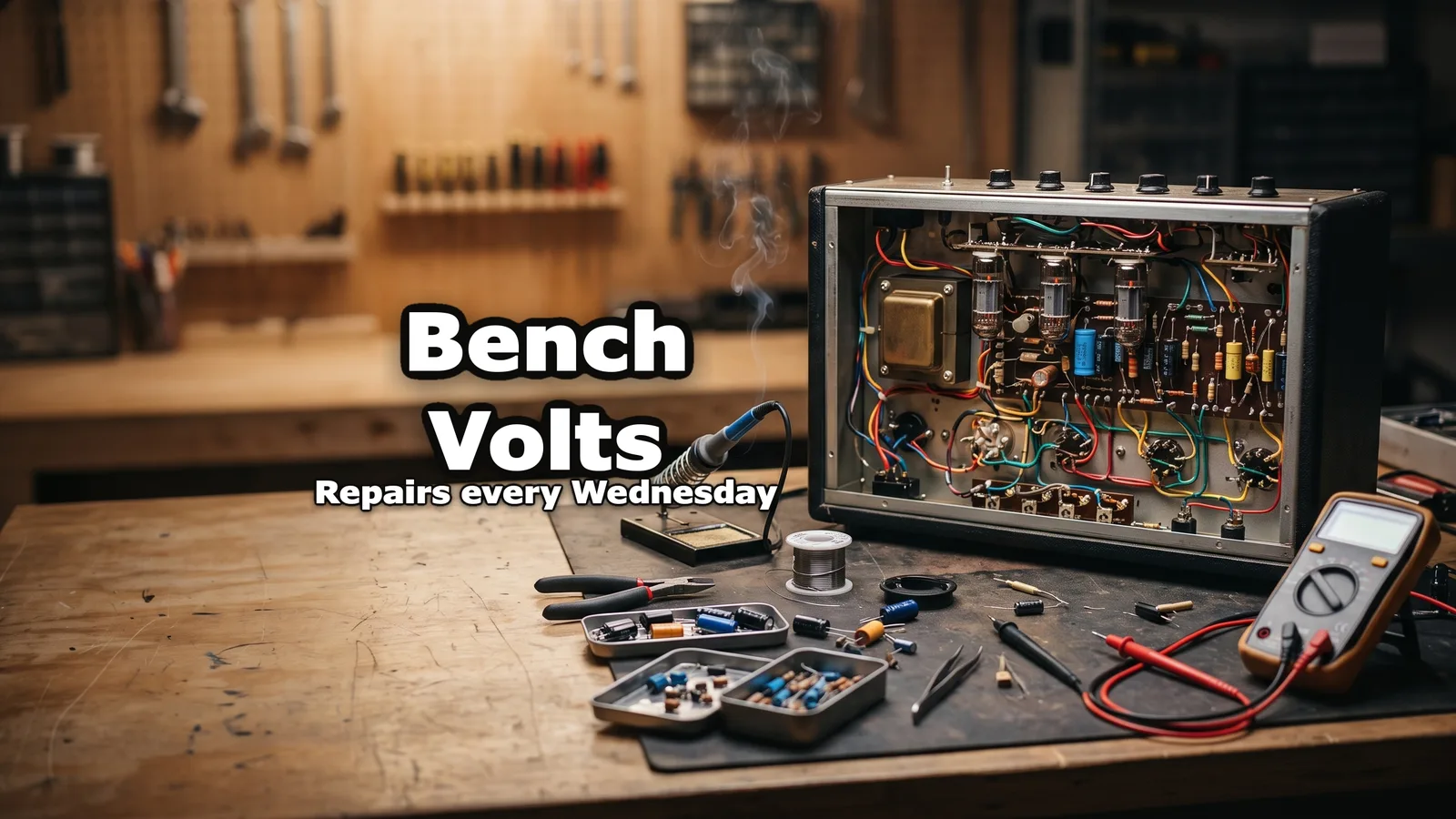
Repairs, reviews and builds: the tool or the device itself, close and sharp, on a clean background.
“Electronics repair at the workbench: broken amplifiers, radios and game consoles fixed with a soldering iron.” + “Repairs every Wednesday” + style Tech / Review
Fitness
Fitness YouTube banner
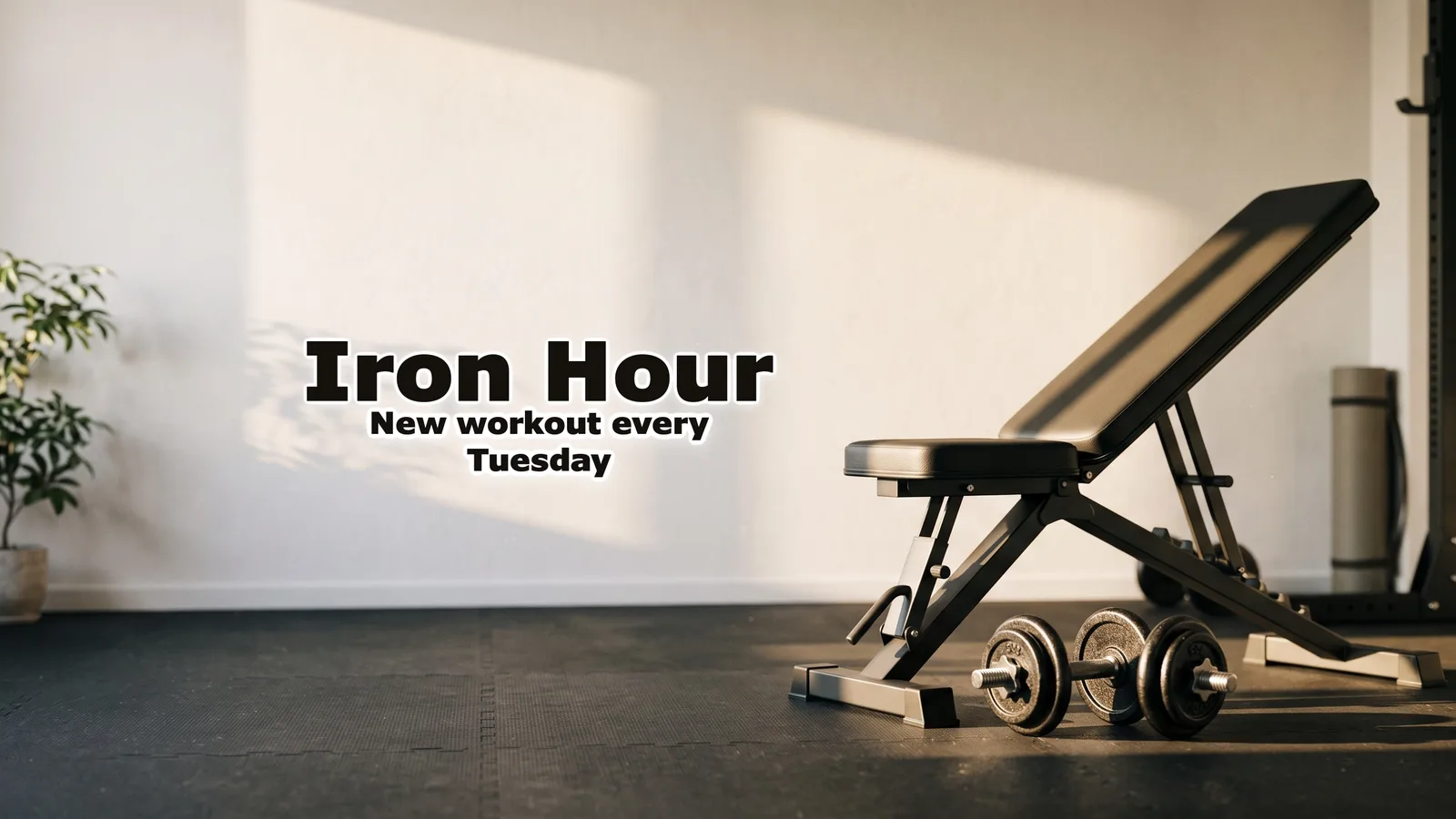
Workouts and training plans: the equipment in strong light rather than a body, so it suits any coach.
“Home workouts with dumbbells and a bench: strength training plans for busy people, one hour a day.” + “New workout every Tuesday”
Food
Cooking YouTube banner
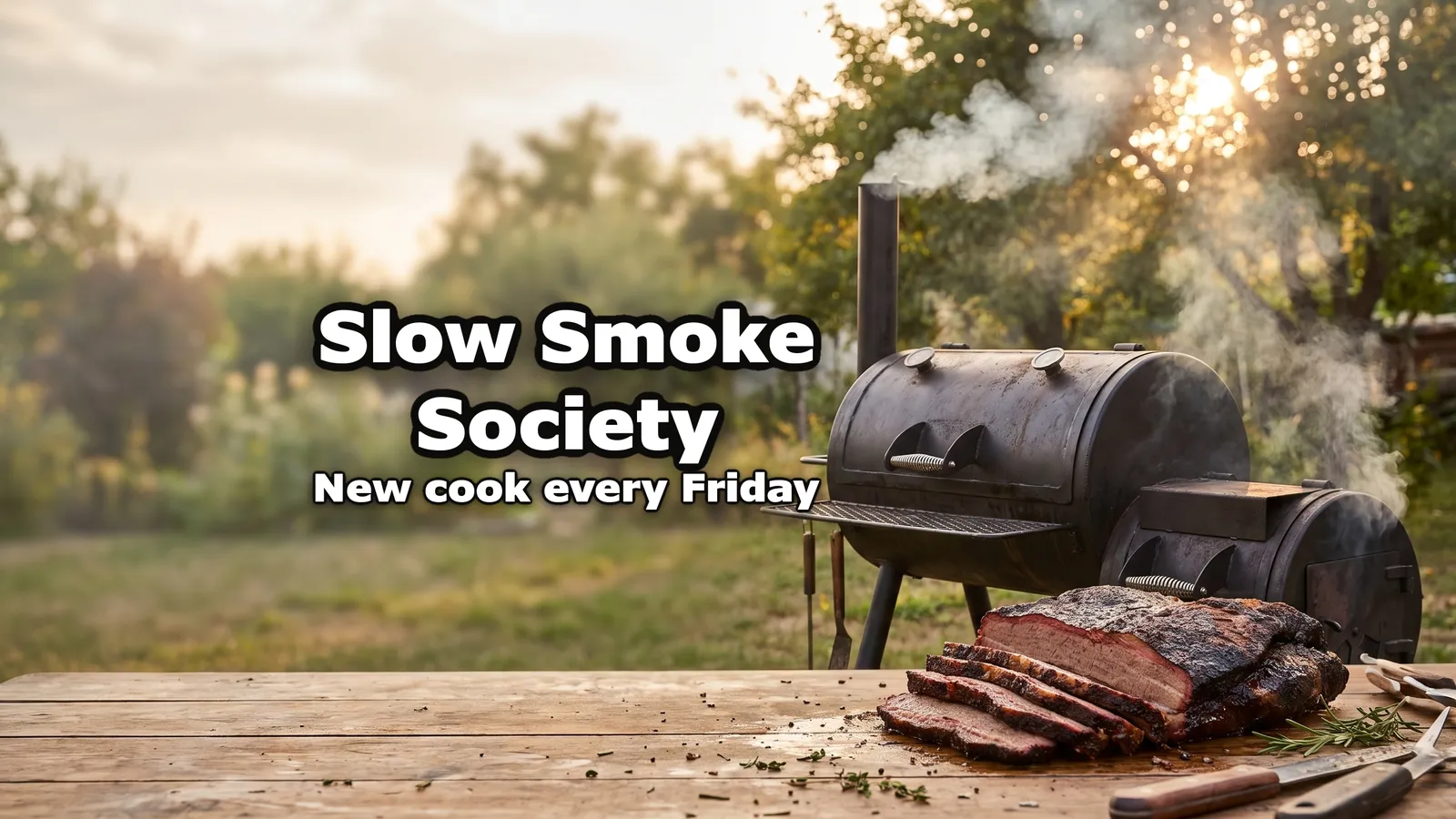
Cooking and barbecue: the dish and the grill where it's made, warm light, the cook day under the name.
“Backyard barbecue: low and slow brisket, ribs and pork shoulder cooked on an offset smoker, start to finish.” + “New cook every Friday”
Outdoors
Travel YouTube banner
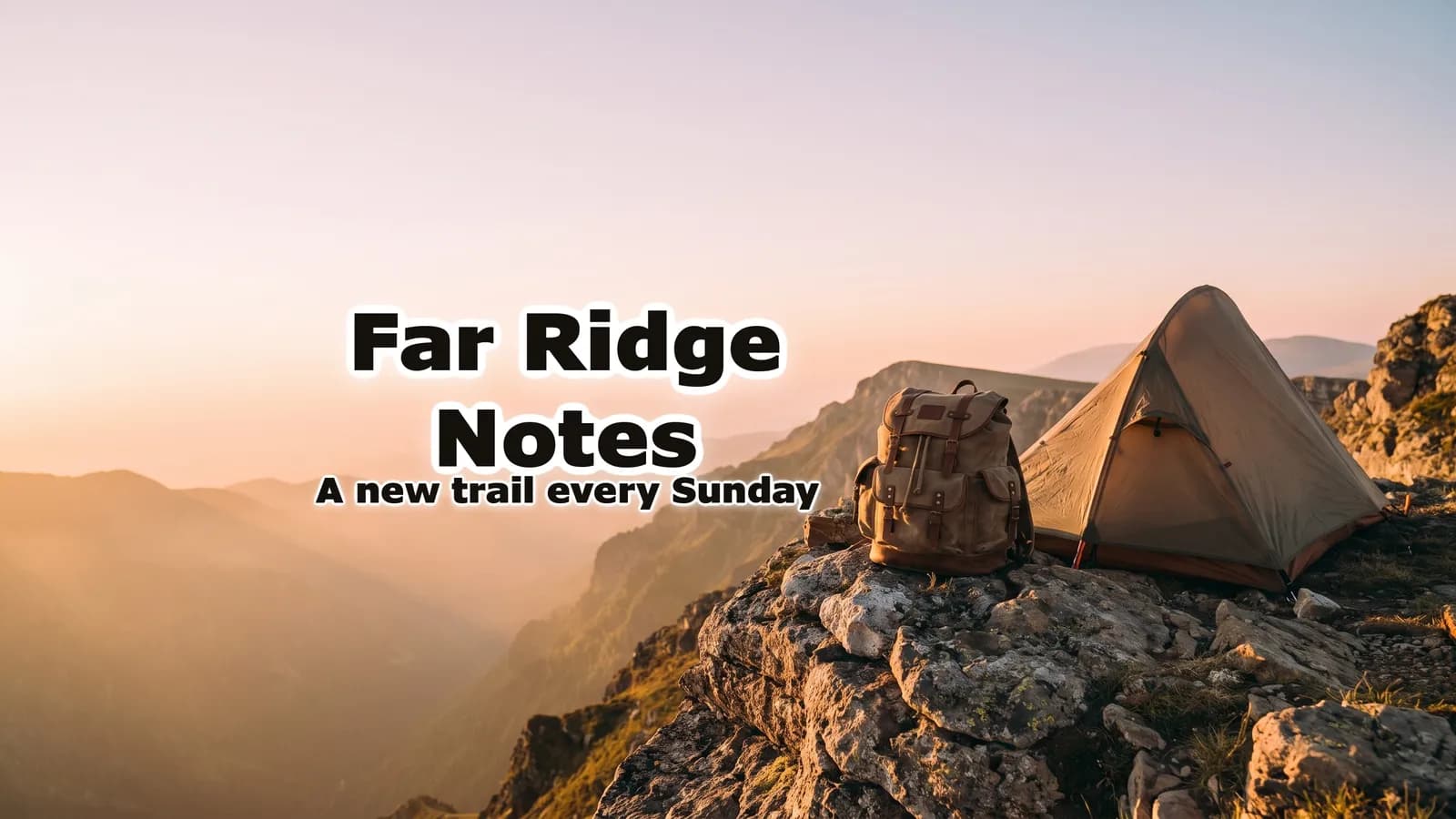
Travel, hiking and outdoors: one place at golden hour, the gear in it, wide sky left for the name.
“Solo hiking and wild camping in the mountains, one long trail at a time, filmed on foot.” + “A new trail every Sunday”
What every banner template gets right
Four rules the free template and the AI banners both follow.
The name, large
On a phone the banner is a thin strip. The channel name should be the biggest thing in the safe area, readable at a glance.
One line, not a paragraph
An upload day or a short tagline under the name. Socials, sponsors and a list of topics don't read at that size.
One subject
One object, place or character that says what the channel is about, beside the name, not a collage.
Nothing at the edges
Anything outside the safe area may be cut on phones and computers. The edges are for the background only.
YouTube banner template questions
Guides: YouTube banner maker · YouTube banner size guide · Free YouTube banner makers compared · YouTube profile picture maker
Skip the template
Your channel's banner, from one sentence.
The YouTube banner maker makes it from your channel's link too. Have a picture already? The free banner resizer crops it to 2560 × 1440 and shows the phone view.