GTA 6 and GTA V thumbnails for launch week, heists, chases and RP
GTA Thumbnail Maker
A GTA thumbnail maker for your YouTube videos about GTA 6, GTA 5 (GTA V), RP and FiveM: describe the moment, paste the video's link, or upload a screenshot and say what to change, and get a 16:9 thumbnail or a 9:16 Shorts cover in about a minute, with a plan from $12 a month.
Have a screenshot of your own character or car? Start from it.
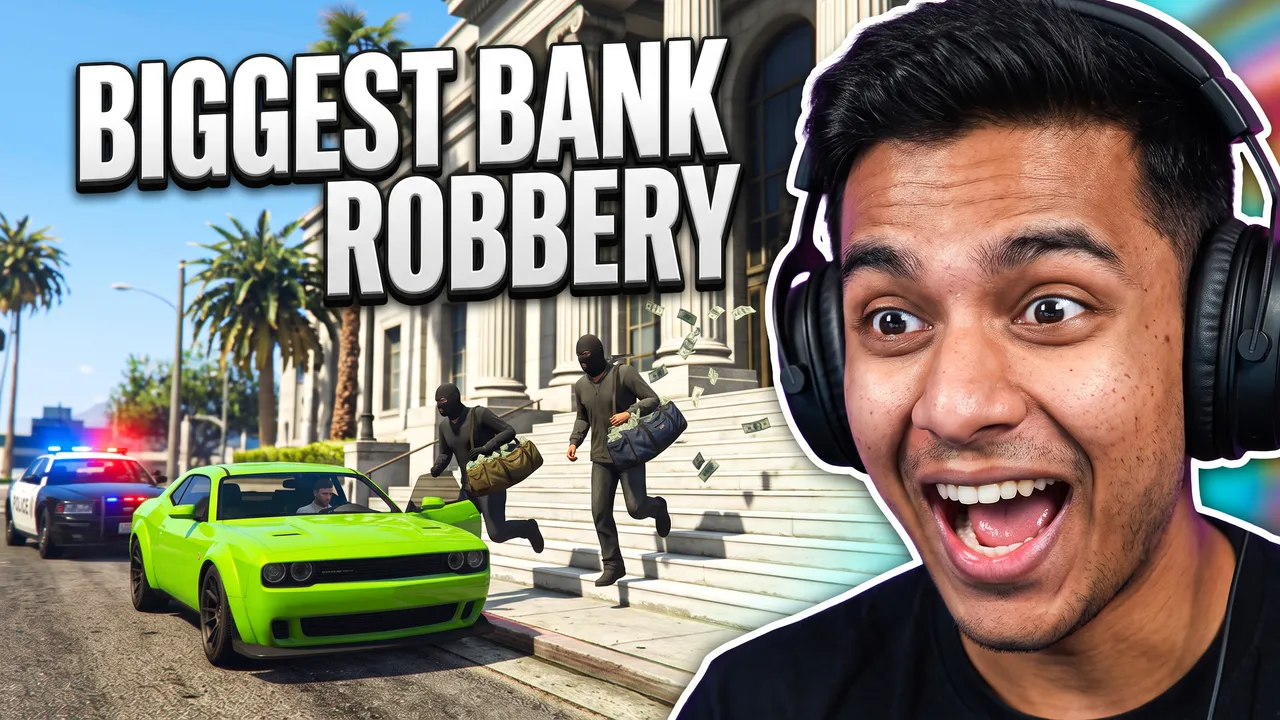
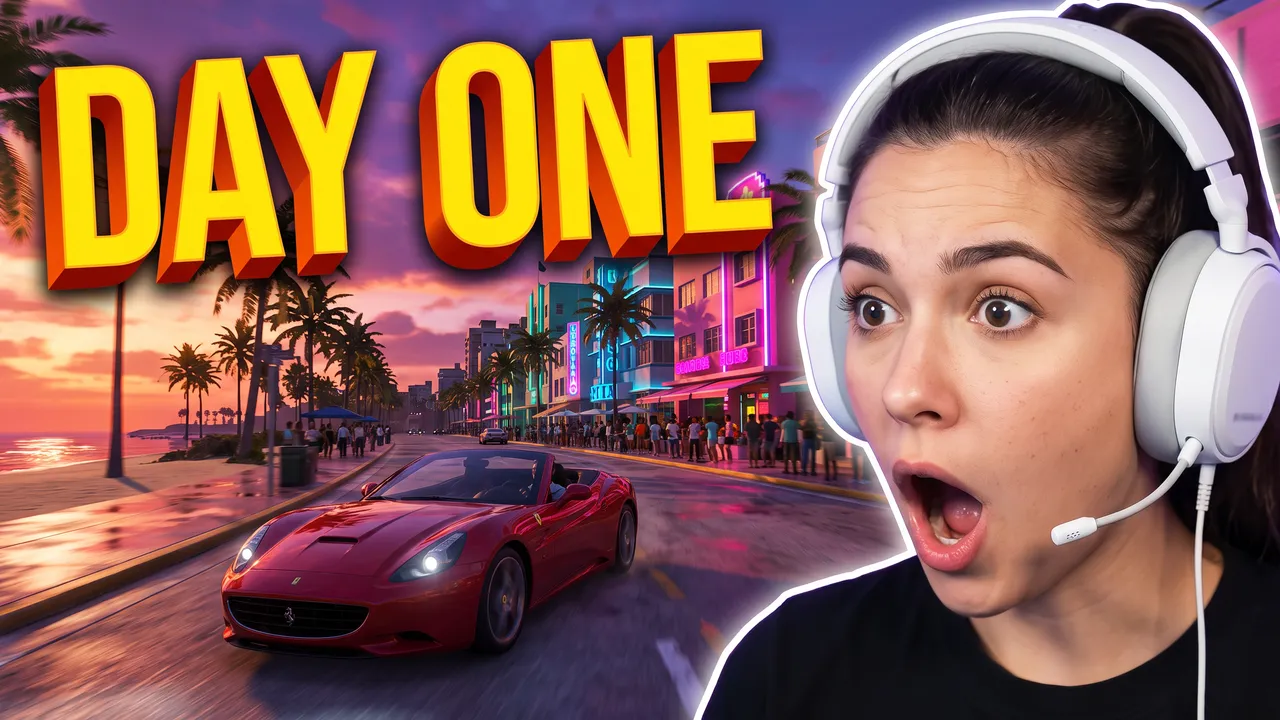
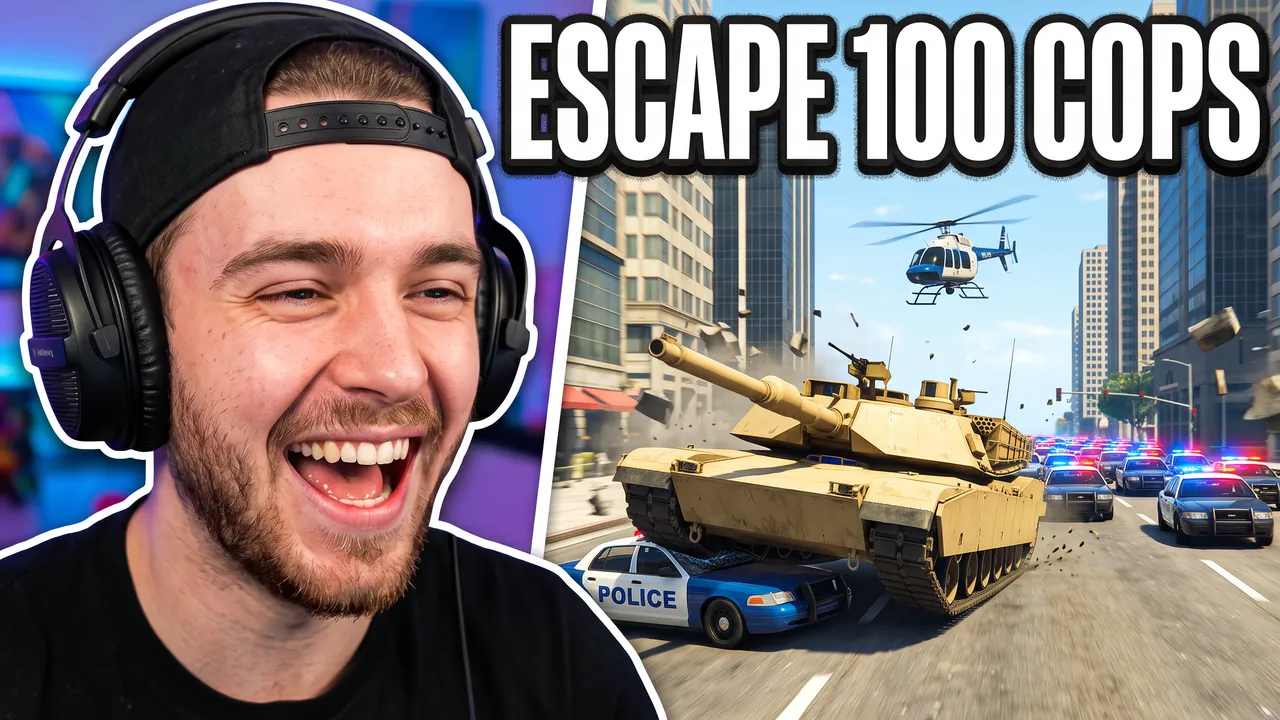
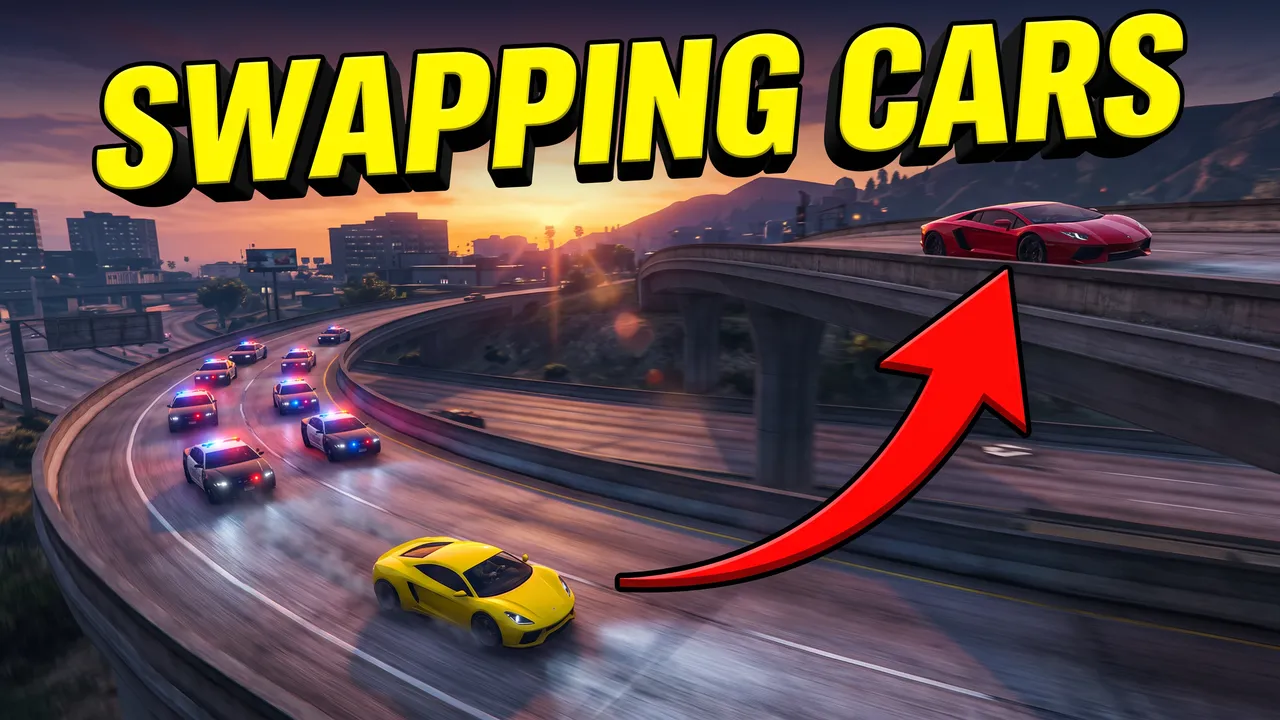
Most of the most-viewed GTA videos on YouTube use one layout. The creator reacts in gaming headphones on one side, the game's biggest moment fills the other (a bank robbery, a tank against the police, a car swap with a red arrow), and two to four words sit on top in white and yellow: BIGGEST BANK ROBBERY, ESCAPE 100 COPS. Series add an episode number. Keep the game's look, sunny streets, police lights, supercars, and leave out the logo and the HUD: the title already names the game. GTA 6 comes out on November 19, 2026, on PS5 and Xbox Series X|S, in Leonida, a Florida-like state around Vice City, so neon beach strips and swamps now read as the new game. Keep the bottom-right corner empty for YouTube's duration badge.
How it works
You bring the GTA video. We make the thumbnail.
Here is one real thumbnail from this page, followed from the brief to the download.
Your input
Paste the video's link, or describe it
The brief is written from the link for you, or you write the scene yourself. This one was one sentence: “Split composition. On the right, a young man in big black gaming headphones grinning wide, cut out with a thin white outline. On the left, an in-game open-world crime scene: two robbers in black masks sprint down the steps of a city bank with bags of cash, banknotes flying, a lime-green muscle car at the curb, a police car arriving, palm trees and blue sky”
Words and style
The exact words, and a style
The words BIGGEST BANK ROBBERY, typed exactly as they should read. The Shocked Reaction style sets the framing, the light and the colours.
Generated, then checked
Checked at the size of the feed
Every image is graded at 336 px, the width of a card in YouTube's feed. The words are read back and redrawn if a letter is wrong, and the bottom-right corner stays clear of the duration badge.
The result of step 04, as generated with Shocked Reaction. Your thumbnail
Download it, or change it in a sentence
1280 × 720, or 4K. If it is close, describe the change ("make the title yellow") and the rest of the image stays as it is.
More from the same generator
How to make a GTA thumbnail
Step 1
Pick the moment
Not the whole session: the jump, the vault door, the second the sirens start. Paste the video's link and three angles for the brief are written from its title, its current thumbnail and its description, or type the scene yourself.
Robbers running out of a bank with bags of cash, a police car arriving, me grinning in headphones on the right
Step 2
Pick a style for that moment
Shocked Reaction for the layout the big GTA channels use, a face reacting beside the scene. Victory Moment for a payoff with no face, Versus for cop against racer on an RP server. Each draws original people, cars and streets, never Rockstar's characters, logo, HUD or wanted stars.
Step 3
Two or three words
BIGGEST BANK ROBBERY, ESCAPE 100 COPS, DAY ONE. Type them in Text: they are drawn into the image, read back, and redrawn if a letter is wrong.
Step 4
Check it small, then upload
The checks grade it at the size the feed shows it. Download it at 1280 × 720 and upload it in YouTube Studio.
What each kind of GTA video needs
GTA 6 launch week
First hours, first missions, first drive around the new map: the promise is that it's new. Show the new setting, a neon beach strip or a swamp, with your reaction beside it, and say DAY ONE or FIRST HOUR. The title names GTA 6; the picture shows the place.
"An amazed streamer in headphones beside a neon ocean boulevard at sunset, palm trees, a red convertible"
Heists and money
The number is the story. Put the cash in motion, out of the vault, into the bags, across the steps, and the size of it in the words: BIGGEST BANK ROBBERY, $10M HEIST.
"Robbers sprinting down a bank's steps with bags of cash, banknotes flying, a police car arriving"
Chases, tanks and stunts
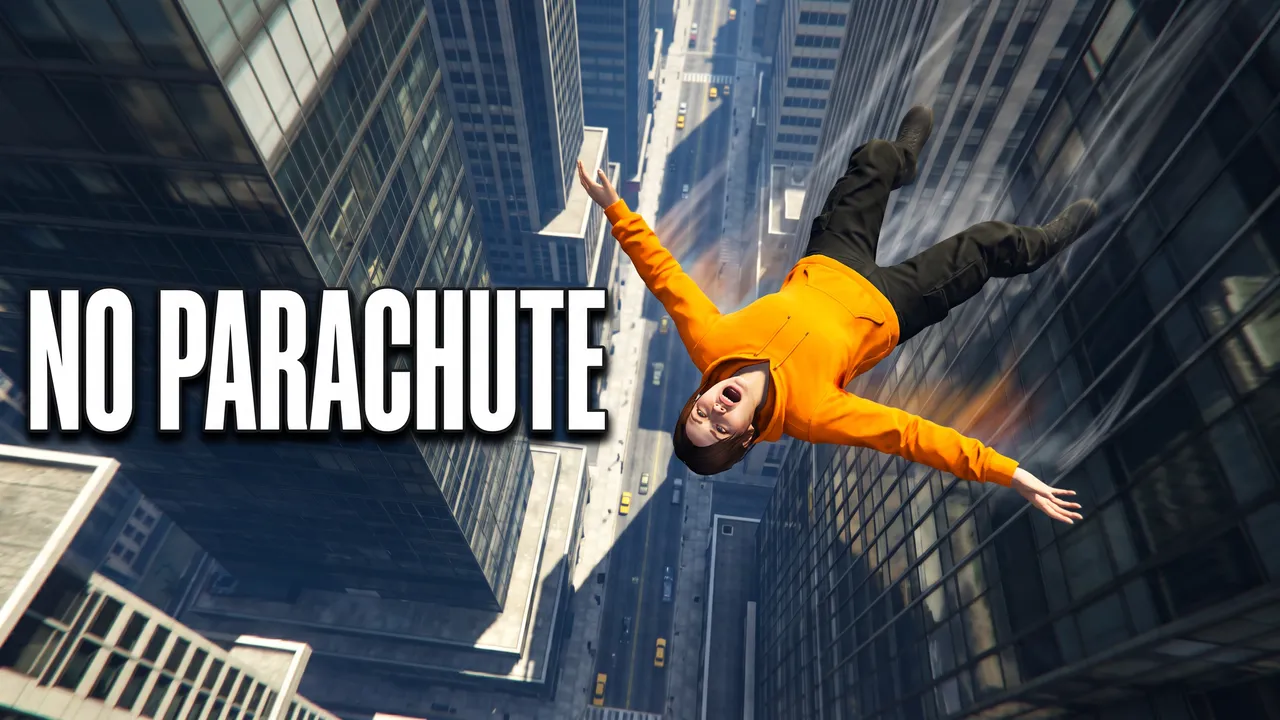
Freeze the biggest object at its worst moment: the tank on the police car, the car in mid-air, the fall between towers. A wanted-level count in words (ESCAPE 100 COPS) says more than a screen of police.
"A tank crushing a police car on a city avenue, police cars and a helicopter chasing it"
RP and FiveM series
An RP series sells a role and a running story. Keep one layout for every episode, add the episode number (#147), and draw the conflict: a car swap with a red arrow, a cop facing a racer.
"A yellow sports car chased by police on a freeway, a red arrow up to a red supercar on the bridge"
GTA 6 Shorts
A Short needs a 9:16 cover: your face in the bottom half, the scene on top, one or two words. Pick Shorts in Create and the result comes out at 1080 × 1920, clear of the Shorts title and buttons.
"Me screaming in headphones at the bottom, an airboat over a swamp with an alligator leaping beside it on top"
Your own face and character
The examples on this page show invented creators. For your own face, upload a photo of yourself reacting in Image: it is placed beside the scene exactly as it is. For your character or your car from the game, upload a screenshot in Edit an image and type the change.
"Put my photo on the right, BIGGEST BANK ROBBERY on top in white and yellow"
Mistakes that cost GTA thumbnails the click
A wide Rockstar Editor shot
A cinematic screenshot is a big scene with a small character. In a 336-pixel feed card that character is a few pixels tall. Crop to one subject, or generate the scene around it.
The game's logo as the subject
Any GTA video can put the logo on its thumbnail, so it tells a viewer nothing about yours, and it is Rockstar's trademark. The title already names the game: spend the picture on your moment.
A screen full of HUD
The minimap, the cash counter and the wanted level are small, busy and the same in every video. Leave them out and let your two or three words carry the number.
Words under the duration badge
YouTube stamps the video's length in the bottom-right corner. Text placed there is covered the moment the video goes live.
GTA thumbnail maker questions
Guides: the best GTA thumbnail makers, compared · YouTube thumbnail size
Start with your next video
Your next GTA thumbnail starts with one moment.
Posting GTA 6 Shorts this week? The YouTube Shorts thumbnail maker makes the 9:16 cover. Running a GTA channel or an RP server? The YouTube banner maker and the Discord banner maker make its banner in the same look. Running the server? The FiveM logo maker makes its logo and icon.
Want to see it in the feed before you upload? Test your thumbnail next to real videos, free and without an account.
ThumbnailMaker is an independent AI thumbnail maker and is not affiliated with, sponsored by, or endorsed by Rockstar Games or Take-Two Interactive. Grand Theft Auto and GTA are trademarks of Take-Two Interactive Software and are named here only to describe the kind of video a thumbnail is for.