YouTube thumbnail creator for videos and Shorts
YouTube Thumbnail Maker
ThumbnailMaker is a YouTube thumbnail maker that does the whole job, from the idea to the 1280 × 720 file. Paste your video's link or describe the video in a sentence, add a photo of yourself if you want to be in it, and change anything afterwards by typing what you want.

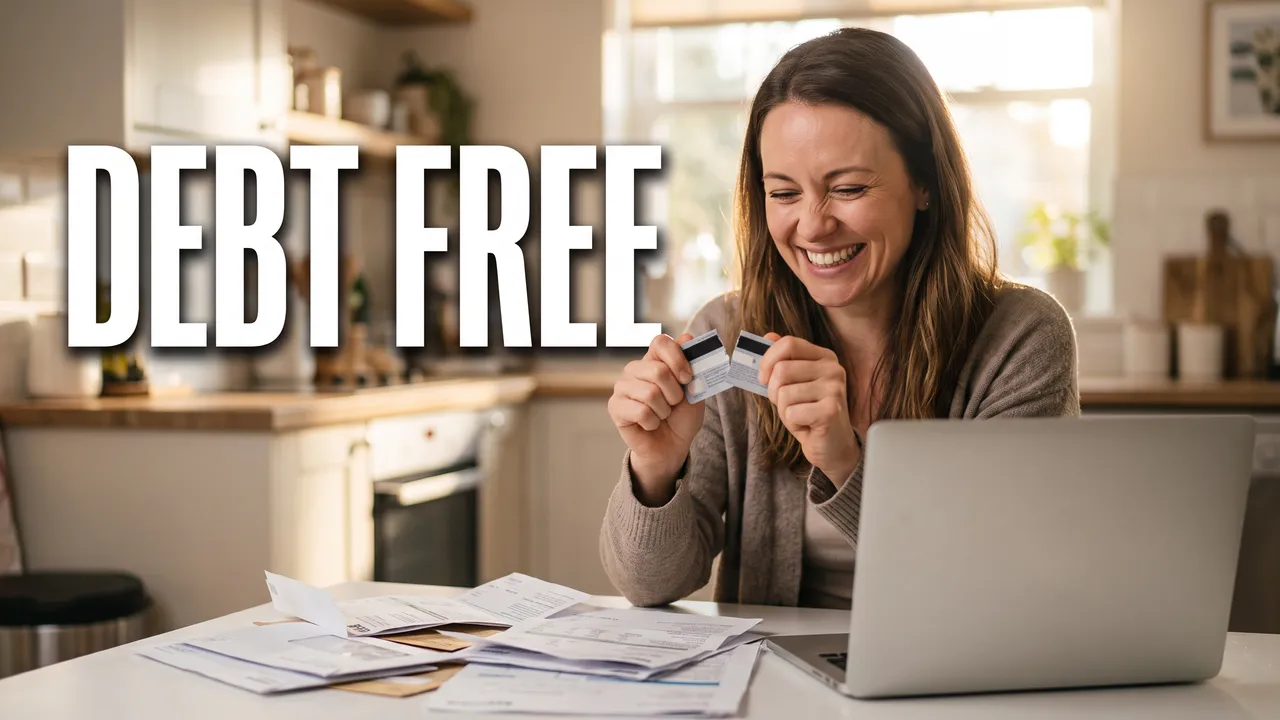
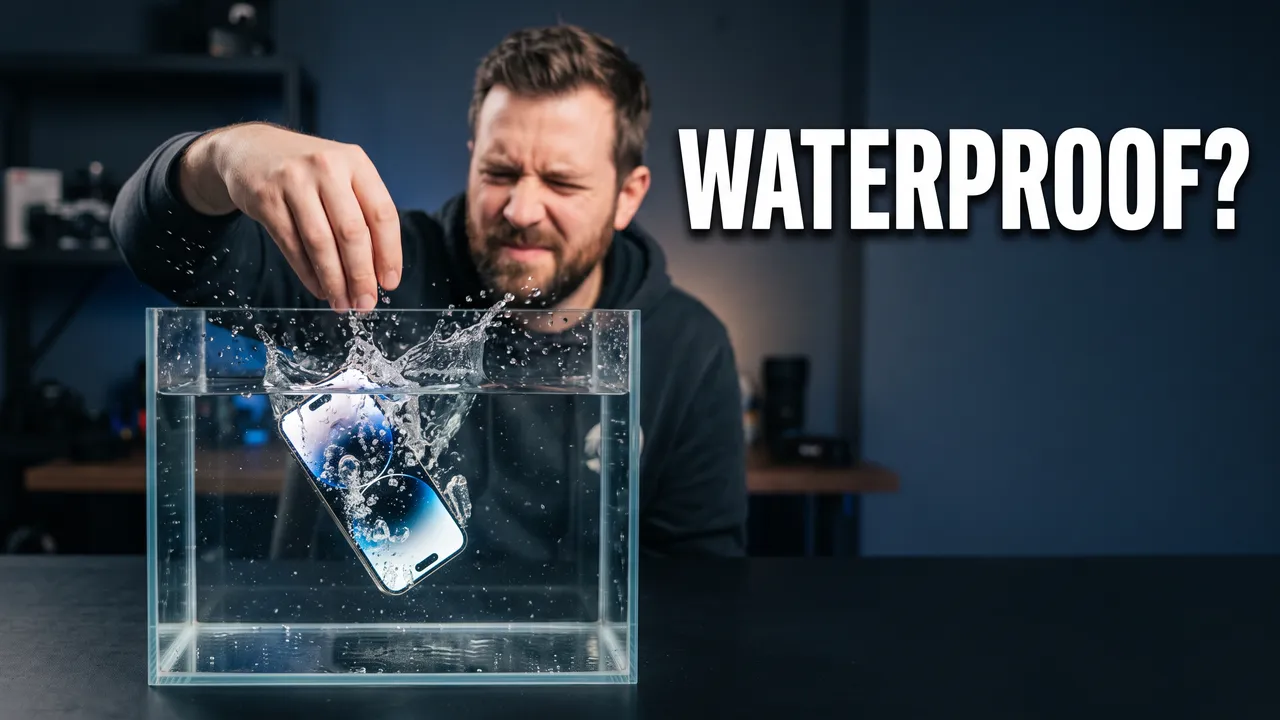
A YouTube thumbnail maker should leave you with a thumbnail, not a project. Most thumbnail makers hand you a blank canvas or a template and leave the hard part to you: deciding what the image promises, finding three or four words the title doesn't already say, and keeping the face out of the corner where YouTube prints the video's length. ThumbnailMaker starts from the video instead. It reads the link, proposes a scene, the words and a style, generates the thumbnail at 16:9 or 9:16, reads the words back to catch a misspelling, and grades the result at the 336 px a viewer sees in the feed. You keep or change each part. Nothing has to be dragged into place.
How it works
You bring the moving vlog video. We make the thumbnail.
Here is one real thumbnail from this page, followed from the brief to the download.
Your input
Paste the video's link, or describe it
The brief is written from the link for you, or you write the scene yourself. This one was one sentence: “A young couple stands in an empty sunlit apartment surrounded by stacked cardboard boxes, the woman holding a new set of keys up to the camera, both laughing, bare white walls and a big window behind them”
Words and style
The exact words, and a style
The words WE MOVED, typed exactly as they should read.
Generated, then checked
Checked at the size of the feed
Every image is graded at 336 px, the width of a card in YouTube's feed. The words are read back and redrawn if a letter is wrong, and the bottom-right corner stays clear of the duration badge.
The result of step 04, as generated. Your thumbnail
Download it, or change it in a sentence
1280 × 720, or 4K. If it is close, describe the change ("make the title yellow") and the rest of the image stays as it is.
Four ways to make a YouTube thumbnail here
From your video's link
Paste the YouTube link. The brief is written from the video's title, its description and what is said in it: a scene, three to five words and a style, each one yours to keep or change.
youtu.be/… → "A couple holding up new keys in an empty flat" + WE MOVED
From a sentence
Video not uploaded yet? Describe it in a sentence and pick the words. The same engine makes the thumbnail, with the same checks on the words and the corner.
"Our first week in the new apartment, everything broke" + WE MOVED
With your own photo
Add a photo of yourself and you appear in the thumbnail as you are in it: your face is never redrawn, re-posed or given a new expression. Up to three images per thumbnail, so your product or your logo can go in too.
Changed in a sentence
"Make the words yellow", "move her to the left", "remove the boxes": the change is made on that thumbnail and the rest stays as it was. A thumbnail you already have can be uploaded and fixed the same way.
What every YouTube thumbnail needs, checked before you see it
The shape YouTube shows
1280 × 720 at 16:9 for videos and 1080 × 1920 for Shorts covers, made at that shape from the start so nothing important is cropped off. The 4K download, 3840 × 2160, is the larger size YouTube now recommends.
Three to five words, spelled right
Words the title doesn't already say: DEBT FREE on a video called How I Paid Off $40,000. Every letter is read back from the finished image, and a wrong one is redrawn before the thumbnail reaches you.
One subject you can read on a phone
In the feed a thumbnail is about 336 px wide, smaller than this card. Each one is graded at that size: is there one clear subject, and can the words be read without squinting.
A free bottom-right corner
YouTube prints the video's length in that corner of every thumbnail. Faces and words are kept out of it, and a length the image model drew there by itself is taken out.
YouTube thumbnail maker questions
Guides: the best YouTube thumbnail makers, compared · how to make a thumbnail that gets clicks
Start with your next video
Your next YouTube thumbnail starts with the video's link.
Paste the link, keep the words you like, and the thumbnail comes back at 1280 × 720, checked. Want to see how the brief is written first? The thumbnail generator page walks through it.
Making thumbnails for one niche? The Minecraft thumbnail maker and the podcast thumbnail maker start from the same maker with a look set for it. For the channel itself, there is the YouTube banner maker and the YouTube profile picture maker.
ThumbnailMaker is an independent AI thumbnail maker and is not affiliated with, sponsored by, or endorsed by YouTube or Google. YouTube is a trademark of Google LLC and is named here only to describe what the thumbnail is for.