Discord server logo and server banner, made with AI
Discord Server Icon Maker
A Discord server icon maker for community owners: describe the server in one sentence and get one bold emblem, mascot or monogram, drawn for Discord's circle and saved at 512 × 512. Plans start at $12 a month.
Initials work; a full server name is too small to read at 48 px.
A Discord server icon is seen at about 48 pixels, cut to a circle. At that size one symbol on a plain background reads and a detailed scene turns to noise, and anything in the corners is cut off. The icons people remember use one shape, two colours and at most two or three letters. ThumbnailMaker draws that from one sentence, keeps it inside the circle, reads any letters back, and saves a 512 × 512 PNG for Server Settings.
How to make a Discord server icon
Step 1
Say what the server is
One sentence: the community, the one symbol that stands for it, and two colours. A gaming clan, a study group, an art server.
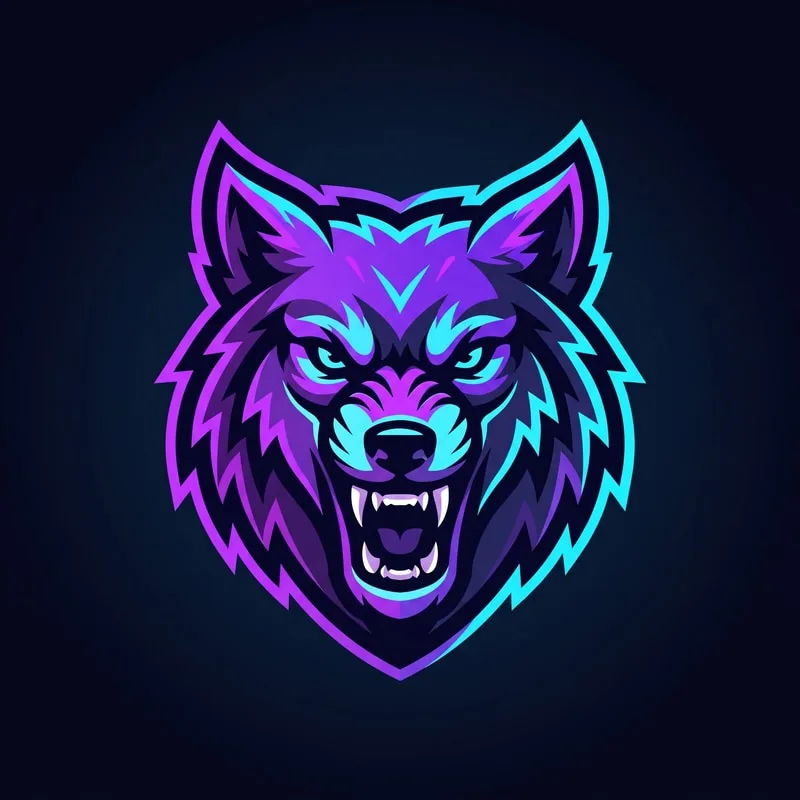
A gaming community called Night Pack: a snarling wolf head emblem in electric purple and cyan
Step 2
Initials, or nothing
Two or three letters read on a server icon (FF, PG); a full server name does not, at 48 px. Type them in Text, or leave it empty for a symbol alone.
Step 3
Check it small
The icon is drawn for a circle, with nothing important in the corners, and graded at a small size. You see it round before you download.
Step 4
Download the server icon size
Pick Discord server icon under the download: a 512 × 512 PNG. Upload it in Server Settings, Overview.
Server icons at the size Discord shows them
Six icons for invented communities, each made from one sentence. Full size, then at 48 pixels, about their size in the server list.
 At 48 px, in the server list
 At 48 px, in the server list
 At 48 px, in the server list
 At 48 px, in the server list
 At 48 px, in the server list
 At 48 px, in the server list
What reads in a server list
One symbol, two colours
The icons people recognise in a long server list are one shape on a plain background: a wolf head, a crown, a book. Detail disappears at 48 px; colour contrast does not.
"A snarling wolf head emblem in purple and cyan on deep navy"
A mascot for a friendly server
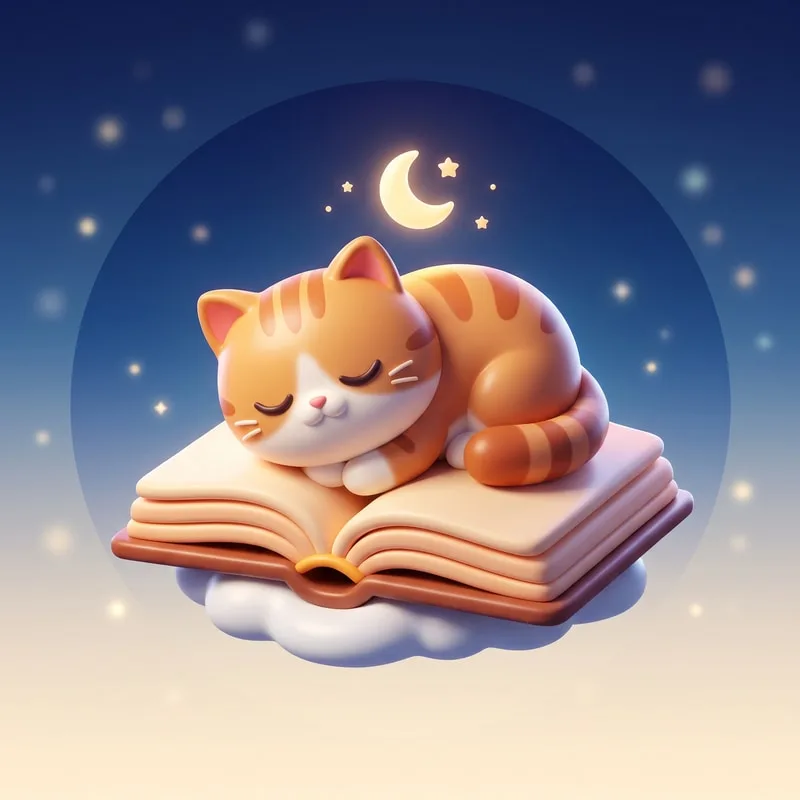
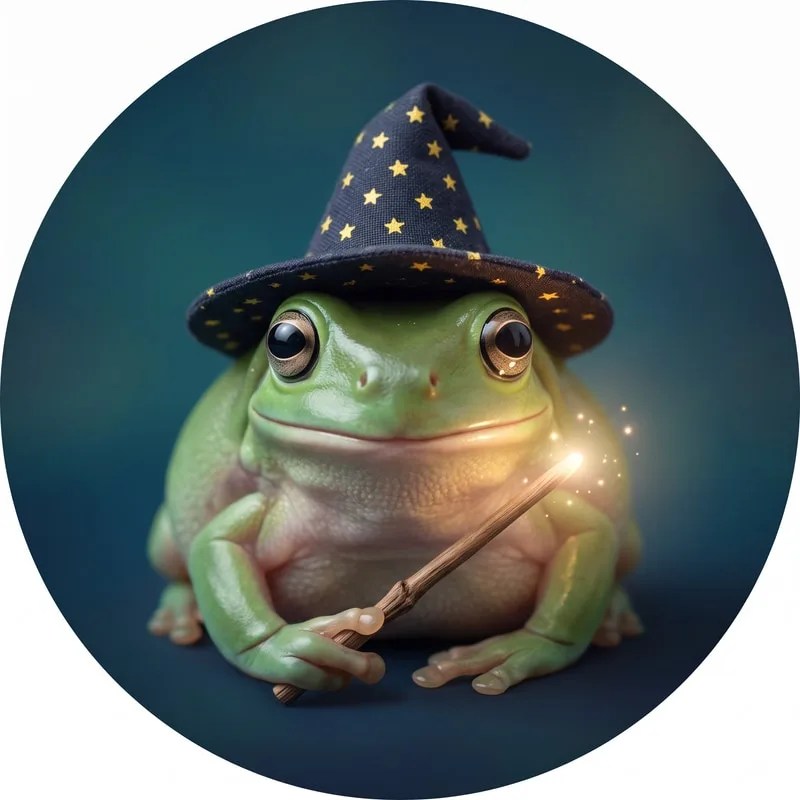
A study group, a cozy hangout or an art server reads better with a small character than with a logo: a sleepy cat, a frog wizard, a fox in a headset.
"A cute sleepy cat curled up on an open book under a crescent moon"
A monogram for a clan
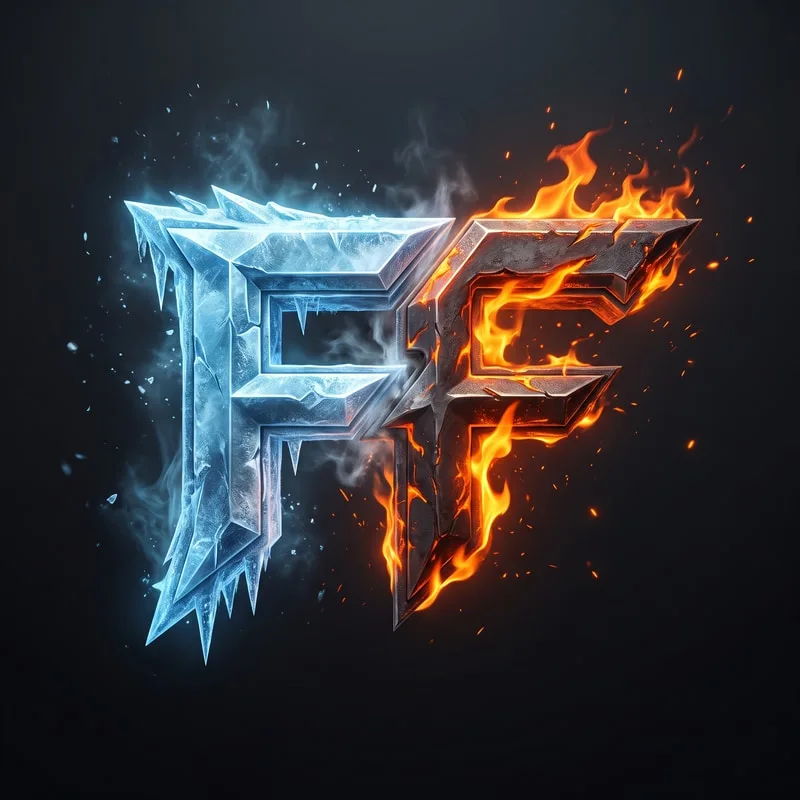
Clans and teams often use their initials. Two letters, two colours, drawn as one mark: the letters are read back from the image and redrawn if one is wrong.
"The initials FF, one ice blue and one flame orange, on charcoal"
Discord server icon maker questions
Guides: Discord pfp maker · Discord banner maker
Start with one sentence
Your server's icon in one bold mark.
Running a Minecraft server too? The Minecraft server icon maker saves the 64 × 64 file the server loads.
ThumbnailMaker is an independent product and is not affiliated with, sponsored by or endorsed by Discord. Discord is named here only to describe where the icon goes.